How to Create a Professional Website in 2026: A Complete Guide for Beginners and Businesses
G. CHRIST
Published on March 14, 2026

Today, having a website is no longer a luxury. It’s a necessity for any business, entrepreneur, or content creator. In 2026, most consumers first look for information online before buying a product or service.
A professional website allows you to:
- increase your visibility
- attract new customers
- strengthen your credibility
- sell your products or services 24/7
But many people are wondering:
How do you easily create a professional website?
In this comprehensive guide, you will discover all the steps to create a high-performing website in 2026, even if you are a beginner.
1. Define the objective of your website

Before creating your website, it’s important to answer one essential question:
Why do you want to create a website?
Your goal will determine the entire strategy of the site.
Here are the main types of websites:
Showcase website
To present a company or a service.
Example:
- marketing agency
- law firm
- restaurant
E-commerce website
To sell products online.
Example:
- clothing store
- cosmetic products
- electronic gadgets
Blog
To publish content and attract traffic.
Example:
- digital marketing
- technology
- travel
Portfolio
To showcase their work.
Example:
- designer
- photographer
- developer
An effective website must have a clear and measurable goal, such as generating leads or increasing sales.
2. Choose a professional domain name
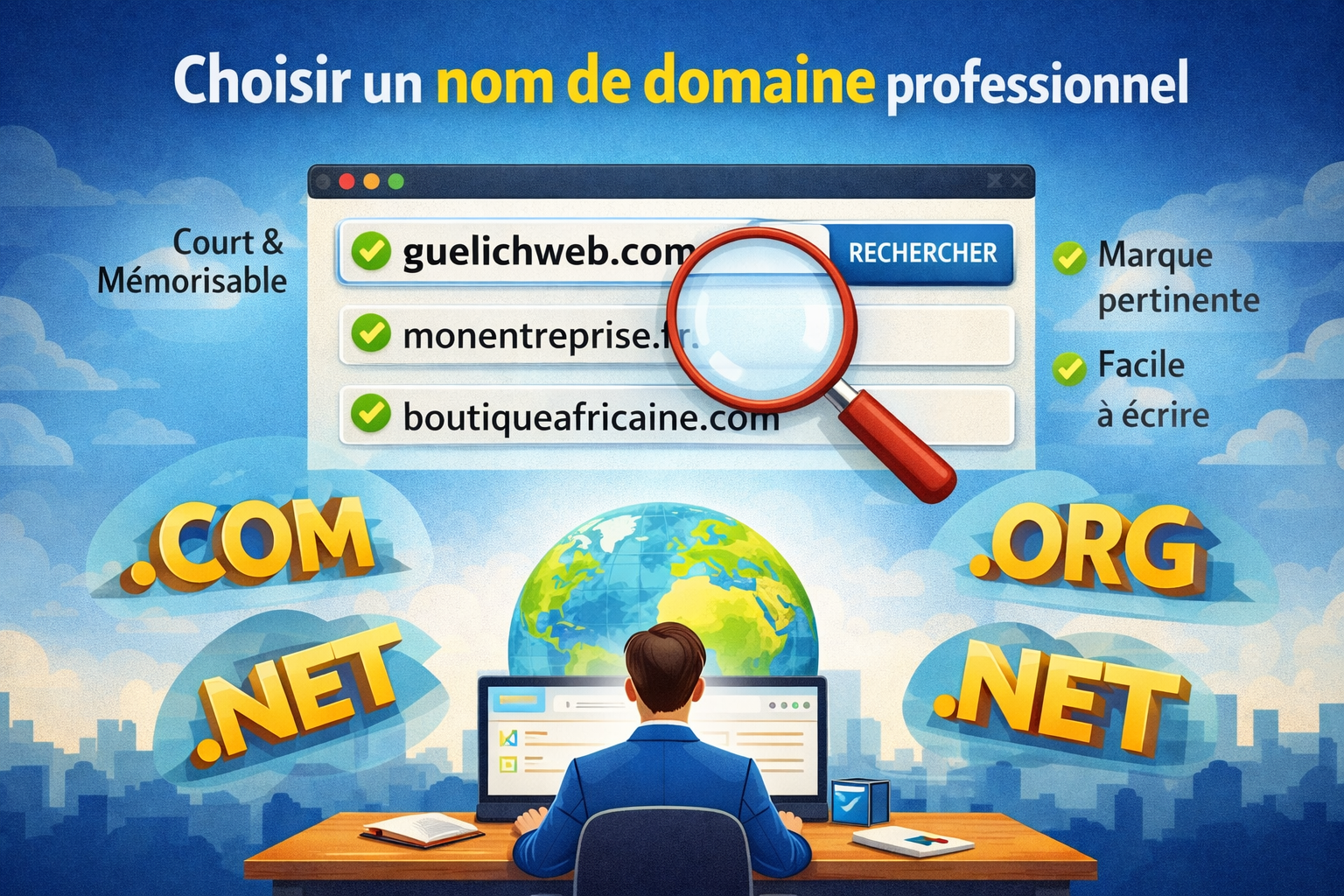
The domain name is your site's address.
Example:
- guelichweb.online
- monentreprise.fr
- boutiqueafricaine.com
A good domain name should be:
- short
- easy to remember
- easy to write
- linked to your brand
It is recommended to use an extension such as:
- .com
- .net
- .org
- .online
A domain can cost around $10 per year depending on the registrars.
3. Choose a web hosting service

Web hosting is the place where your site is stored on the internet.
Without hosting, your site cannot be accessible.
Popular hosting providers:
- Hostinger
- Bluehost
- OVH
- SiteGround
A good hosting service should offer:
- fast speed
- security
- automatic backups
- technical support
The average cost of hosting ranges between $5 and $15 per month.
4. Choose a platform to create your website

To easily create a website, you need a CMS (Content Management System).
A CMS lets you create and manage a website without programming.
The most popular platforms:
WordPress
The most widely used platform in the world.
More than 40% of websites use WordPress.
Advantages:
- very flexible
- thousands of plugins
- ideal for SEO
Wix
Advantages:
- very easy to use
- modern design
- drag-and-drop system
Shopify
Ideal for:
- online shops
- ecommerce
Squarespace
Perfect for:
- designers
- creators
- portfolios
5. Design the website

Design is one of the most important elements.
A good website should be:
- simple
- fast
- professional
- easy to navigate
The essential pages of a website:
Home
Presentation of your company.
About
Your story and your mission.
Services or products
What you offer.
Blog
To attract traffic.
Contact
Contact form or contact information.
The design must also be optimized for mobile, since a large share of internet traffic comes from smartphones.
6. Create quality content

Content is the key to attracting visitors.
Your site should include:
- clear text
- professional images
- videos
- calls to action
Example of a call to action:
- Request a quote
- Buy now
- Contact us
Good content also helps improve search engine rankings on Google.
7. Optimize your site for SEO
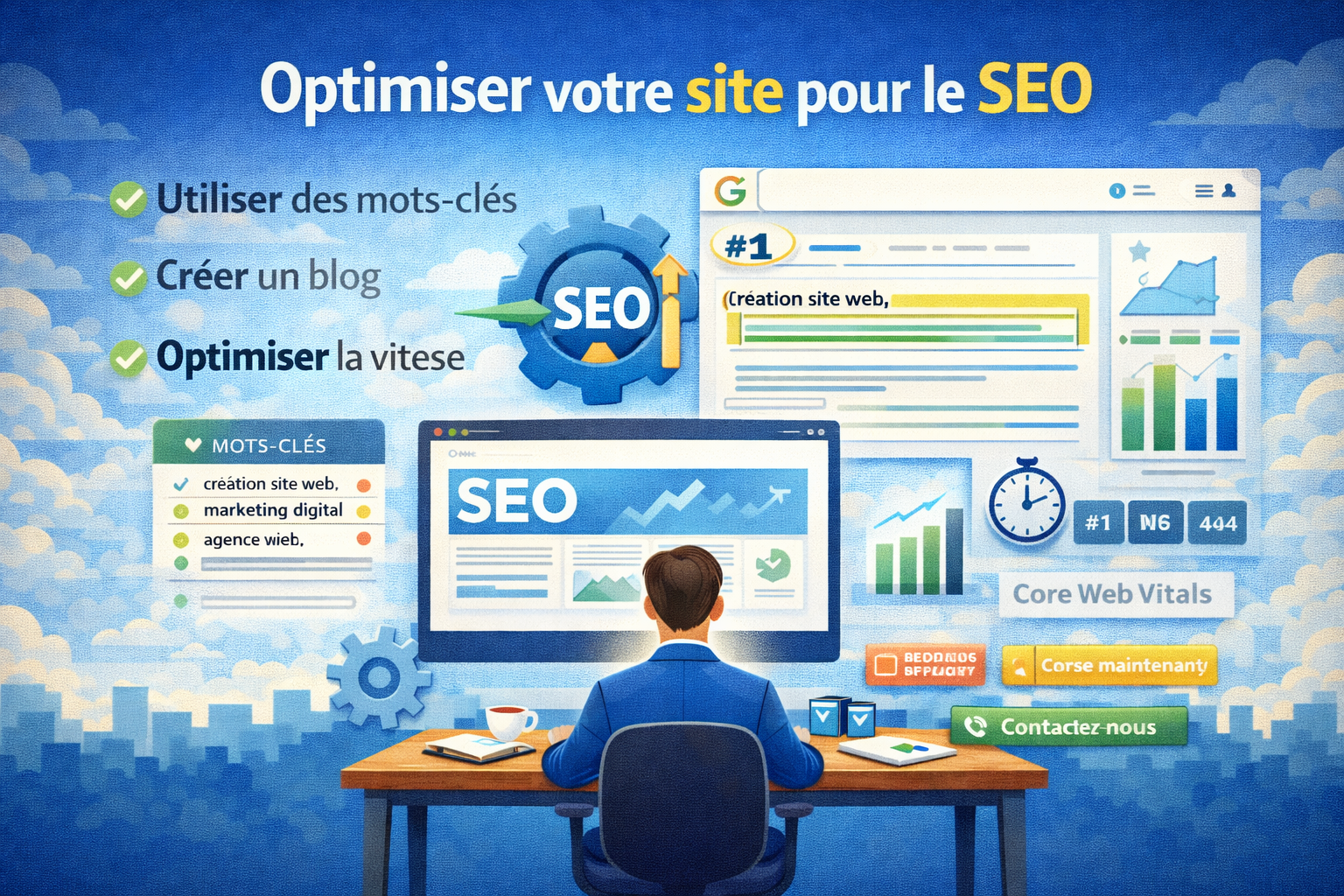
SEO (Search Engine Optimization) allows your site to appear on Google.
The basics of SEO:
Use keywords
Example:
- website creation
- digital marketing
- web agency
Optimize the titles
Each page must have a clear title.
Create a blog
Publish articles regularly.
Optimize site speed
A slow website loses visitors.
Search engines also use technical criteria such as Core Web Vitals to rank websites.
8. Secure your website
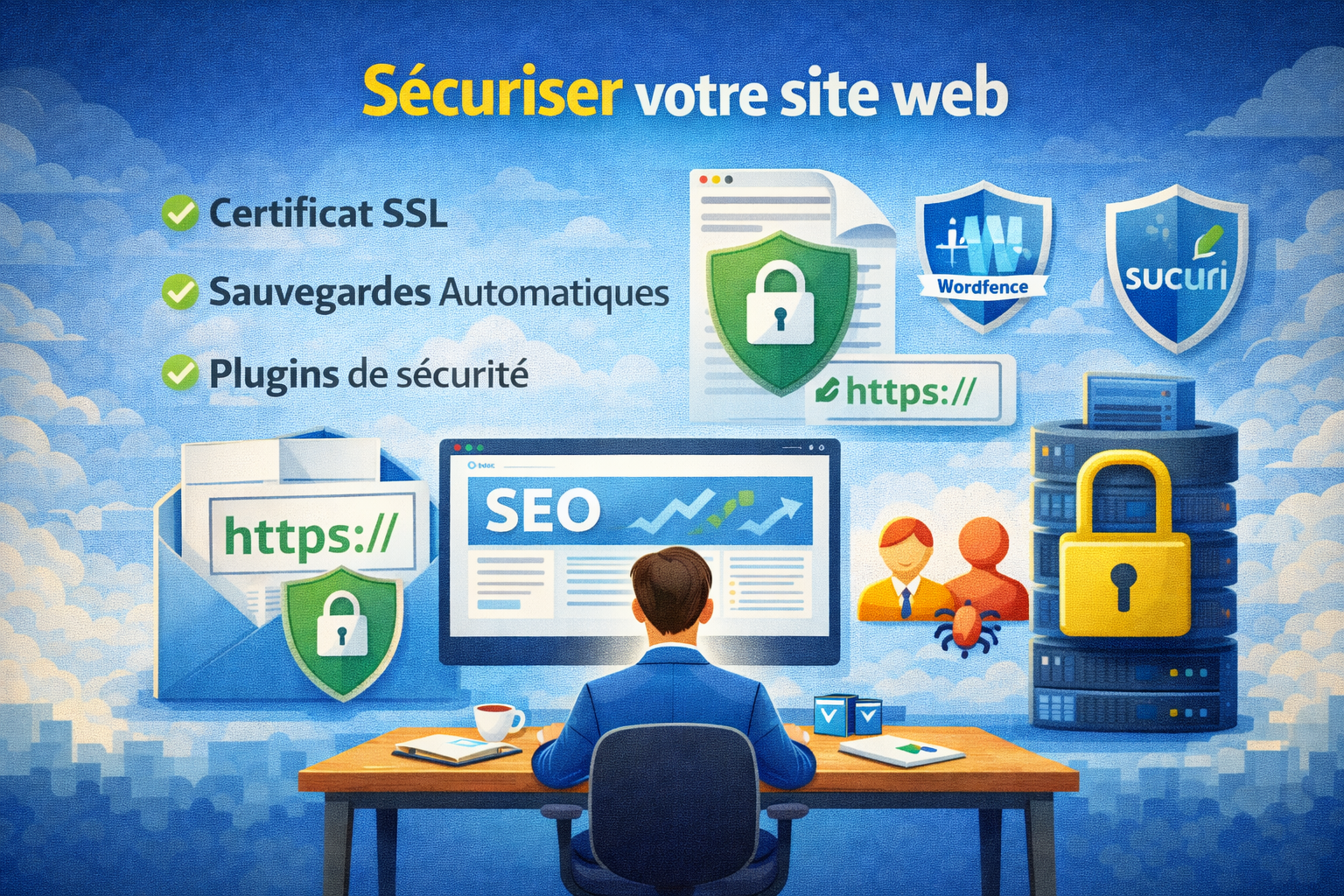
Security is very important.
Here are the key points:
SSL certificate
Allows you to have a secure website (https).
Automatic backups
To prevent data loss.
Security plugins
Example:
- Wordfence
- Sucuri
9. Test the site before publishing
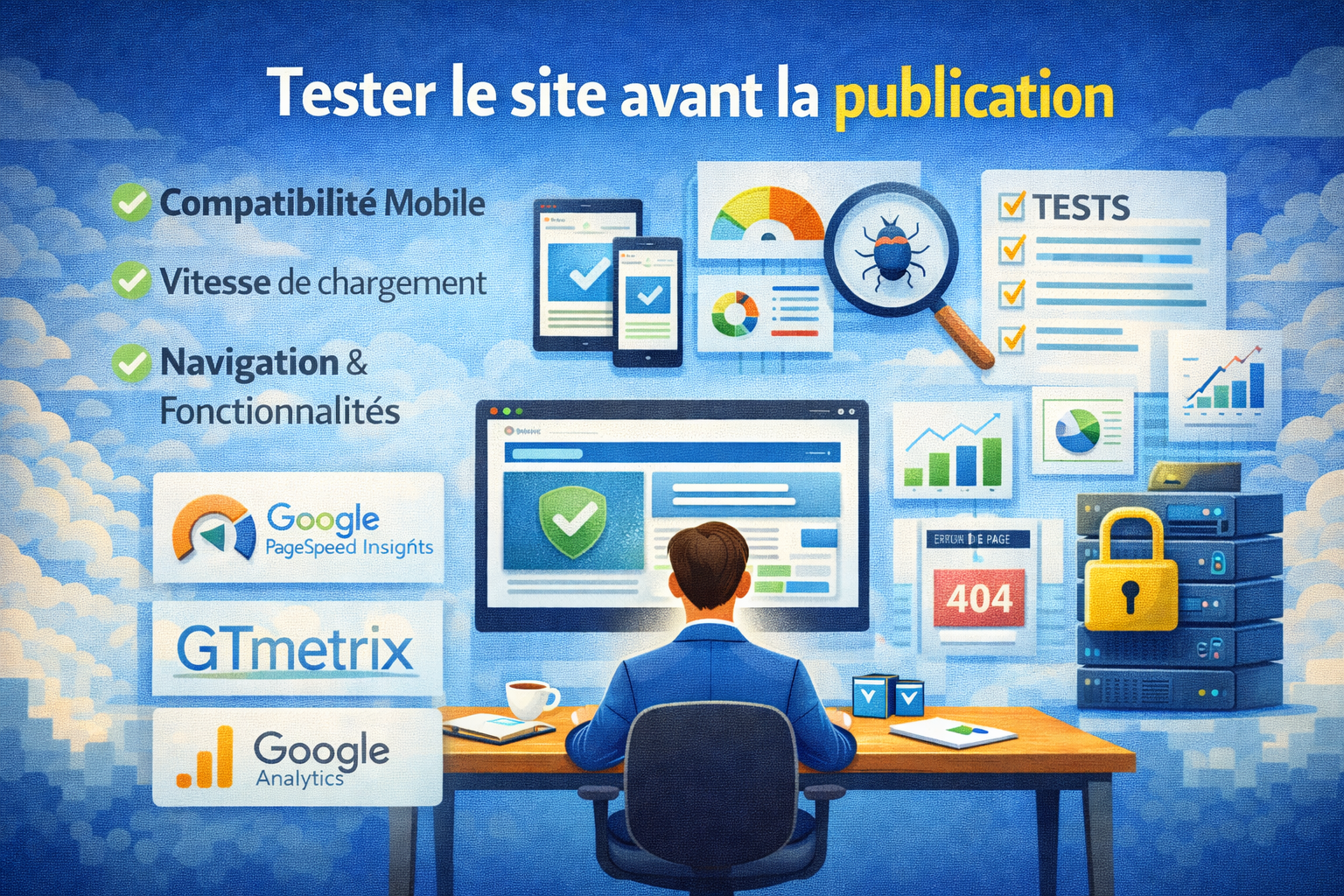
Before launching your site, you need to check:
- the links
- speed
- the mobile version
- the forms
- display on different browsers
This step helps prevent errors that can harm the user experience.
10. Publish and promote your site
Once your site is ready, you need to promote it.
The best strategies:
SEO
Attract traffic for free.
Social media
Facebook
Instagram
LinkedIn
Email marketing
Send newsletters.
Advertising
Google Ads
Facebook Ads
A website is a powerful tool to attract customers 24/7 and improve a company’s visibility.
How much does it cost to create a website?
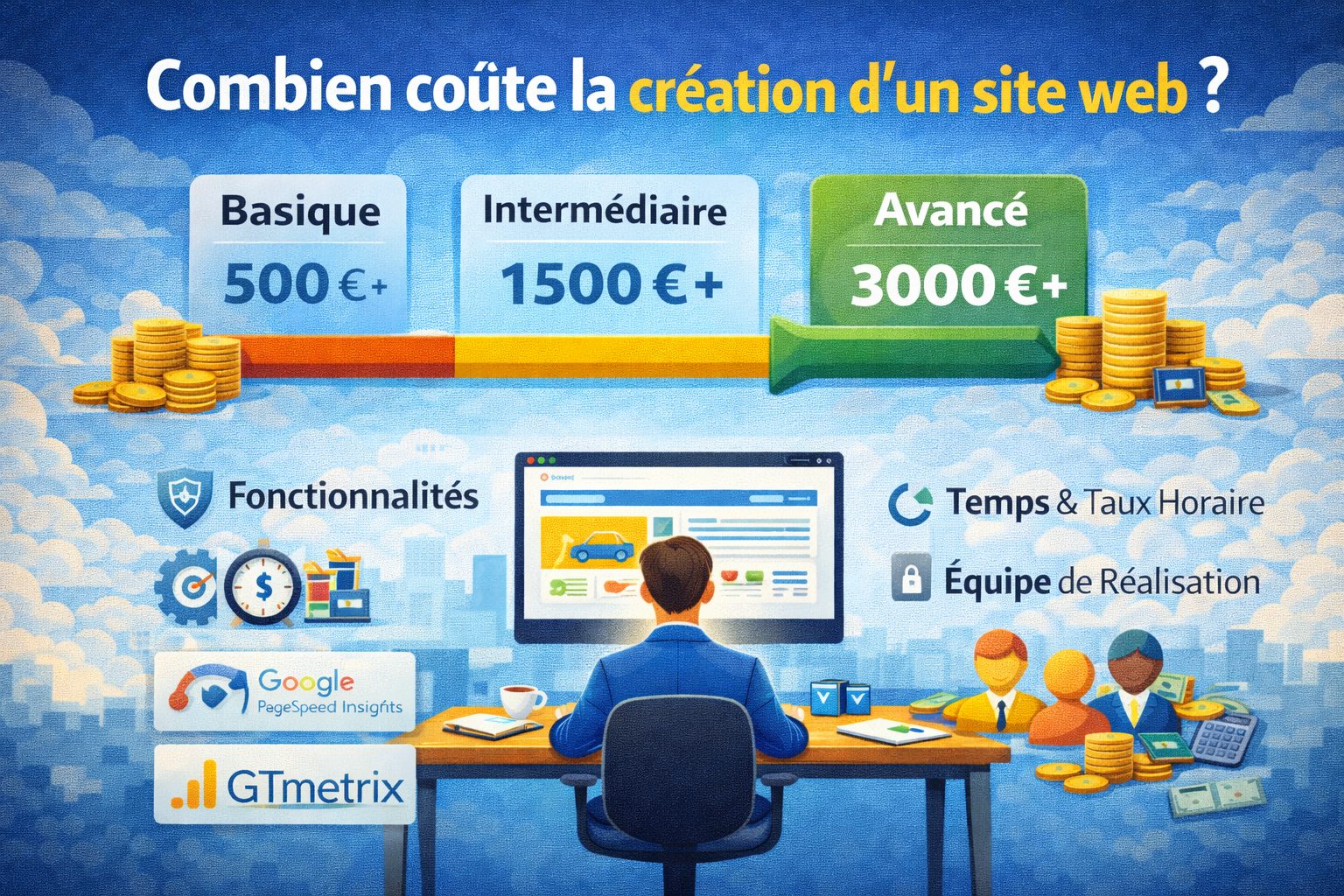
The price depends on several factors.
Website builder
about 20 $ per month
WordPress
around 10 to 100 $ per month
Custom website
between $5,000 and $30,000 depending on the complexity.
Conclusion
Creating a professional website in 2026 is easier than ever thanks to modern tools.
The key steps are:
- define the objective
- choose a domain name
- select a hosting provider
- use a CMS
- design the layout
- create content
- optimize SEO
- secure the site
- test
- promote
A well-designed website can transform your business and become your best marketing tool.