Cookies and trackers: how websites keep track of your browsing (and the banner a professional site must show)
G. CHRIST
Published on October 16, 2026

You open a website, look at a pair of shoes, close the tab. That evening, the same pair follows you on Facebook and on a news site. It is not magic, and your phone is not « listening ». It is tracking, and it relies on a few techniques that are fairly easy to understand.
This article answers two questions. First, from the visitor's side: how websites can keep track of your browsing. Then, from the site owner's side — SMEs, NGOs, institutions in Benin or elsewhere in French-speaking Africa: what your own website must show, and why the banner « By continuing to browse, you accept cookies » protects nobody. This is not legal advice; it is the view of a web agency that installs these tools every day.
The cookie: a small file that acts as memory
A cookie is a small text file that a website stores in your browser. On your next visit, the browser sends it back to the site. That is all. Without cookies, you could not stay logged in to your email or keep a shopping cart from one page to the next. A cookie is therefore neither good nor bad in itself: it all depends on who sets it and what it is used for.
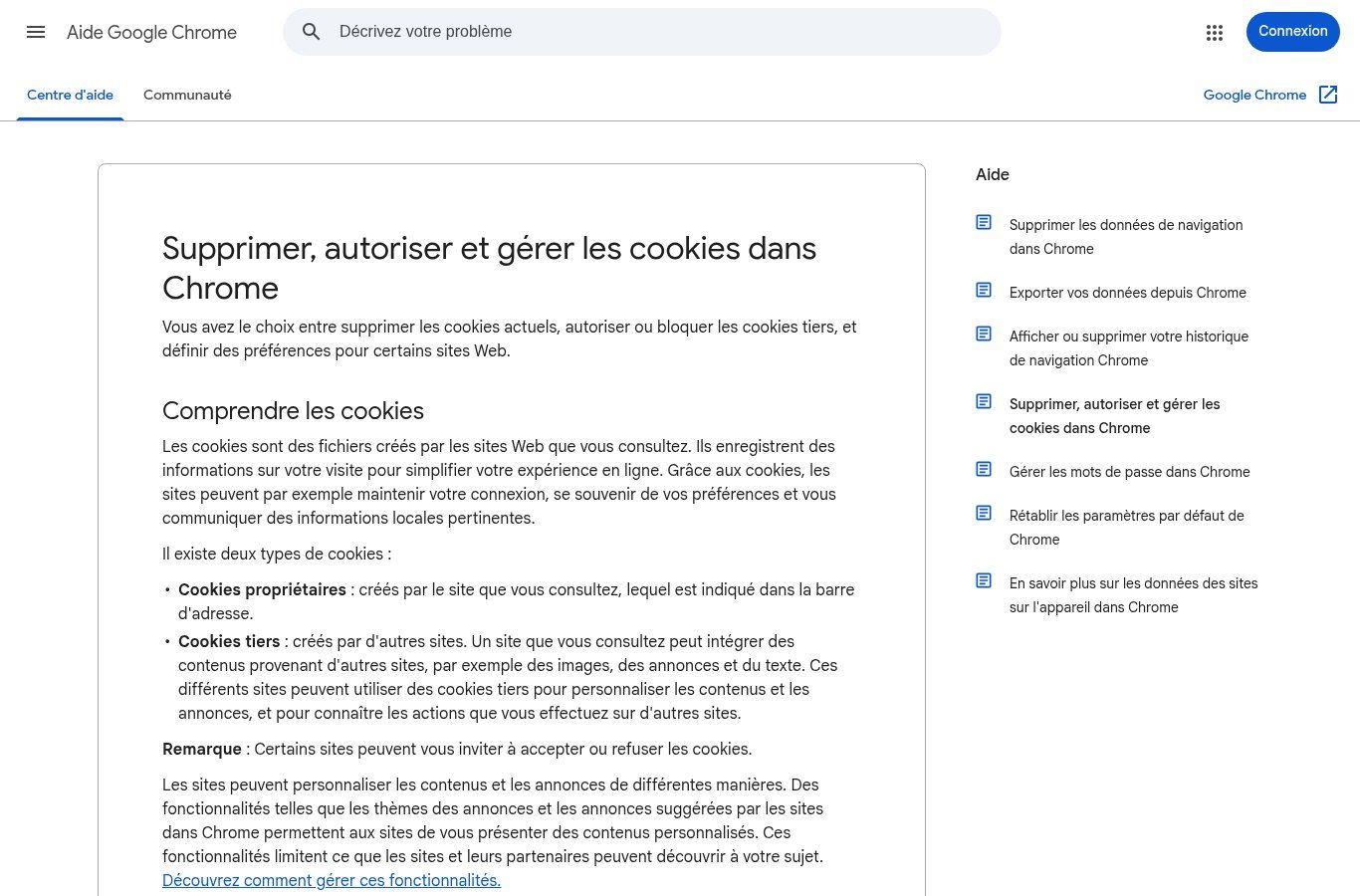
Source: support.google.com/chrome/answer/95647 (Google Chrome Help, French version), screenshot 16 Oct 2026.
The distinction that matters is given by Google itself in Chrome Help:
- First-party cookies: set by the site whose address is in your address bar. They remember your language, your session, your cart.
- Third-party cookies: set by another company whose content is embedded in the page — ad network, share button, video, analytics tool. Because the same company is present on thousands of sites, it can recognise your browser from one site to another. That is where tracking of your browsing begins.
Beyond cookies: the other trackers
Blocking cookies is no longer enough. France's data protection authority, the CNIL, describes several techniques used to rebuild a browsing history (new tracking methods, in French):
- The tracking pixel: an invisible 1 × 1 pixel image. When your browser loads it, the server hosting it knows you saw the page — or opened an email (CNIL definition, in French). Social networks' advertising « pixels » work this way.
- Browser fingerprinting: screen size, language, browser version, operating system… combined, these details can be enough to tell your device apart, without storing anything on it. The CNIL notes that blocking cookies does not stop it (CNIL definition, in French).
- Your IP address: it reveals your connection and an approximate location.
- Identifiers you provide yourself: an email address or phone number typed into a form, then reused to recognise you elsewhere.
- Browser local storage (localStorage, etc.) and smartphone advertising IDs, which the CNIL also counts as trackers (CNIL compliance page, in French).
As a visitor, your levers are modest but real: reject what is not necessary in banners, block third-party cookies in your browser, clear browsing data regularly. The CNIL has a practical page on controlling your browser (in French). Private browsing only wipes your local history; it does not make you invisible to websites.
Why your business website is involved
Many managers think tracking is Google's and Meta's business. Wrong. If your site shows a YouTube video, a Facebook pixel for your ads, Google Analytics, a chat widget or a « Share » button, it is your website that opens the door to those third-party trackers. In the eyes of the visitor — and of the regulator — your organisation is accountable.
Our position is simple: the best cookie banner is the one you do not need. Before looking for a consent tool, take inventory. A showcase site with no targeted advertising and no social pixel can often get by with technical cookies and lean audience measurement. Fewer scripts also means a faster site.
The rules in Benin: the Digital Code and the APDP
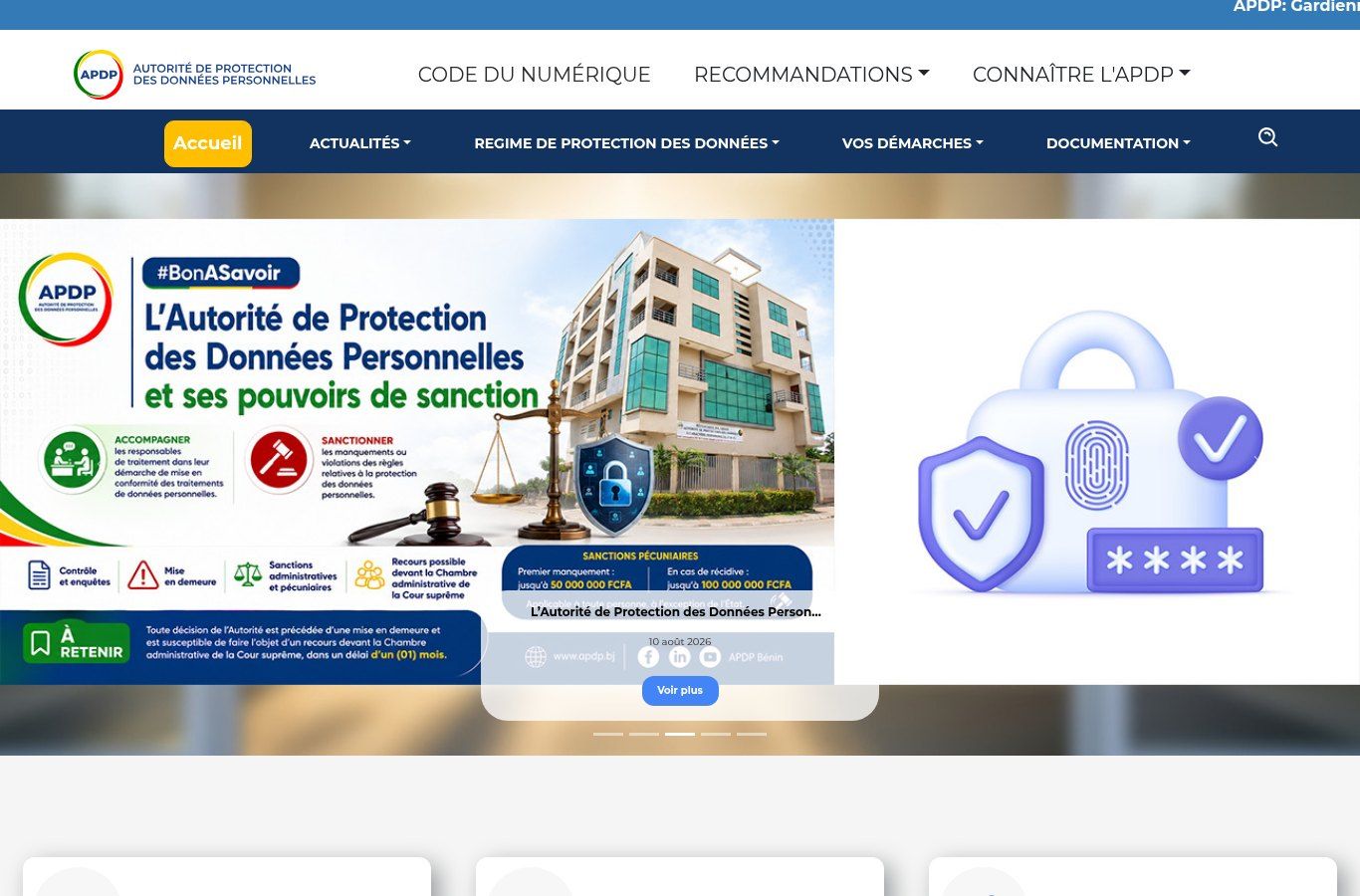
Source: service.apdp.bj (official APDP Benin website), screenshot 16 Oct 2026.
In Benin, personal data protection falls under Book V of Law No. 2017-20 on the Digital Code (in French), supervised by the APDP, the Personal Data Protection Authority. Three points directly concern your website:
- Consent must be an « express, unambiguous, free, specific and informed expression of will », given « by a statement or by a clear affirmative act » (definitions of the Code). It is the basis for lawful processing, with exceptions such as a legal obligation or performing a contract (Article 389 of the 2018 text).
- Information: at the latest when collecting data, you must state who you are, what the data is for, who receives it, how long you keep it, and how people can exercise their rights — including withdrawing consent (Article 415).
- Declaration: personal data processing must be declared to the APDP before it starts, or recorded in a register kept by a designated person (Article 405).
The Code has no detailed « cookie » article as French law does. But the APDP asks the question explicitly: its supplementary form for processing on websites (in French) asks whether the site uses cookies or trackers, their duration, whether users are informed on their first visit, by what means (legal notice, privacy policy, pop-up, consent form) and whether they can withdraw consent. In other words, Benin's authority expects you to be able to answer.
And it is not theoretical. On its website, the APDP highlights in 2026 its powers to inspect, issue formal notices and sanction, with financial penalties announced of up to 50 million FCFA for a first breach and 100 million for a repeat offence.
A common trap: copying a French site's banner that cites « the CNIL » and « the GDPR » onto a Beninese website. That is not the right legal reference. If you also target a European audience, European rules may apply on top; have a lawyer confirm that, not a banner template.
The right banner: the clearest benchmarks come from the CNIL
For practical implementation, the CNIL has published the most detailed guidance in the French-speaking world. It applies legally in France, but it translates very concretely the idea of free and informed consent, the same idea found in Benin's Code. These are our default benchmarks:
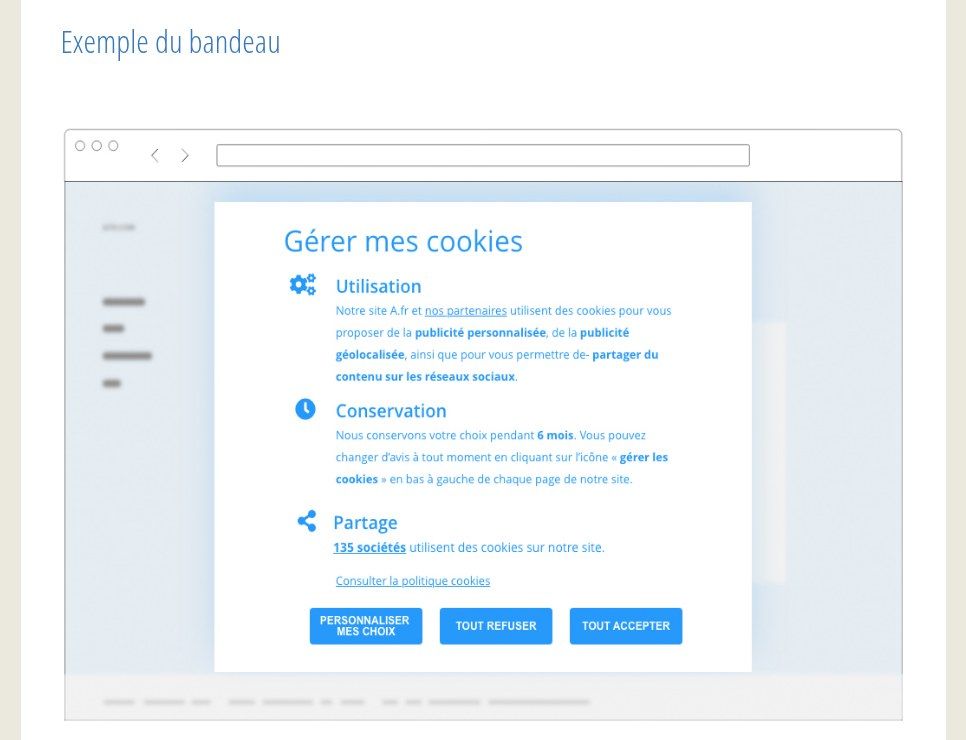
Source: cnil.fr, page « Cookies et traceurs : comment mettre mon site web en conformité ? », screenshot 16 Oct 2026.
- Nothing before the choice: trackers that require consent only fire after a « yes » (what the law says, in French).
- Rejecting as easy as accepting: two buttons at the same level and in the same format, « Accept all » and « Reject all ».
- Silence means no: continuing to browse or closing the banner is not consent.
- Purposes explained: advertising, audience measurement, social networks, with the list of partners available.
- Change your mind at any time: a « Manage cookies » link in the footer.
- Do not ask again and again: the CNIL considers six months a generally appropriate period to keep the choice, whether acceptance or refusal.
Strictly necessary cookies (session, cart, security, load balancing) are exempt from consent, as are some tightly framed audience measurements. And « misleading » banners have already led to formal notices in France: a « Reject » button turned into a small grey link, colours that push towards accepting (CNIL press release, in French).
The tools: CMPs, Google Consent Mode, and the real work
Official logos from tarteaucitron.io and gstatic.com (16 Oct 2026).
A compliant banner is first a technical behaviour: blocking scripts until the visitor has chosen. That is the job of a CMP (consent management platform). Among the options, tarteaucitron.js is a French open-source solution, with a hosted version; there are also commercial CMPs and modules built into WordPress, Shopify or Wix.
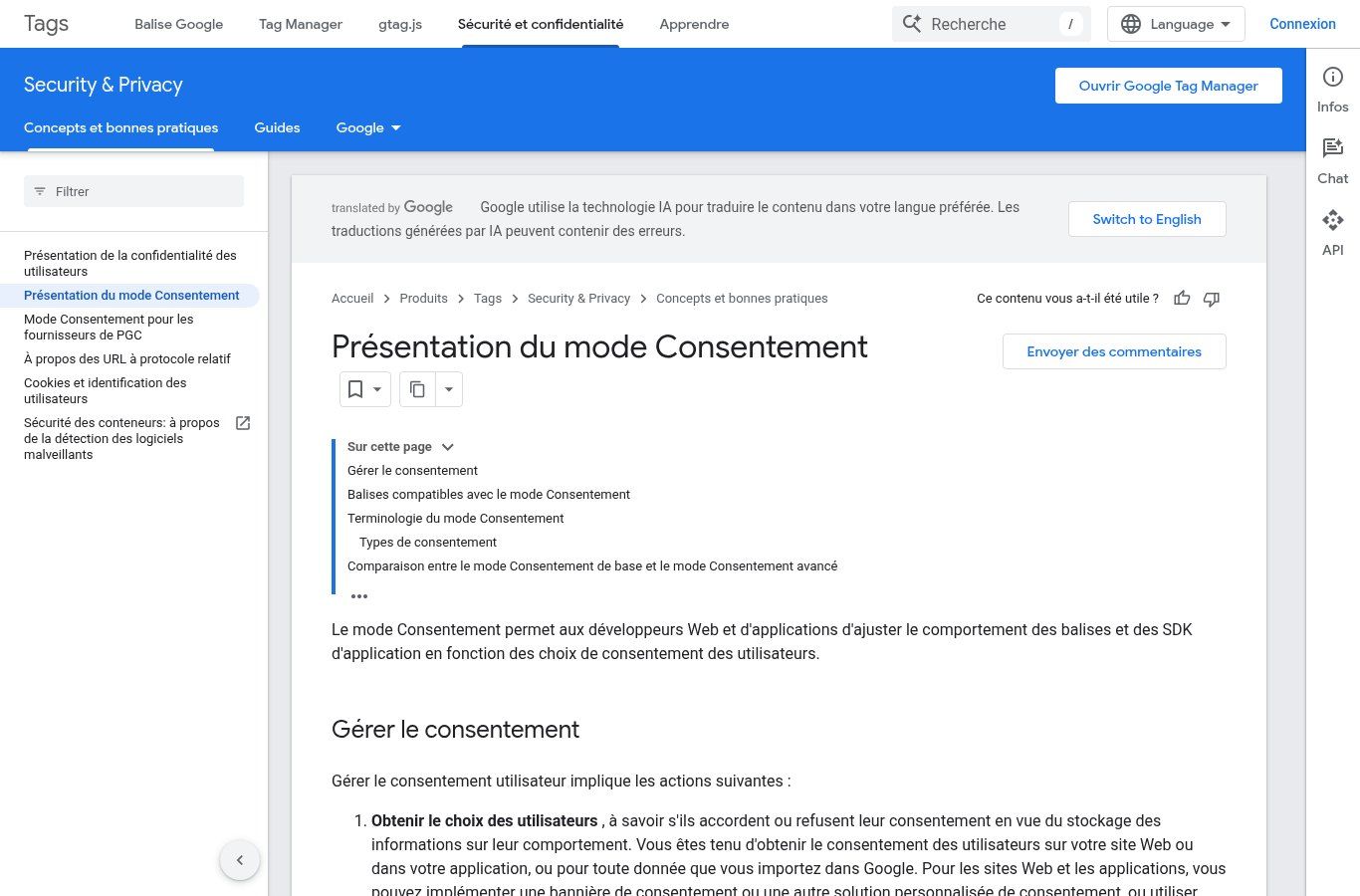
Source: developers.google.com/tag-platform/security/concepts/consent-mode (French version), screenshot 16 Oct 2026.
If you use Google Analytics or Google Ads, remember Google Consent Mode: it adjusts how Google tags behave based on the visitor's choice. But Google is clear: it does not replace the banner. It is up to you to obtain the choice, through a banner or a CMP, and then pass it on.
The real work is something no tool does for you: knowing which scripts run on your site, what they are for, and which ones you can remove.
Checklist for a business, NGO or institution website
- List every script and cookie (browser developer tools, or an audit by your provider).
- Remove what is no longer used: old pixels, abandoned widgets, forgotten tests.
- Sort the rest: strictly necessary / audience measurement / advertising / social networks.
- Install a CMP that actually blocks non-essential trackers before the choice.
- Write a cookie and privacy policy that cites the right framework (Digital Code, APDP in Benin).
- Add a « Manage cookies » link in the footer.
- If you collect personal data through the site (forms, accounts, newsletter), check your formalities with the APDP.
- Test in a private window: before any click, no advertising cookie should appear.
And keep the site itself clean: HTTPS is the basis of trust — see our article what HTTPS and an SSL certificate mean. If you sell online, the topic becomes central: see how to create an online store in Benin.
Related reading: The difference between the Internet and the Web, What is a URL and Intranet.
Frequently asked questions
Is a cookie banner mandatory on a website?
Not always. If your site only uses cookies strictly necessary for it to work, a consent banner is in principle not required, but you still owe information about those cookies. As soon as there is advertising, a social pixel or non-exempt tracking tools, you must collect consent first.
What happens if I reject cookies?
The site must keep working. You only lose comfort or personalisation features, and you will see less targeted ads. Rejecting must not block access to the content.
Must a Beninese website apply the GDPR?
Its baseline framework is the Digital Code and the APDP. The GDPR may come into play if you target people located in the European Union. When in doubt, have a lawyer check your situation.
Is Google Consent Mode enough?
No. It is a mechanism that adapts Google tags to the visitor's choice. You still need a banner or a CMP to collect that choice, and it does not handle non-Google tools.
How much does a compliance fix with Guelichweb cost?
It depends on how many tools are plugged into your site and on the platform. A lean site is quick to fix; an online store with ads, chat and analytics takes more work. We quote after a diagnostic; see our offers.
We clean up your trackers
At Guelichweb we build websites that are lean on scripts, install banners that really block before the click, and prepare cookie policies that cite the right legal framework. Discover website creation in Cotonou or compare our offers, then contact us with your site address: we will first tell you which trackers it sets today, before the visitor clicks anything.