How to make a web page: the simple method, from sketch to going live
G. CHRIST
Published on October 13, 2026
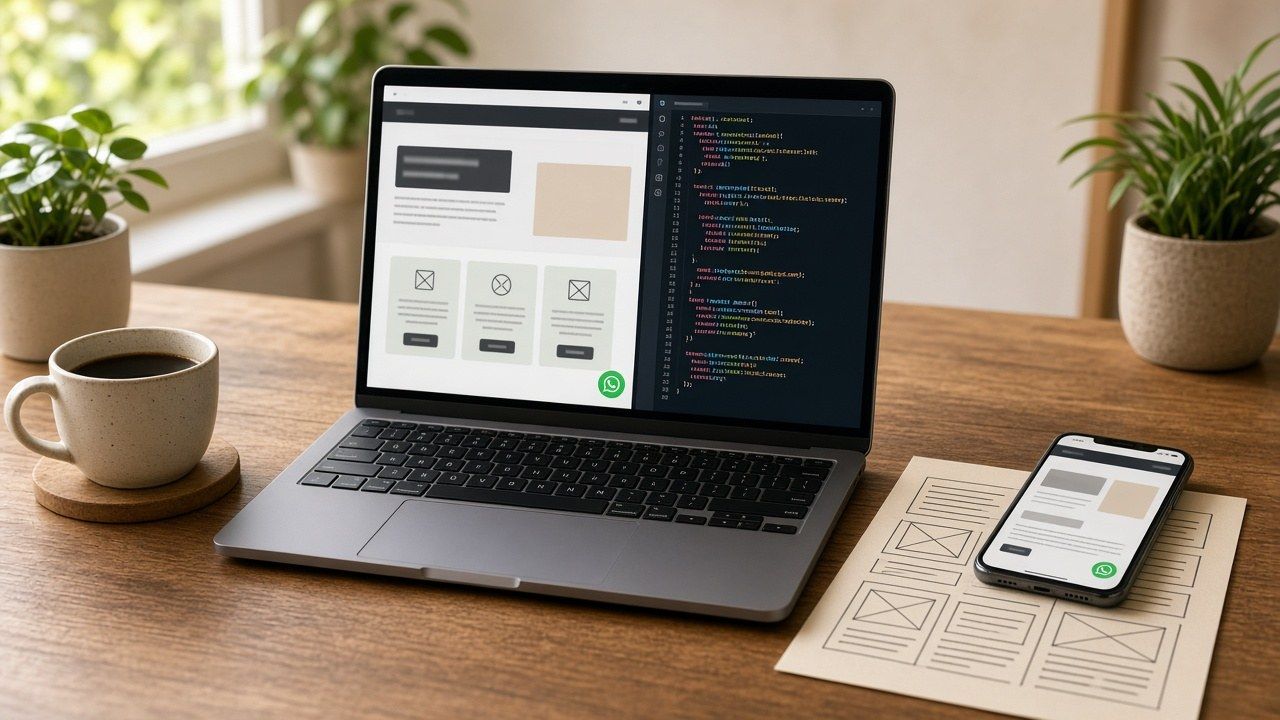
Technically, making a web page is easy. A text file, a few tags, a browser to open it, and you are done in twenty minutes. The hard part is making a page that does something: one a customer can find, understand in three seconds, and that nudges them to get in touch.
Search for "how to make a web page" and you will find almost nothing but coding lessons. They are good, and we recommend one below. But they teach you to write tags, not to build a page that works for a shop, a practice, an association or an NGO. At Guelichweb we build pages for organisations in Benin and across French-speaking Africa, and this is the method we would follow if we were starting from scratch with you.
Logos: HTML5, Visual Studio Code and GitHub (Wikimedia Commons).
Step 1: decide what the page must achieve
Before you open a computer, answer one question: what should the visitor do when they leave the page? Call, send a WhatsApp message, ask for a quote, register for an event, make a donation. One main action. Not four.
This is the mistake we see most often. The page tries to say everything, the history, the mission, the values, ten services, and the contact button ends up at the very bottom, in small print. Nobody clicks. An effective web page looks more like a good poster than a twenty-page brochure. Marketers call this a landing page: a page built around a single goal.
Step 2: sketch the plan on paper
Take a sheet of paper and draw boxes from top to bottom. For a small business, this plan is almost always enough:
- A headline that says what you do and where, for example "Made-to-measure tailoring in Cotonou". Not "Welcome to our website".
- One sentence with the promise, and the action button right below it.
- Three blocks of services or arguments, no more, one sentence each.
- Proof: photos of your work, reviews from real customers, partner logos if you have their consent.
- The footer: address, opening hours, phone number, and the button again.
Mozilla's reference documentation, MDN's "Your first website" guide, also starts with this planning step before a single line of code. That is no accident.
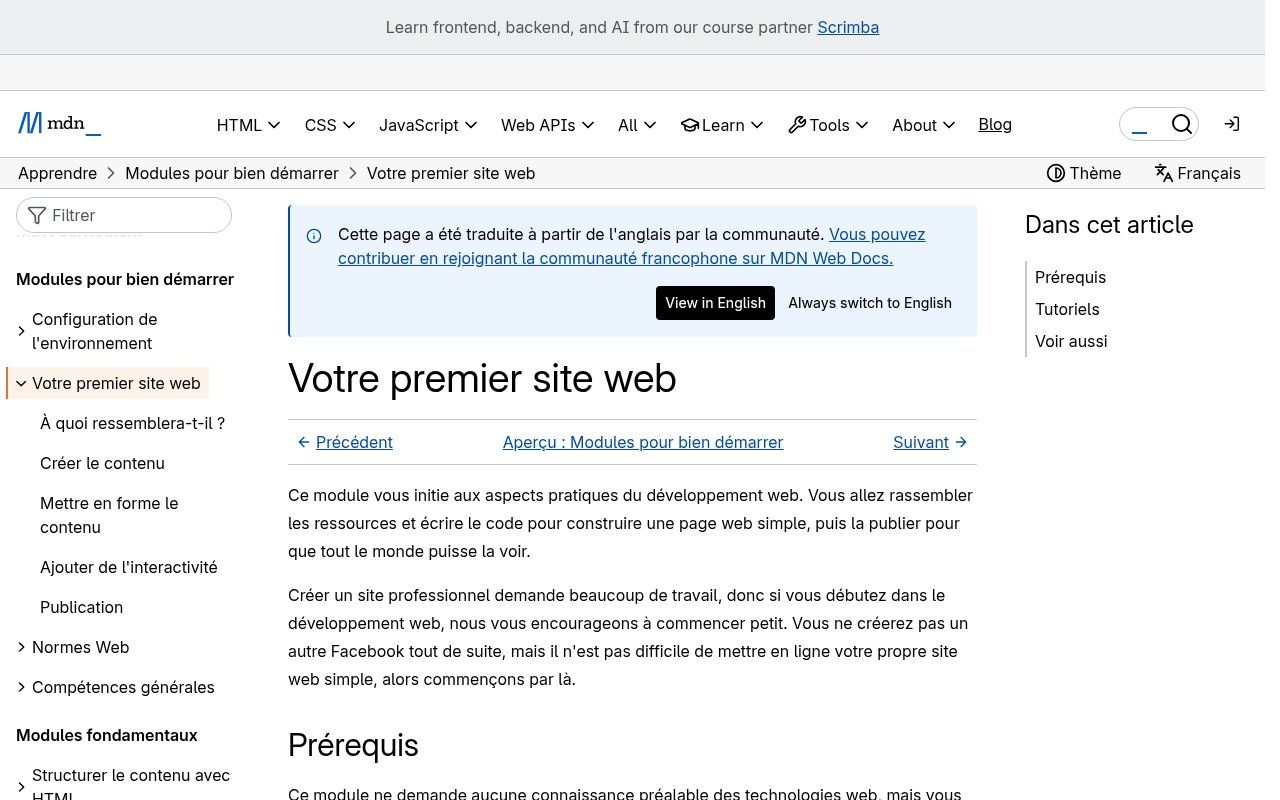
Source: screenshot of the "Your first website" page on MDN Web Docs (developer.mozilla.org, French version), viewed on 13 October 2026.
Step 3: write the copy before the design
We insist on this because it feels backwards: write your text before you pick colours. A beautiful design with vague copy does not convert. A simple design with clear sentences does.
Write the way you would talk to a customer at the counter. Short sentences. The words your customers use, not your jargon. And put the name of your city or neighbourhood in the headline: that is what people type into Google when they look for a provider nearby.
Step 4: build the page, three ways to do it
Option A: code it yourself in HTML and CSS
HTML structures the content (headings, paragraphs, links, images) and CSS styles it (colours, fonts, layout). It is the foundation of every web page, including those made with no-code tools. To write the code, a free editor such as Visual Studio Code is the most common choice. Windows Notepad also works for a first try, it is just less comfortable.
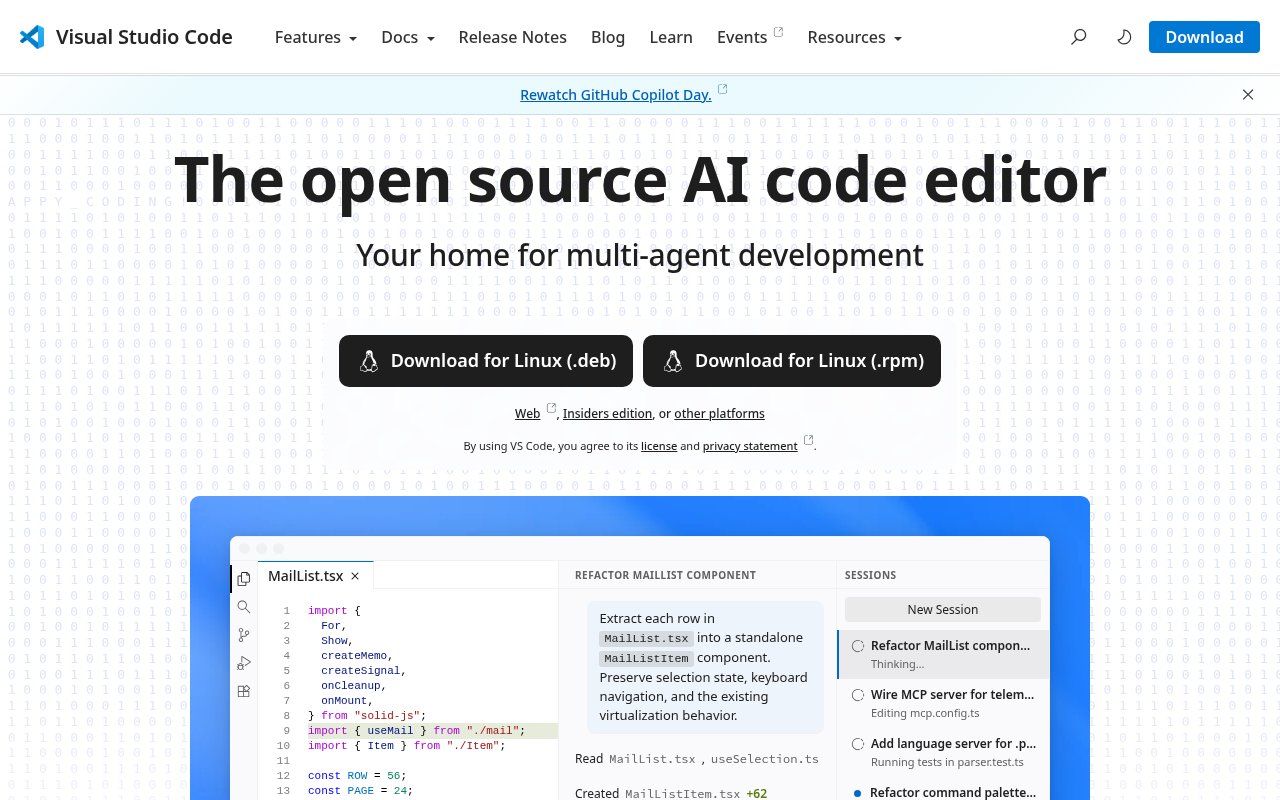
Source: screenshot of the official Visual Studio Code home page (code.visualstudio.com), viewed on 13 October 2026.
Here is a real, complete page, written for this article around a fictional tailoring workshop (the text is in French, as it would be for a shop in Cotonou). Copy it into a file named index.html, replace the number and the text, then open the file in your browser.
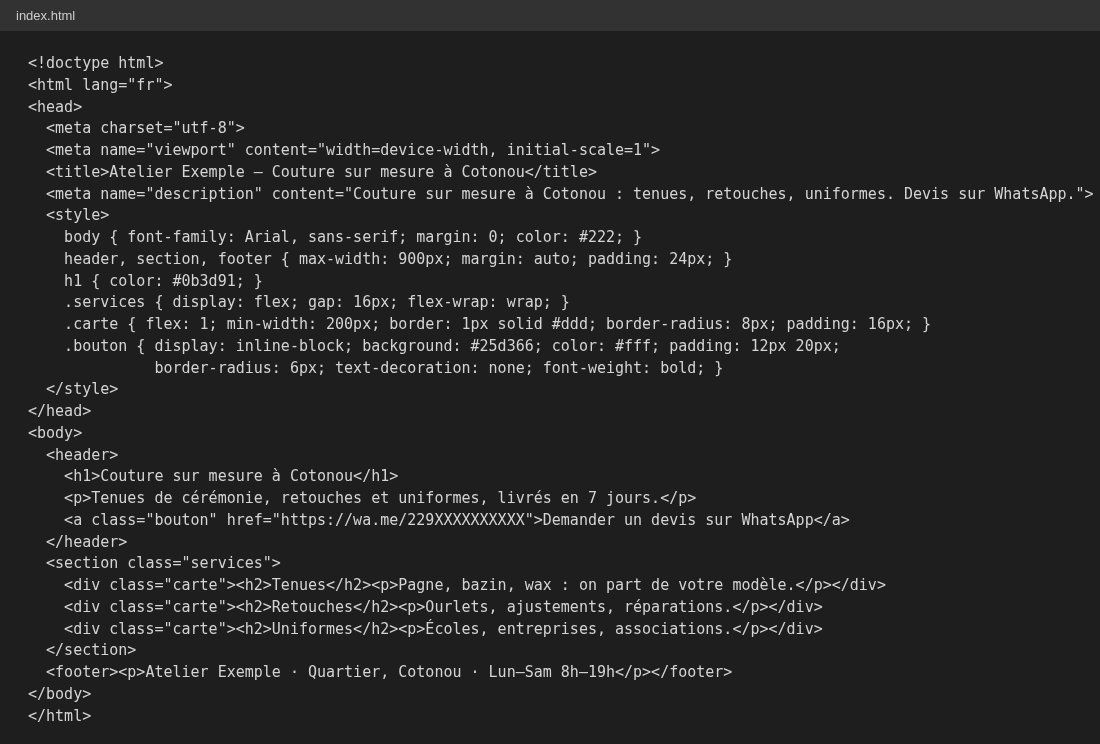
Example: code for the "Atelier Exemple" page, written by Guelichweb for this article (fictional business).
Three lines in this code make a real difference and are missing from many hand-made pages. The meta viewport tag makes the page readable on a phone, which is where most of your visitors are. The title tag and the meta description are what Google shows in its results. And the wa.me link opens a WhatsApp chat directly: according to WhatsApp's official help, you just write https://wa.me/ followed by the full number in international format, without leading zeros, brackets or dashes, and you can even pre-fill the message.
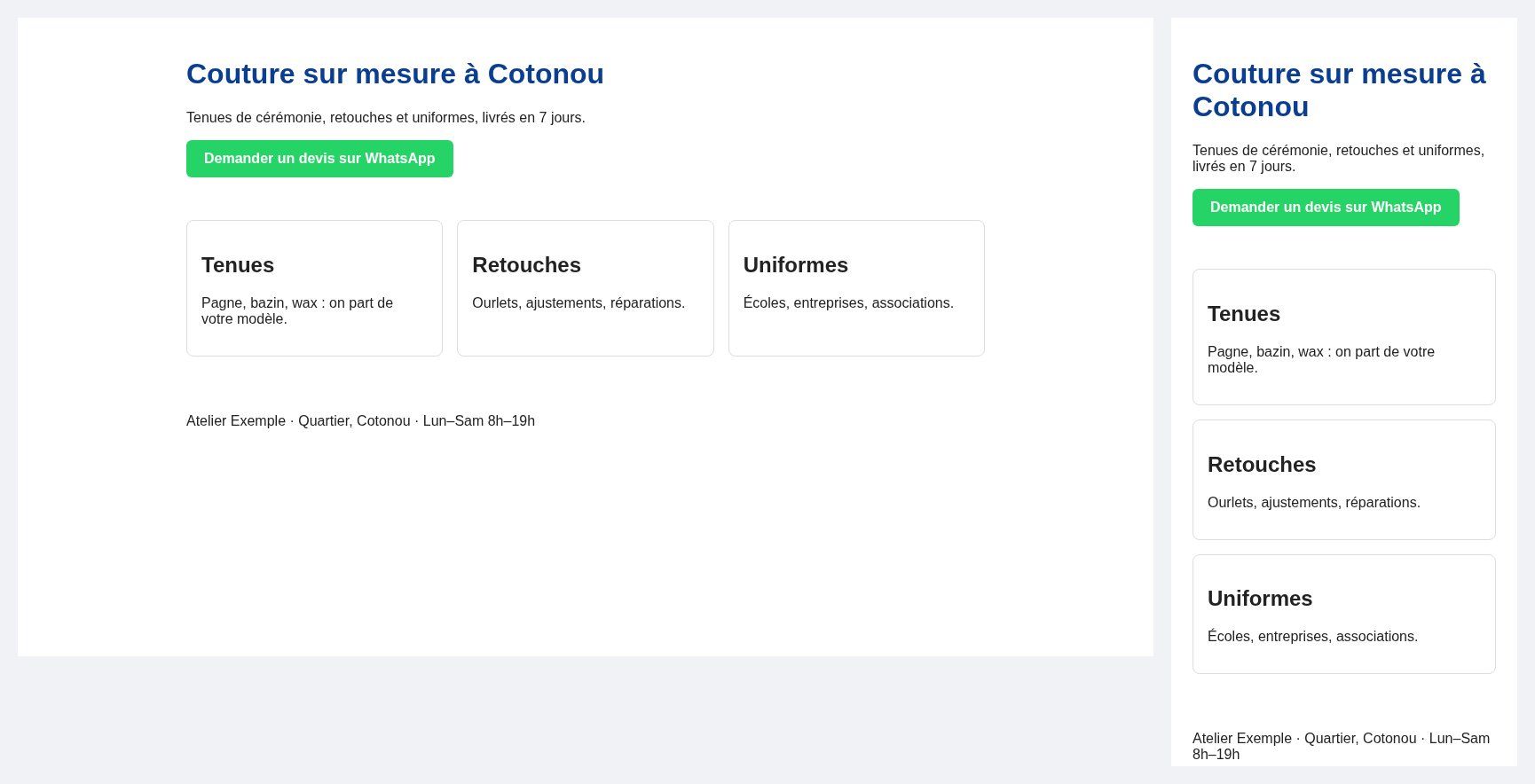
Example: the same page rendered on a computer (left) and on a phone (right), captured in Chrome on 13 October 2026.
Our view: coding your own page is an excellent way to understand the web, and a serious option for a freelancer who is comfortable with computers. It is less suitable if you need to change your text every week without touching code.
Option B: a no-code tool
Wix, WordPress.com, Google Sites or Canva let you assemble a page by dragging blocks. It is faster to get started, with limits on the address, advertising and features. We compared what each free plan really gives you in our article on how to make a website for free.
Option C: have it built for you
If the page has to bring in enquiries every week, connect to your WhatsApp Business, a quote form or a CRM, or reassure a funder, handing the job to a professional saves time and avoids beginner mistakes. That is the core of our services.
Step 5: put it online
As long as the file sits on your computer, nobody sees it. For a plain HTML page, GitHub Pages is a free and reliable option: its documentation explains that it hosts HTML, CSS and JavaScript files straight from a repository, free for public repositories on the GitHub Free plan. The page is published at a github.io address, and you can connect your own domain name to it.
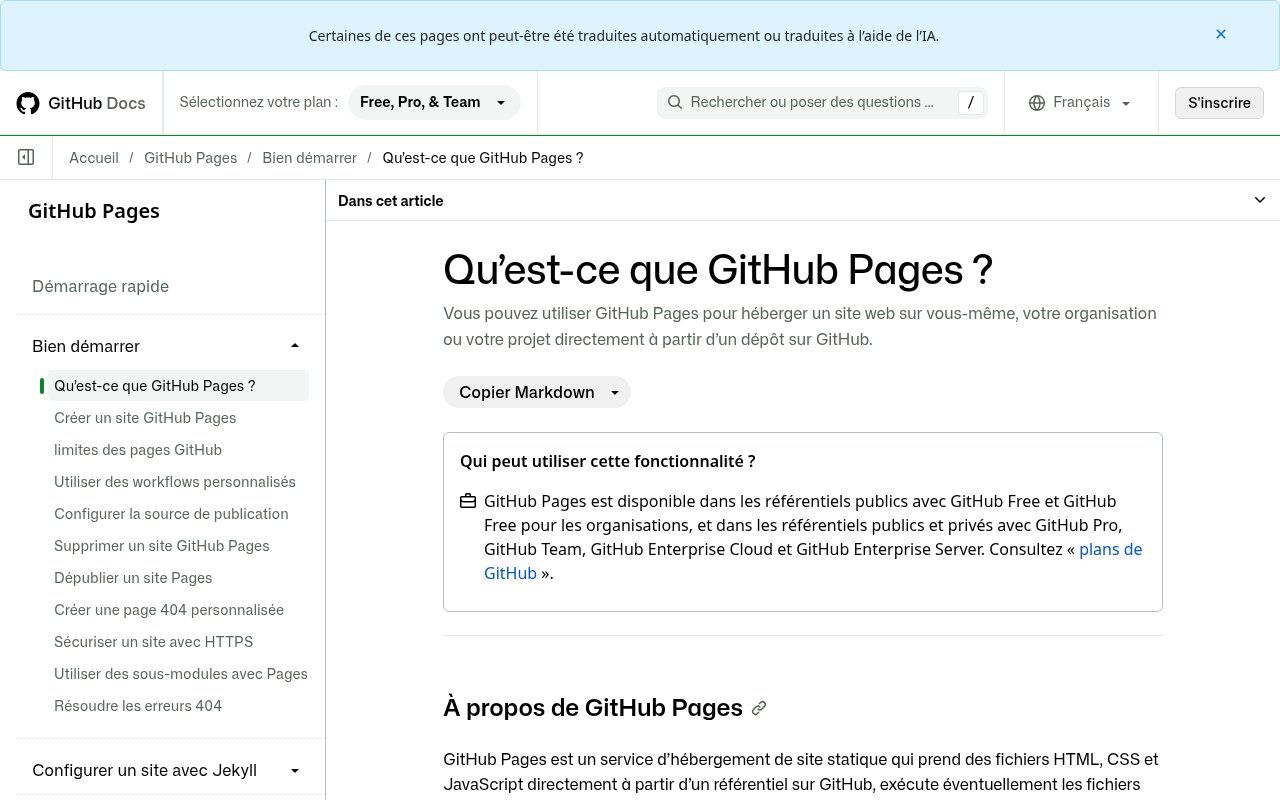
Source: screenshot of the "What is GitHub Pages?" page on GitHub Docs (docs.github.com, French version), viewed on 13 October 2026.
And do get a domain in your own name. The nic.bj registry lists a .bj domain at 10,000 CFA francs a year, tax included. It is the best investment in the whole exercise: the address belongs to you, it looks serious on a business card, and it follows you the day you move to a fuller website.
Step 6: get it found
A page that is online is not a page that is visible. Three simple moves make the difference: submit the page in Google Search Console, create or complete your Google Business Profile with the link, and share the address wherever your customers already see you, WhatsApp status, Facebook page, email signature, a poster with a QR code.
A web page that leads to no action is a shop window with no door.
If you want to go beyond a single page, our complete guide to creating a professional website takes over from here. And to see how a page plugs into your sales, read our article on the website, WhatsApp and CRM trio.
Related reading: What is a website, Wix, Squarespace or a custom website and How to Create an Online Store in Benin.
Frequently asked questions
Do I need to know how to code to make a web page?
No. No-code tools are enough for a simple page. Knowing basic HTML still helps you understand what you are doing and fix a detail without depending on anyone.
How long does it take to make a web page?
The code for a simple page takes an hour or two once you have the text and photos. What takes time is precisely that text and those photos. Allow several days to prepare them properly.
Can I make a web page for free?
Yes. A free editor such as Visual Studio Code and free hosting such as GitHub Pages are enough for an HTML page. The only cost we really recommend is a domain name in your own name.
Is one web page enough for a small business?
Often, yes, to get started. A clear page with a WhatsApp button and a well-filled Google profile brings more contacts than a ten-page site that is never updated. You will need more if you sell online or publish content regularly.
What is the difference between a web page and a website?
A page is a single document with its own address. A website is a set of linked pages under one domain name: home, services, contact, blog.
Want a page that brings in enquiries?
You have the idea but not the time to do it all yourself? Tell us about your business and what the page needs to achieve. The price comes after an assessment, as explained on our offers page. Contact us for a first no-obligation conversation, or see our website creation offer in Cotonou.