How to translate a web page (and when to make your website truly multilingual)
G. CHRIST
Published on October 25, 2026

You land on a tender notice written in French, a supplier's spec sheet that is only half translated, or a partner's website that only exists in a language you don't read. You need to understand it now, not next week. The good news: translating a web page takes two clicks today, with nothing to install, on a computer or a phone.
The question also works the other way round, and that is the one we care about most at Guelichweb. When it's your customers, partners or donors who don't speak your language, can you rely on the "Translate" button in their browser? Our answer is no, as soon as the website is supposed to bring you business. This guide covers both sides: first how to translate any page in every major browser, then what you need to know before making your own website bilingual in French and English.
How to translate a web page: the short answer
If you're in a hurry, here is the essential. Exact labels can shift slightly between versions, but the logic stays the same.
- Chrome on desktop: click the "Translate" icon on the right of the address bar, or right-click the page and choose "Translate to English".
- Chrome on Android: three-dot menu at the top right, then "Translate".
- Edge: a translate icon appears in the address bar when the page isn't in one of your languages; pick your language, then "Translate".
- Firefox: the translation panel often opens on its own; otherwise right-click and choose "Translate page".
- Safari on Mac: "Translate" button in the address field, then choose the language.
- Safari on iPhone or iPad: open the page menu next to the address field (its position depends on your iOS version), then "Translate to English".
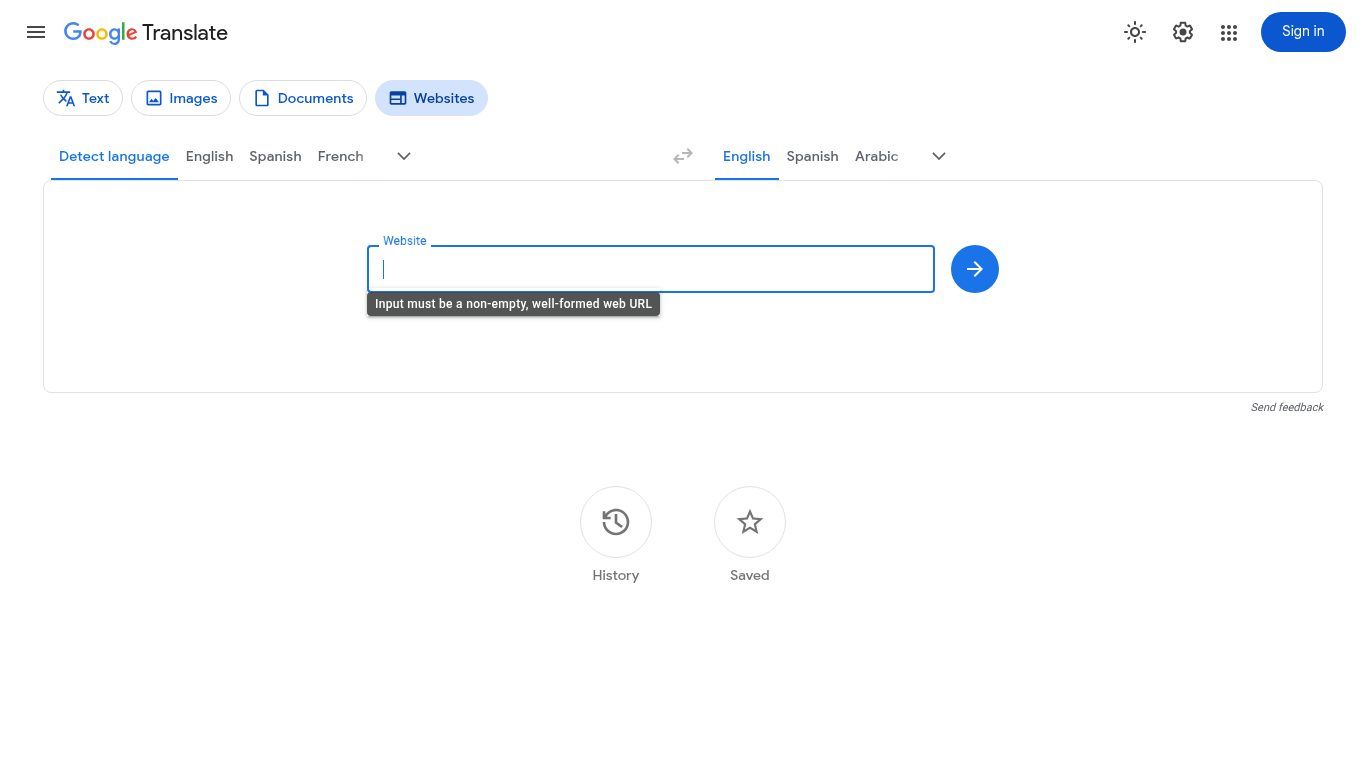
- No option in your browser? Go to Google Translate, open the "Websites" tab, paste the page address and confirm.
The rest of this article walks through each case, the usual problems and, above all, what this means for your own company or organisation website.
Translating a page in Google Chrome
Chrome uses Google Translate. When a page is written in a language that isn't one of your preferred languages, a small "Translate" icon shows up on the right of the address bar. Click it, choose a language, and the page reloads translated. The same option is available with a right-click anywhere on the page. If nothing happens, Google's advice is simply to refresh the page (official Chrome help).
Two settings are worth knowing:
- Translate just one passage: highlight the text, right-click, then "Translate selection". Handy for one paragraph of terms and conditions or a single contract clause.
- Always translate a language: in Chrome settings, under "Languages", you can ask for every page in French, say, to be translated without being asked. You can also tell Chrome never to offer translation for a language you already read.
On Android the logic is the same: a translation bar appears at the top or bottom of the screen, otherwise use the three-dot menu. On iPhone, Chrome also shows a translation prompt at the top of the page.
Translating a page in Edge, Firefox and Safari
Microsoft Edge
Edge relies on Microsoft Translator. It works much like Chrome: when you open a page in a language that isn't in your preferred list, Edge offers to translate it, and a translate icon stays available in the address bar if you said no the first time (Microsoft support).
Mozilla Firefox
Firefox used to need an add-on. Not anymore: translation is built in, and it has a feature that matters for organisations handling sensitive documents. According to Mozilla's help page, translation runs on your device, without sending the text to a remote server. For an NGO reading confidential reports or an institution reviewing internal documents, that is a real argument.
Safari on Mac, iPhone and iPad
On a Mac, Safari shows a "Translate" button in the Smart Search field when a translation is available. Apple notes that translation availability and supported languages vary by country or region (Safari user guide). If the button doesn't appear, add the language you want under "Language & Region" in your Mac settings. On iPhone and iPad, the command lives in the page menu next to the address field.
No suitable browser: Google Translate and DeepL
If you're on a shared computer, an old browser or a locked-down work machine, Google Translate has a "Websites" tab: paste the page address and the tool displays it translated. The same service has a "Documents" tab to translate a PDF or Word file without copying it out.
Source: Google Translate, "Websites" tab, translate.google.com, screenshot taken 25/10/2026.
For an important text you will reuse (a letter, a partnership proposal), DeepL often gives more natural phrasing between French and English. Our everyday method: translate the page in the browser to understand it, then paste the passages that matter into a dedicated translator to rework them.
Why translation sometimes doesn't work
This is the question that comes right after "how do I do it". The most common causes:
- The text is an image. A menu, a poster or a scanned table contains no text the browser can read. Use the "Images" tab in Google Translate or the camera in Google Lens instead.
- The page is already in one of your languages. The browser offers nothing. Force the translation with a right-click.
- The page is badly labelled. When a site declares one language in its code and displays another, the browser guesses the wrong source language. Pick the source language by hand.
- Content loads later. Some pages load text as you scroll. Scroll through the whole page, then run the translation again or refresh.
- The site blocks translation. Some sites prevent it on purpose, for example to protect a form. In that case, copy the text into a translator.
A word of caution: never rely on machine translation to sign anything. A mistranslated amount, deadline or exclusion clause can be expensive. For a contract or an application file, have someone fluent in both languages check it.
What about your own website: is the "Translate" button enough?
Now switch sides. You're a small business in Cotonou that also sells to Nigeria or Ghana, an NGO funded by English-speaking donors, a hotel welcoming tourists, an institution publishing reports for international partners. Your website is in French. English-speaking visitors can always click "Translate"… so why pay for an English version?
Because browser translation solves the problem of the visitor who has already found you. It does nothing for the one who never finds you. Someone in Lagos or Accra looking on Google for a supplier, an agency or a partner types their search in English. Google shows them pages written in English. Your French page has almost no chance of appearing for that search, however good your offer is.
There is also a question of image. A site translated on the fly lets through clumsy sentences, mangled service names and untranslated buttons. For a donor assessing how serious you are, or a customer hesitating between you and a competitor, those details count. A proper, reviewed English version says: "we are ready to work with you".
Our view at Guelichweb: if more than one in ten of your customers, partners or funders doesn't read French, the English version isn't a luxury. It's part of the website.
Multilingual websites: what Google actually asks for
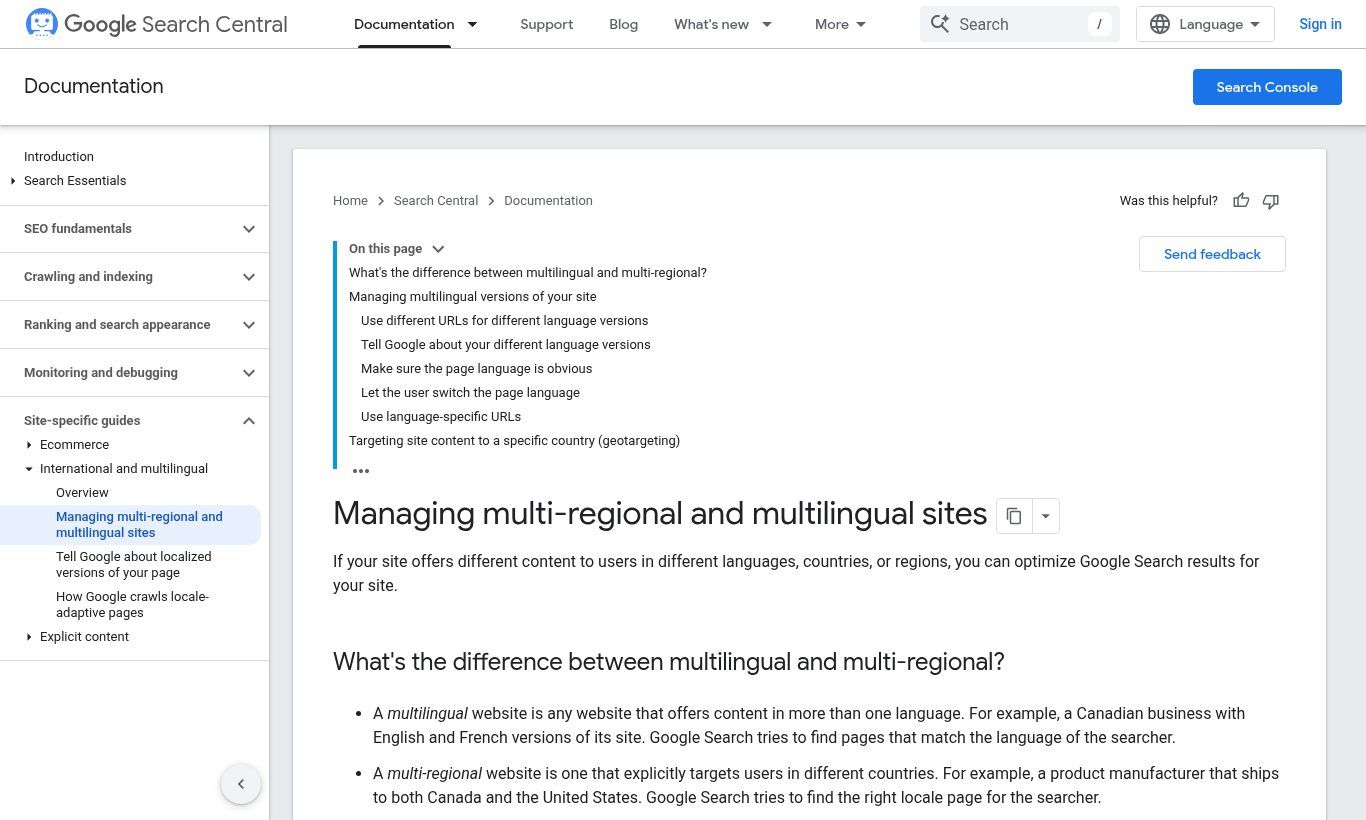
Making a site bilingual doesn't mean installing a widget that translates everything automatically. Google publishes clear guidance on managing multilingual sites. Here is what matters.
Source: Google Search Central documentation, developers.google.com, screenshot taken 25/10/2026.
1. A different URL for each language
Google recommends separate URLs for each language version rather than switching the content's language with a cookie or the visitor's browser settings. The reason is practical: Google's crawler usually crawls from the United States and doesn't send a language preference. If your English version only shows up for visitors whose browser is set to English, Google may never see it.
In practice, the simplest structure for a small business or NGO is a subfolder: yoursite.bj/fr/ and yoursite.bj/en/. It's what we use on guelichweb.online. One domain, one authority, two cleanly separated languages. If you're unsure about domain names and extensions, our guides to .bj domain names and the parts of a URL will help.
2. One language per page
Google works out a page's language from its visible content. It doesn't use the lang attribute in the code, or the URL, for that. So it advises using a single language for the content and navigation of each page, and avoiding side-by-side translations. A paragraph in French followed by the same paragraph in English on one page, very common on institutional websites, is a bad idea for search and for readers alike.
3. hreflang tags
hreflang tags tell Google that two pages are the same page in two languages, so it shows the French version to French speakers and the English version to English speakers. The official rules (localized versions of your pages) fit in a few points:
- each version lists itself and every other version;
- addresses are fully qualified, including https://;
- links must be reciprocal, otherwise Google ignores them;
- an x-default value can point to the page to show when no language matches;
- you can declare them in the HTML, in HTTP headers or in the sitemap: the three are equivalent, just pick one.
For a bilingual "Offers" page, that means two lines in the head of each version: an hreflang "fr" line pointing to /fr/offres and an hreflang "en" line pointing to /en/offres. A good CMS or plugin does this for you. Your job is to check it's done right.
4. Let visitors choose
Automatically redirecting people by country or browser language sounds convenient, but a Beninese professional travelling in London or an English-speaking expat in Cotonou ends up on the wrong version with no way out. Put a visible language switcher at the top of every page, leading to the same page in the other language, not back to the homepage.
Machine, human or mixed translation: our take
AI tools now translate plain text very well. The temptation is to translate the whole site in one click. Watch out for two things.
First, Google counts generating many pages through automated transformations, translation included, as scaled content abuse when they provide little value to users (Google spam policies). Publishing raw machine translation across hundreds of pages, unreviewed, is exactly what not to do.
Second, word-for-word translation doesn't sell. The keywords an English speaker types aren't the literal translation of yours. "Création site web Cotonou" doesn't necessarily become "website creation Cotonou"; your prospect may search "web design agency Benin". You need a short keyword research round in the target language.
Our method, which we apply to our own articles: a first pass with AI to save time, then a human review that adapts headings, examples, units and calls to action to the intended reader. For most small businesses and NGOs, it's the right balance between budget and quality.
Which tools to make a website bilingual?
It depends on how your site is built.
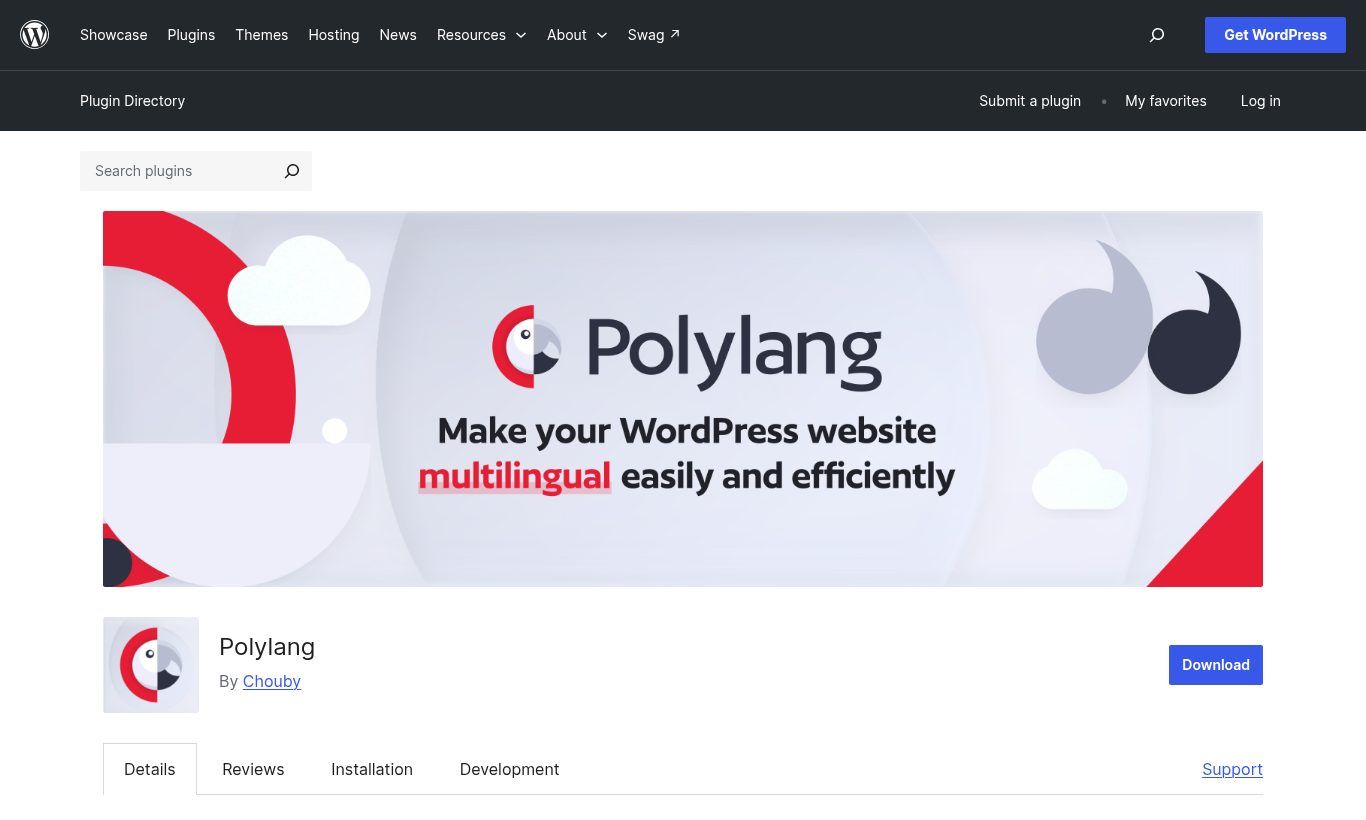
- WordPress: the best-known plugins are Polylang (free version plus a paid Pro version), TranslatePress (free and paid versions, with visual translation right on the page) and WPML (paid, very complete). If you're new to this CMS, start with our WordPress guide.
- Wix, Squarespace, Shopify: these platforms have a built-in multilingual module or dedicated apps, with limits depending on the plan. Check their official pages before choosing. We compare these options in Wix, Squarespace or a custom website.
- Custom website: language handling is planned from the design stage, with a translation field linking each page to its twin. More work up front, far less patching later.
- Proxy translation services: paid services translate your site and serve it on per-language addresses without touching your CMS. Convenient, but your pages depend on a subscription to stay online.
Source: Polylang plugin page in the WordPress directory, wordpress.org, screenshot taken 25/10/2026.
Which languages for a website in Benin and French-speaking Africa?
French remains the base for reaching customers, public bodies and partners across the region. English becomes essential as soon as you target Nigeria, Ghana, international donors, investors or tourists. For some organisations a third language makes sense: Arabic for links with North Africa or the Middle East, Portuguese for ties with Brazil or Guinea-Bissau.
And national languages such as Fon, Yoruba, Dendi or Bariba? To reach a local audience, we rarely recommend full pages: written content in these languages is little read online and machine translators are still uneven for them. A voice message, a short video or a WhatsApp number handled by someone who speaks the language usually works better. Our article on WhatsApp chatbots shows how to organise that channel.
The mistakes we see most often
- A translation widget in the footer: it makes the site look bilingual, but the translated pages don't exist for Google. No visibility gain.
- A half-finished English version: the homepage is translated, but product pages, the contact form and error messages stay in French. Visitors drop off right when they want to write to you.
- A switcher that goes back to the homepage: you're reading a service page, you change language, and you're back on the homepage. Frustrating.
- Forgotten metadata: page titles, meta descriptions, image alt text and page addresses (slugs) must be translated too. They're what Google shows in its results.
- Updates out of sync: you change a price or an address in French and forget the English. Set a simple rule: nothing goes live until both versions are up to date.
If you're planning a new website, write the target languages and these requirements into your website requirements document from day one. Adding a language later almost always costs more than planning it.
How much does a bilingual website cost?
There is no single price, and be wary of anyone quoting one without seeing your project. Cost depends on the number of pages, how much content needs translating, the choice between reviewed machine translation and human translation, the site's technology and the SEO work in the target language. A 300-product shop has nothing in common with a six-page showcase site.
At Guelichweb we price a multilingual version after reviewing your site and your goals, as with all our offers. To understand what a serious proposal should contain, our article on what a website quote in Benin should include lists the items to check.
FAQ: translating a web page and a website
How do I translate a web page for free?
Use your browser's built-in feature: Chrome, Edge, Firefox and Safari translate pages for free. Otherwise, the "Websites" tab in Google Translate translates a page from its address.
How do I translate a web page on iPhone?
In Safari, open the page menu next to the address field, then choose "Translate to English". In Chrome for iPhone, accept the translation prompt at the top of the page or use the menu.
Why has Chrome stopped offering to translate?
You may have chosen "Never translate" for that language or site, or the page is already in one of your preferred languages. Check "Languages" in Chrome settings, or right-click the page and choose "Translate to…".
Does machine translation of a website hurt SEO?
Browser translation changes nothing for your SEO: it happens on the visitor's side. However, mass-publishing machine-translated pages without review can be treated by Google as low-value content. Review and adapt.
Do I need a separate domain for each language?
No. For the vast majority of small businesses, NGOs and institutions, one domain with /fr/ and /en/ folders is the simplest and strongest option. Separate domains mainly make sense for brands targeting very different countries with different offers.
Can my current website become bilingual without a full rebuild?
Often yes, especially on WordPress or a platform that handles languages. You need to check that the URL structure, theme and forms allow it cleanly. If not, a redesign can cost less than a pile of patches.
In short
To read a page in another language, your browser does the job in two clicks, and Google Translate takes over when it can't. To be read and found by customers who don't speak your language is another matter: you need real pages per language, distinct URLs, hreflang tags, reviewed translation and a well-designed language switcher.
Want to know whether an English version of your website is worth the investment, or have an existing one audited? Contact Guelichweb: we look at your site, your audience and your goals, then send you a tailored quote. Starting from scratch? See our support for website creation in Cotonou.