What are SEO keywords and how to find them for free for your website
G. CHRIST
Published on October 23, 2026

You have a website, maybe even a blog, and someone told you: "You need to work on your keywords." Fine. But which ones? Where do you find them? And what do you do when the free tool you just opened shows "0 searches" for almost everything related to Cotonou, Abidjan or Dakar?
At Guelichweb, we build and optimise websites for SMEs, NGOs and institutions in Benin and across French-speaking Africa. Keyword research is the first thing we do before writing a single page, and it is also the step we most often see rushed: words picked on instinct, copied from a European competitor, or stuffed into unreadable text.
This guide explains what an SEO keyword is, how to find keywords for free with reliable tools, and above all what to do when the available numbers do not describe your market. You will get a simple method, a concrete example and our honest opinions.
What exactly is an SEO keyword?
An SEO keyword is a word or phrase people type into Google (or another search engine) for which you want your page to appear. "Website design Cotonou", "how to register an NGO in Benin", "business card printing price Abidjan": these are keywords. Most of the time it is not a single word but a short phrase.
You will also hear the word query: that is what the person actually types, with their typos, abbreviations and way of speaking. The keyword is the version you choose to target in order to group several similar queries. If you want to understand what happens between typing and seeing results, we explain it in our article on how a search engine works.
Behind every keyword there is an intent: what the person really wants to get. This is the most important idea in the whole article. Two almost identical queries can hide opposite needs. "What is a website" comes from someone who is learning. "Web agency Cotonou" comes from someone looking for a provider, often this week. Answer the first with a sales page, or the second with a theory lesson, and you lose them.
Our rule: a keyword is only worth something if the page targeting it answers exactly what the person typing it wants.
The four keyword families that matter for an organisation
There are finer classifications, but for an SME, an NGO or an institution, four families are enough to organise a website:
- Informational: the person wants to understand. "What are SEO keywords", "how to start an association", "what is a CRM". These feed your blog and your credibility.
- Commercial: the person is comparing before choosing. "Best point-of-sale software", "showcase website price Benin", "agency X reviews". They are close to a decision.
- Transactional and local: the person wants to act, often nearby. "Printing shop Cotonou", "plumber Abomey-Calavi", "accounting course Porto-Novo". These are often the most profitable, and they also play out on Google Maps (see our guide to local SEO).
- Branded: the person already knows your name. They should land on your website, not on a directory or an old Facebook page.
What about the "long tail"?
The long tail refers to long, specific queries that are each typed rarely, but are very numerous in total. "Training" is a short, vague query. "Weekend community manager training Cotonou" is a long-tail query: few people type it, but those who do know exactly what they want.
For a West African website, the long tail is not optional, it is the heart of the strategy. Short queries are dominated by large international sites. Specific queries, with a city, a service, a price in CFA francs or a defined audience, are where a local organisation can reach the first page.
The search volume trap when you target Benin or French-speaking Africa
This is where most guides stop too early. They show you a tool and a "monthly searches" figure, and advise you to go after high-volume keywords. The problem: for French-language keywords, those figures almost always describe France, or French speakers as a whole, not your market. For English keywords, they usually describe the United States or the United Kingdom.
Here is a real example. While preparing this article, we checked Google's suggestions for the French query "mots clés seo" (SEO keywords) from Benin, Côte d'Ivoire, Senegal and France: they were identical in all four countries (free, google, what is it, website SEO…). The volume tools, meanwhile, gave no usable figure for those phrases. That does not mean nobody searches for them. It means the tools do not measure smaller markets well.
Google says so itself: in Google Trends, terms with low search volume appear as "0", and the data is sampled and then normalised on a 0 to 100 scale. A "0" in Trends means "not enough data to draw a line", not "zero people".
What we take away for these markets:
- A volume shown for France, the US or the UK does not transfer to Benin by dividing or multiplying. Habits, vocabulary and competition are different.
- A local keyword showing "0" can still bring customers. Five people a month typing "sound system rental Cotonou" are worth more to an equipment rental business than five thousand people typing "sound system".
- Volume is only one clue among others. Whether the query shows up in Google's suggestions, what your customers ask, and your own Search Console data all matter more.
How to find SEO keywords for free: our 7-step method
Here is the method we use, and which you can reproduce with a spreadsheet and two focused hours. Every tool mentioned is free.
Source: official Google Ads, Google Trends and Google Search Console logos (gstatic.com), retrieved on 23/10/2026.
1. Start from your customers' questions, not from a tool
The best keyword source for a local organisation is not software: it is your phone. Reread your WhatsApp chats, your emails, the messages you receive on Facebook, the questions asked at the front desk or during training sessions. Write down the exact phrases: "Do you build e-commerce sites?", "How much is an Excel course?", "Do you deliver to Parakou?".
Those phrases are queries waiting to happen. People type into Google roughly what they write to you. Ask your sales or reception team too: in ten minutes they will give you twenty questions that come up every week.
2. Use Google autocomplete
Type the beginning of your topic into Google without pressing Enter, and note the suggestions. Add a letter or a word ("price", "how", "Cotonou", "free") and repeat. Then scroll to the bottom of the results page to read the related searches, and open the "People also ask" box when it appears.
According to Google, these predictions reflect real searches and take location into account. That makes them a valuable signal in markets where volume tools are silent. One limit: Google filters some predictions, so a missing suggestion does not prove there is no demand.
3. Open Google Search Console, your free gold mine
If your website already exists, Google Search Console is the most reliable tool you have, because it does not estimate anything: it shows the queries for which your site actually appeared in Google, with impressions, clicks, click-through rate and average position.
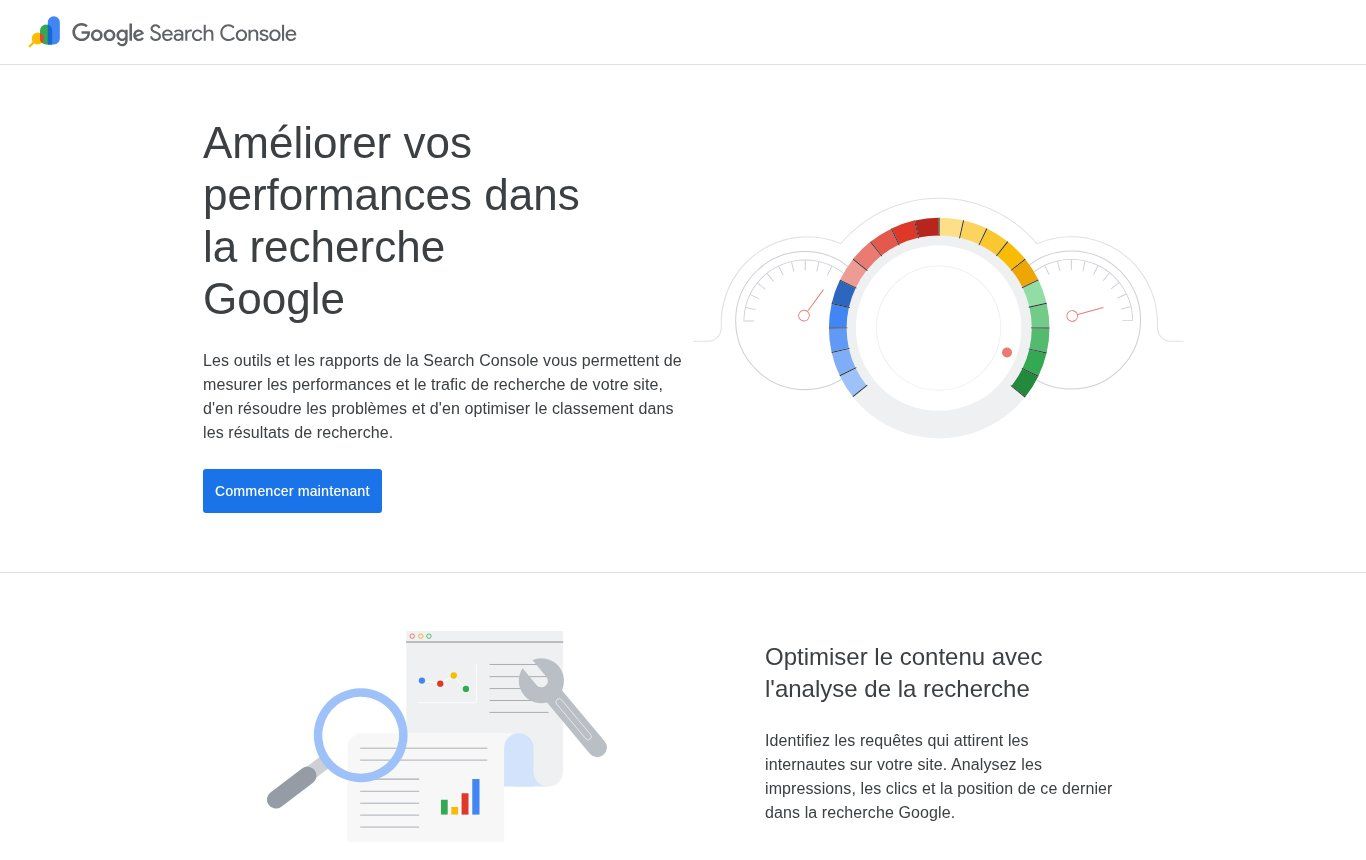
Source: search.google.com/search-console/about (French version), screenshot taken on 23/10/2026.
In the Performance report, the "Queries" tab lists keywords, and the "Countries" tab lets you filter on Benin, Côte d'Ivoire or Senegal. That is exactly what you need. Two very profitable uses:
- Queries in positions 8 to 20: Google already considers you relevant, but you sit at the bottom of page one or on page two. Improving the page (title, content, a sharper answer) often brings quick results.
- Queries with many impressions and few clicks: your page shows up, but its title or description does not make people want to click. Rewrite them.
If your website is not connected to Search Console yet, do that first, before any keyword research. We cover the setup in our article on how to appear on Google.
4. Use Google Ads Keyword Planner, carefully
Keyword Planner is Google Ads' free tool. It suggests keyword ideas from a word or a URL and shows estimated monthly searches, which can be targeted by country.
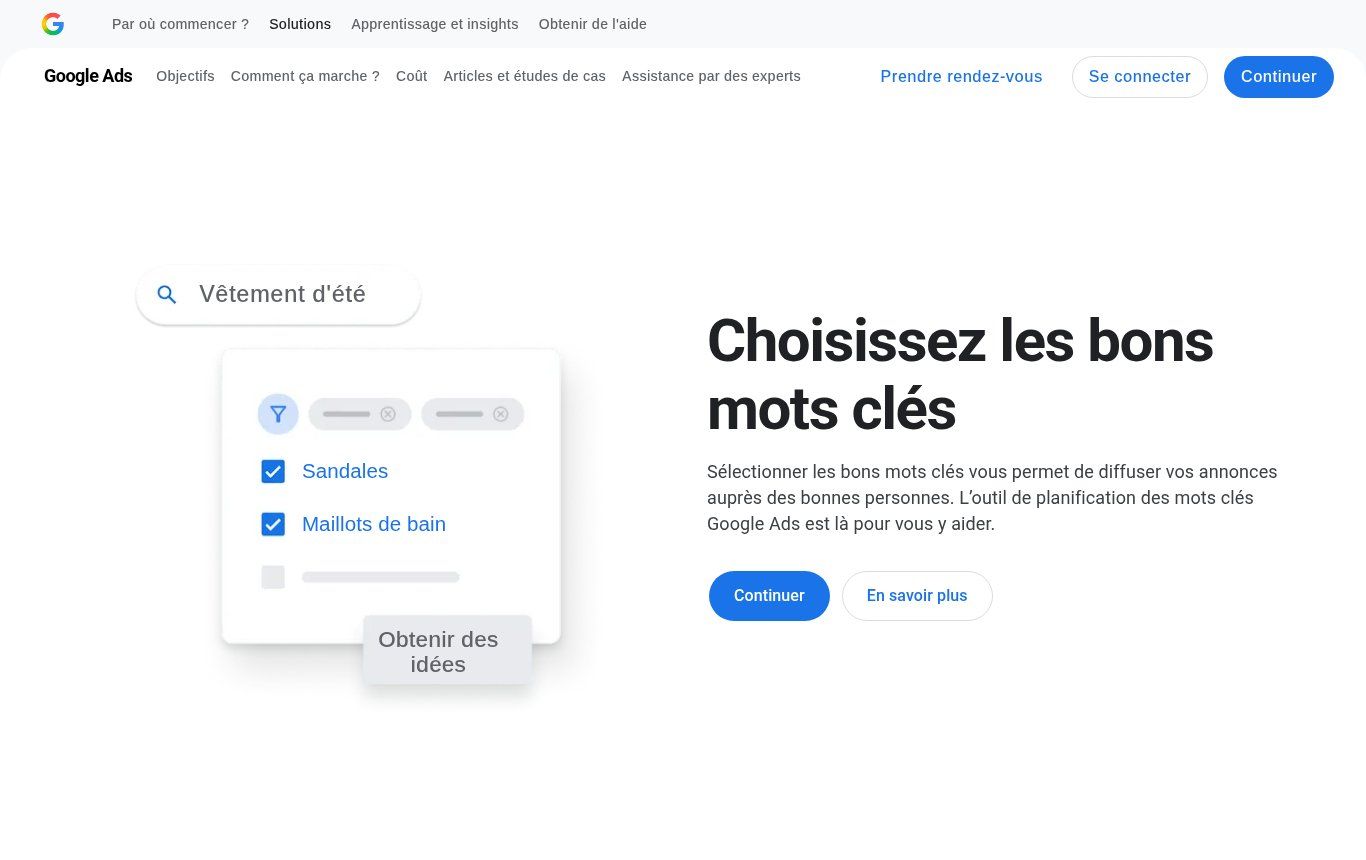
Source: business.google.com, Keyword Planner page (French version), screenshot taken on 23/10/2026.
Three precautions. First, according to Google Ads Help, even basic features such as "Get ideas for new keywords" require billing information to be added to the account: you need a configured Google Ads account, though you do not have to run a campaign. Second, the tool is built for advertising: it is excellent for finding ideas and variants, less so for precisely measuring a small market. The same help page notes that keywords with very low search volumes cannot be discovered or forecast at all, which is precisely the case for many local queries in our region. Third, on accounts with no ad spend, we find that volumes are often shown as wide ranges. Use it to compare keywords with each other, not as absolute truth.
5. Compare trends with Google Trends
Google Trends does not give volumes, but it compares the relative interest in several queries over time and by country. It helps you choose between two phrasings ("website" or "web site"? "NGO" or "non-profit"?) or spot seasonality: back to school, exam periods, end-of-year holidays, grant application seasons for NGOs.
Important reminder: for Benin, many specific queries do not have enough volume to appear. In that case, compare broader terms, or widen the area to West Africa, then come back to your precise phrases when writing.
6. Look at Google's first page for each keyword
Before you commit to a keyword, type it into Google and study the first page. It tells you what Google considers the right answer:
- Explanatory articles? The intent is informational: you need a blog post.
- Service pages, a block of Google Maps listings? The intent is local or commercial: you need a service page or a Google Business Profile.
- Only large international sites or marketplaces? The keyword may be too broad. Add a city, an audience or a detail.
- Forums, Facebook pages, poorly built sites? Good news: competition is weak, and a serious page has a real chance.
7. Group your keywords: one group, one page
You now have a list of 50 to 200 phrases. Do not create one page per phrase. Group those with the same intent: "website design Cotonou", "web agency Cotonou" and "build a website in Cotonou" express the same need, so they belong on one page. Each group gets a main keyword and a few variants.
Put everything in a shared spreadsheet (a Google Sheets file is plenty), with these columns:
- Main keyword of the group.
- Variants and related questions.
- Intent: informational, commercial, local, branded.
- Source: customer, Google suggestion, Search Console, Keyword Planner, Trends.
- Available indicator: estimated volume (stating the country), presence in suggestions, Search Console impressions.
- Target page: existing page to improve, or page to create.
- Priority: 1 to 3, based on closeness to your business and weakness of competition.
This table becomes your content plan. It is also a great document to attach to your website requirements document when you start a redesign.
A concrete example: a training centre in Cotonou
To make the method tangible, let us take a fictional case built for illustration: a centre offering office software, accounting and digital marketing courses in Cotonou, for individuals and companies.
Customer step. The reception team reports frequent questions: "Do you have Saturday classes?", "How long is the Excel course?", "Do you issue a certificate?", "Do you train company staff on site?".
Suggestions step. Typing "Excel training", "accounting training" or "digital marketing training" followed by "Cotonou" or "Benin" (in French, since that is how most local customers search) brings variants: online, free, certified, price, duration.
Grouping step. You might end up with:
- Group "Excel training Cotonou" (local, transactional): a dedicated service page with duration, schedule, format, certificate and a WhatsApp button.
- Group "corporate training Benin" (commercial): a page for HR managers with topics, course outline and a quote request.
- Group "what is digital marketing" (informational): a blog post linking to the matching course.
- Group "training certificate" (frequent question): an FAQ section on the relevant pages rather than a separate page.
The result: instead of a single "Our courses" page trying to say everything, the centre has a handful of pages that each answer a precise search. That kind of structure is what turns a decorative brochure site into a tool that receives enquiries. If your current website brings in nothing, our article why your website is not bringing customers covers the other possible causes.
Where to place keywords on a page
Once the main keyword is chosen, it should appear naturally in the places Google and readers look at first:
- The title tag (the blue headline in Google): the main keyword, ideally near the start, with a clear promise.
- The page's H1 heading, written for a human.
- The first lines of text, to confirm straight away that the reader is in the right place.
- A few subheadings (H2, H3), using variants and related questions.
- The meta description, which does not directly influence ranking but encourages the click.
- Image alt text, when it genuinely describes the image.
And the page address? A short, readable URL helps visitors, but Google's SEO Starter Guide states that keywords in the domain name or URL have hardly any ranking effect. The same guide reminds us that Google does not use the meta keywords tag, and that content length is not a ranking factor in itself. So there is no point buying a keyword-stuffed domain or padding a text for the sake of it.
What Google does recommend is anticipating the different words your readers might use for the same thing. An expert says "organic search optimisation", a customer says "being first on Google". A good page speaks both languages.
The mistakes we fix most often
Keyword stuffing
Repeating "web agency Cotonou" fifteen times in a paragraph will not lift you. Google's spam policies explicitly list keyword stuffing among prohibited practices. And a reader who lands on robotic text leaves immediately.
Several pages for the same keyword
Three articles on "creating a website", written at different times, end up competing with each other. Google hesitates over which page to show, and none ranks well. This is called cannibalisation. It is better to merge them into one strong page.
Copying keywords from a European or American site
Your audience does not necessarily speak like someone in Paris or London. They search for "price in CFA", "Mobile Money", a neighbourhood or a city, and they often mix French and English. Starting from foreign queries without checking them against your customers means writing for someone else.
Targeting only the broadest keywords
"Website", "training" or "NGO" are huge, vague queries. Even if you managed to rank for them, the visitors would not match your offer. Start with specific queries where you are legitimate, then widen.
Translating word for word for the other language version
If your site is bilingual, run a separate keyword research in English. English speakers in the region, donors and international partners do not phrase their searches as a literal translation of the French.
Our view: where to start if you have a small website
If you only have half a day, here is the order we recommend. Connect your site to Search Console and let it collect data. List twenty real customer questions. Pick five priority keywords tied directly to what you sell, with your city. Check that each one has a dedicated, well-built page. Only then start a business blog to cover informational questions.
A destination page focused on a single keyword, such as a landing page for one course or one offer, often performs better than a general page trying to cover everything.
And be patient: a well-chosen, well-worked keyword often takes several weeks, sometimes several months, to show visible results. That is exactly why it pays to choose it carefully from the start.
FAQ: SEO keywords
What is an SEO keyword, in one sentence?
It is the phrase your future visitors type into Google and for which you want your page to appear, by answering their need precisely.
How can I find SEO keywords for free?
With your customers' questions, Google autocomplete and related searches, Google Search Console for an existing site, Google Ads Keyword Planner and Google Trends. All of these are free.
Keep in mind that Keyword Planner requires a Google Ads account with billing information.
How many keywords per page?
One main keyword per page, together with its variants and closely related questions. If two phrases need different answers, they deserve two pages.
Is a keyword with a volume of 0 useless?
No. In markets such as Benin, Côte d'Ivoire or Senegal, many profitable queries are too rare to be measured by tools. If your customers ask the question and Google suggests it, it usually deserves an answer on your website.
Does the meta keywords tag still matter?
No. Google states that it does not use it. Focus on the title, the content and the page structure.
Should I pay for a tool like Semrush or Ahrefs?
Not to get started. These tools are powerful for analysing competitors and tracking many rankings, but their volumes are estimates too, often shaky for small markets. An SME can go a long way with the free tools described here.
In short
An SEO keyword is a real search with an intent behind it. For an organisation in French-speaking Africa, the volumes shown by tools are a fragile clue, often calculated for France or other large markets. Your customers' questions, Google's suggestions and your Search Console data are more reliable. Group keywords by intent, give each group its own page, and write for humans.
Want to know which keywords your website should rank for, or why it does not show up for the ones that matter? Explore our services and our offers, or contact us: we analyse your website and your market, then propose a clear action plan, with a quote after diagnosis. We also build websites in Cotonou designed for search from day one.