How to appear on Google: indexing, Search Console and SEO basics for a business website
G. CHRIST
Published on October 16, 2026
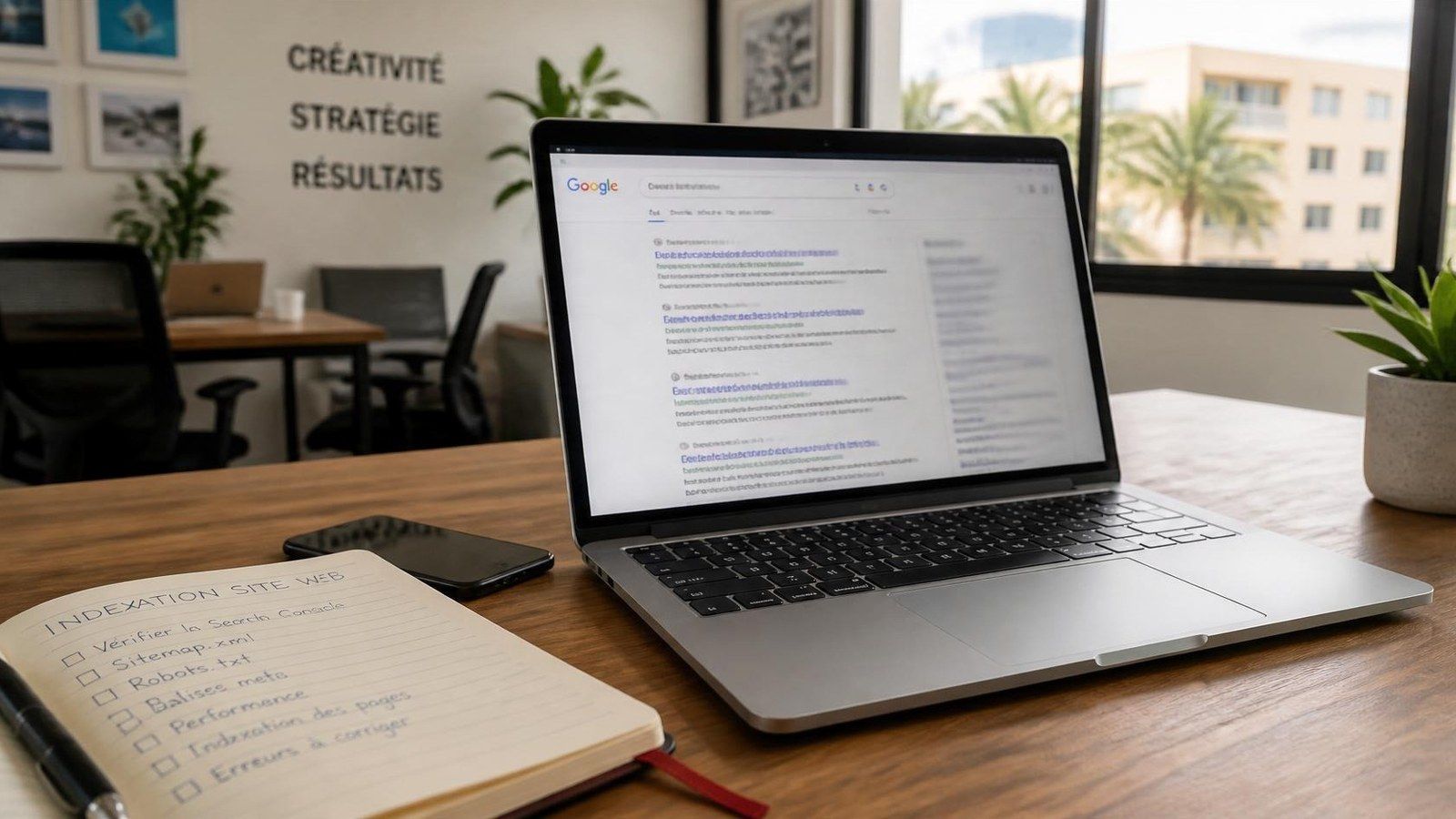
You launched a website. Colleagues find it by typing the address. But when a customer searches for your activity on Google, you are nowhere. The question then comes back: « how do I appear on Google ».
This guide is for SME owners, NGO managers and institutions in Benin and French-speaking Africa. Not an SEO encyclopaedia: a concrete chain — be found by Google, get indexed, become measurable in Search Console, and only then aim for better rankings. Our position: appearing on Google starts with indexing; ranking comes later, and it is not the same thing.
Appear, get indexed, rank first: three different things
- Appear / get indexed: Google has stored at least one of your pages in its index. Without that, you do not exist in search results.
- Be visible for a query: an indexed page can still rank very low, or only for your brand name.
- Rank first: that is ranking. It needs useful content, healthy technical pages, time — and no serious agency can guarantee it.
Many Google suggestions also mix « appear on Google Maps » and « without a website ». For a physical address (shop, practice, NGO with an office), the answer is a Google Business Profile. For a website, it is indexing. They complement each other; it is not either/or.
How Google finds (or misses) your site
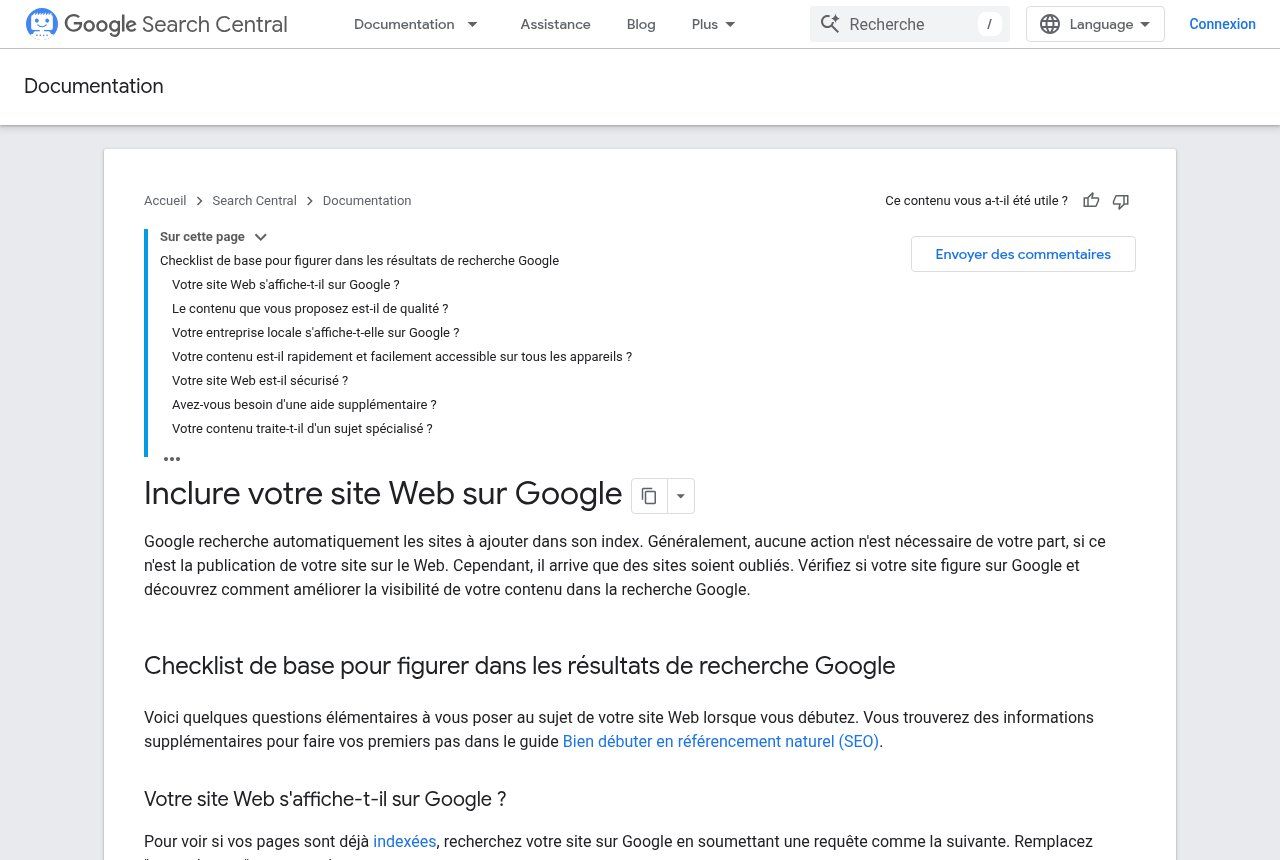
Source: developers.google.com/search/docs/fundamentals/get-on-google (French UI), screenshot 16 Oct 2026.
Google itself describes the process: its crawlers explore the web by following links and sitemaps, analyse pages, then store them in the index (« Get your website on Google » docs). An indexed page *can* appear in results; that is not a ranking guarantee (Search Console indexing help).
Why does a new site stay invisible? The most common causes, according to Google:
- No other site links to yours (especially a brand-new site).
- Google has not had time to crawl yet: a few weeks can pass.
- The site is hard to crawl (almost only images, page behind a login).
- An error or a block (robots.txt too strict, noindex tag, unreachable site).
First reflex: type `site:yourdomain.com` into Google (replace with your real domain). If nothing shows up, you are probably not indexed yet — or only partially.
Technical prerequisites before talking SEO
Without these basics, Search Console will only confirm that Google cannot read you.
1. A site accessible without a password
Open your homepage in a private window. If a login page, an « under construction » screen or a 500 error appears, Google sees the same thing.
2. HTTPS everywhere
Users and Google expect a secure connection. An SSL certificate (often Let's Encrypt from the host) is no longer optional. We covered the topic in what HTTPS and an SSL certificate mean.
3. No noindex on important pages
A `noindex` tag or a robots.txt rule can block indexing on purpose — useful for a staging page, catastrophic on a homepage left in draft mode.
4. Real text, not only images
Google mainly reads text. A site made entirely of images or scanned PDFs will be poorly understood. Menus and buttons should also be HTML links, not only clickable drawings.
Google Search Console: the free tool to open first
Official Google Search Console logo from gstatic.com (16 Oct 2026).
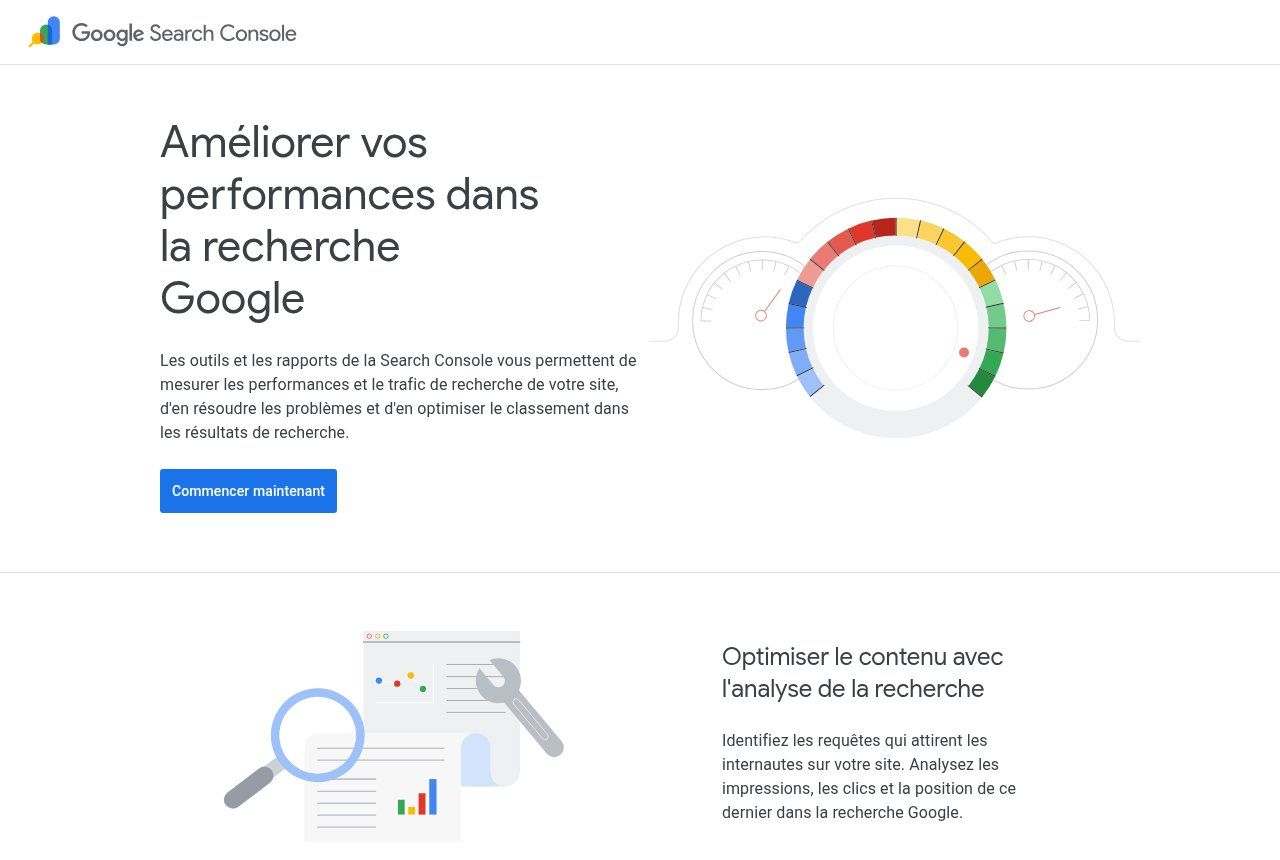
Source: search.google.com/search-console/about, screenshot 16 Oct 2026.
Google Search Console is free. It shows whether Google crawls your site, which pages are indexed, which queries you appear for, and which errors block display. Google recommends adding it from day one (Search Console get started).
Concrete steps
- Create (or use) a professional Google account — ideally an organisation account, not only the contractor's personal Gmail.
- Open Search Console and add your property (URL prefix https://yourdomain.com/ or domain property).
- Verify ownership (HTML file, meta tag, DNS, or Google Analytics / Tag Manager if already in place).
- Submit your sitemap (often https://yourdomain.com/sitemap.xml).
- In the following days, check the Indexing > Pages report and the URL Inspection tool (URL Inspection help).
If a key page is not indexed, URL Inspection shows why and, where appropriate, lets you request indexing. It is not a magic button: Google still decides whether to crawl and index.
The sitemap: what it is really for
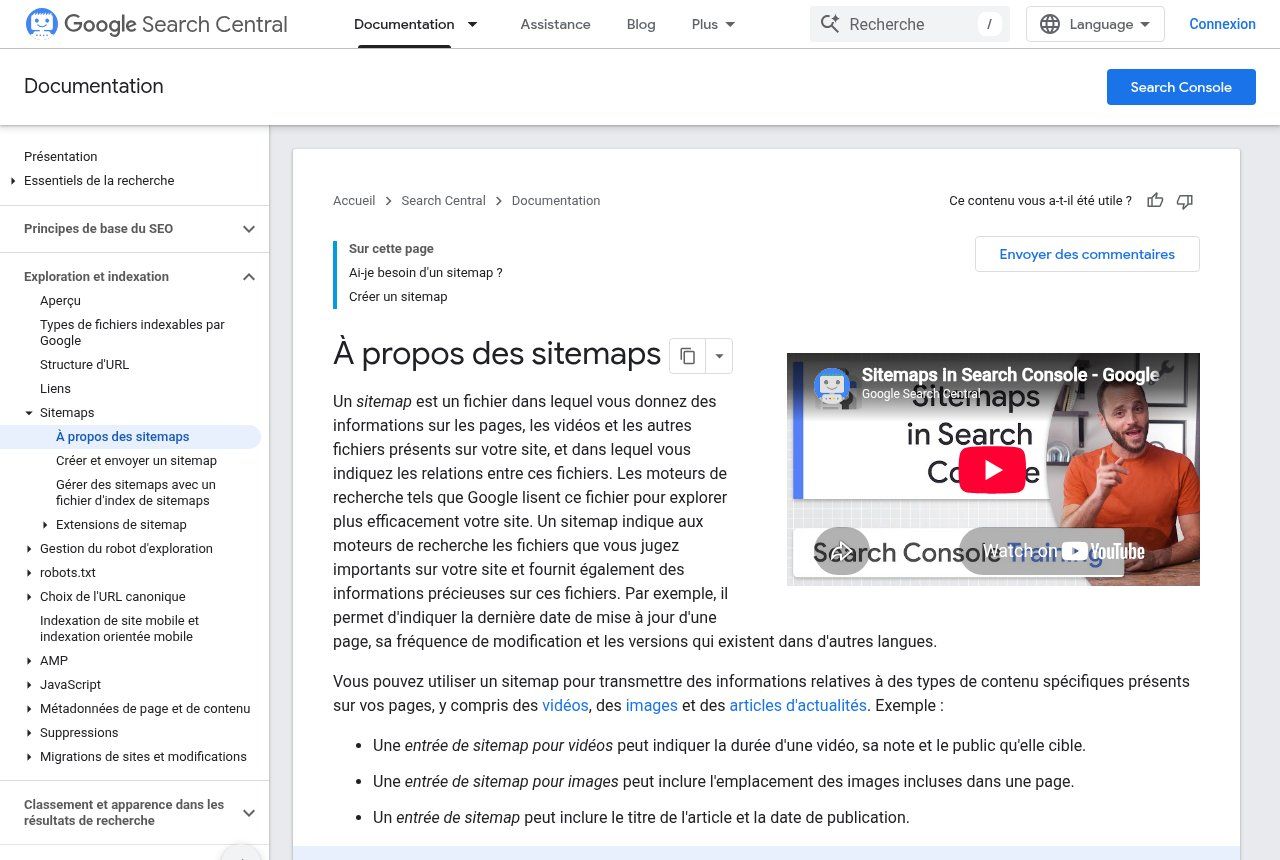
Source: developers.google.com/search/docs/crawling-indexing/sitemaps/overview, screenshot 16 Oct 2026.
A sitemap is a file (often XML) that lists the important URLs on your site. Google says it mainly helps new sites, sites with few external links, or large sites — and that it does not guarantee every URL will be crawled or indexed.
For an SME or NGO with a few dozen pages, a well-formed sitemap plus Search Console is still the simplest way to tell Google: « here are our public pages ». On many modern sites (Next.js, WordPress with an SEO plugin), the sitemap is generated automatically; just check that it is up to date and does not include private pages.
After indexing: what actually brings customers
Being indexed is the entry door. Then Google picks the pages it finds useful for each search. Its guidelines stress helpful, reliable, people-first content (helpful content guide).
- Pages that answer real questions: prices, lead times, service areas, documents to provide — not only « Welcome to our website ».
- A maintained business blog on your domain, for questions the homepage does not cover: see how to create a business blog.
- Internal links between services, articles and contact.
- A Google Business Profile if you have a physical address or a local service area.
- A site that loads properly on mobile: most searches already happen on a phone.
If your site is indexed but brings no enquiries, the problem is often no longer indexing: read why your website is not bringing you customers.
Google Search vs Google Maps: do not confuse them
Suggestions like « appear on Google Maps », « without a website » or « as a professional » point to the business profile. It shows your name, address, hours, reviews and photos in Maps and in the local panel of results. It does not replace a website: it works local search while your site answers deeper questions. The step-by-step is in our article create your Google Business Profile.
The mistakes we see most often
- Waiting to rank #1 before opening Search Console: without data you fly blind.
- Buying dubious « backlinks » to « force » indexing: against Google's spam rules, and risky.
- Believing a Facebook page is enough: useful for distribution, not for owning your pages in Google's index.
- Leaving the site on HTTP or « Not secure »: trust killer and negative signal.
- Judging too soon: a new site can take weeks to be properly crawled.
- Requesting indexing for 200 pages at once without fixing technical errors: pointless.
Related reading: What is a search engine, What is local SEO and What are SEO keywords and how to find them for free for your website.
Frequently asked questions
How to appear on Google for free?
Indexing itself is free. Search Console is free. A Google Business Profile is free. What costs money is the website (design, hosting, content) and the time to maintain it. Be wary of offers that promise the top spot for an opaque monthly fee.
How long before we appear?
It varies. A new site properly declared in Search Console with a sitemap can start being crawled within days to a few weeks. Appearing for competitive queries usually takes longer.
Do you need a website to appear on Google?
For classic web search, yes: Google indexes pages. For Maps / the local panel, a Google Business Profile can be enough to be found locally even without a site — but a website remains the best place to explain your offers and convert.
Does Search Console replace an SEO specialist?
No. It is the dashboard. It shows what Google sees. Interpreting and fixing issues (technical, content, structure) remains human work — yours or a provider's.
How much does Guelichweb support cost?
It depends on the state of the site: simple Search Console + sitemap setup, indexing audit, or a rebuild. We quote after a short diagnostic; see our offers.
We help make your site visible on Google
At Guelichweb we build sites designed to be crawled and indexed from day one (HTTPS, sitemap, clear structure), we connect Search Console, and we can follow up with content and a Google Business Profile. Discover website creation in Cotonou and our web agency in Abomey-Calavi, compare our offers, then contact us with your site address: we will first tell you whether it is already indexed, and what is blocking.