Create your Google Business Profile to be found locally
G. CHRIST
Published on October 15, 2026
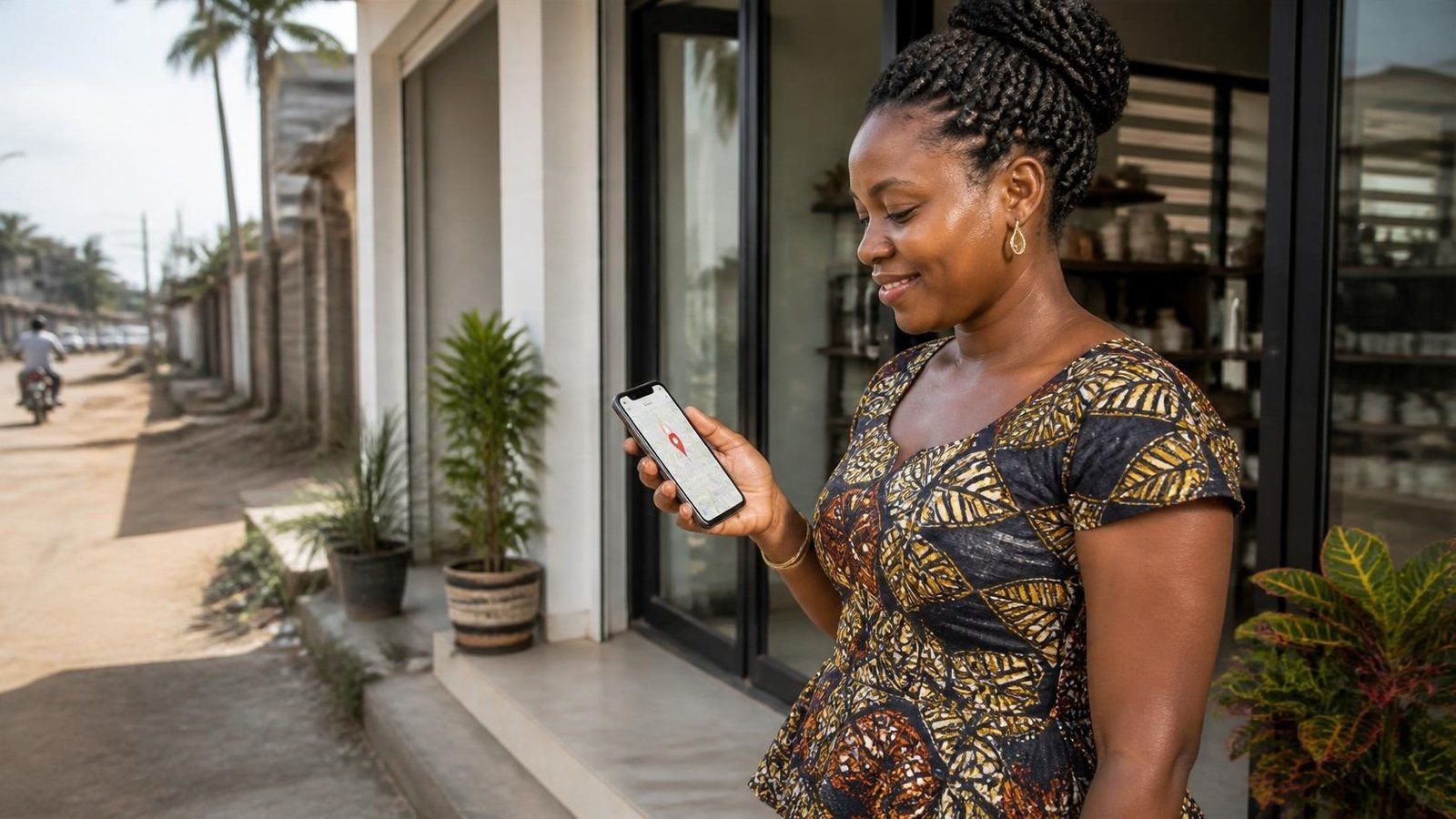
When someone searches "how to create a Google page", they almost never mean a Google Sites page. They want the listing that shows up on Maps and in Search: hours, phone, reviews, directions. Google now calls it a Business Profile. The old name, Google My Business, still dominates search queries.
At Guelichweb we often see the same pattern: an SME or NGO already runs a busy WhatsApp line, sometimes a website, but nothing controlled on Google. The result is a wrong address, opening hours from three years ago, or a listing created by a customer that nobody manages. Being found locally starts with taking ownership of that profile.
Logo: Google Business Profile product icon (Google brand / gstatic resource), used here to identify the tool.
What "create a Google page" actually means
Let's clear the vocabulary, because that is where many guides go wrong:
- Google Business Profile: the free listing that represents your organisation on Google Search and Maps. That is what this article is about.
- Former name: Google My Business: the same product. People still search for "Google My Business page".
- It is not a website. Your site stays with you (or your agency). The profile points to the site, the phone, and WhatsApp if you mention it in the description or messaging.
- It is also not Google Sites, nor the old Google+. If someone offers you a "free Google page" without talking about verification or Maps, be careful.
Google states clearly on its Business Profile landing page that you control, at no cost, how your business appears in Search and on Maps, with photos, reviews and essential details.
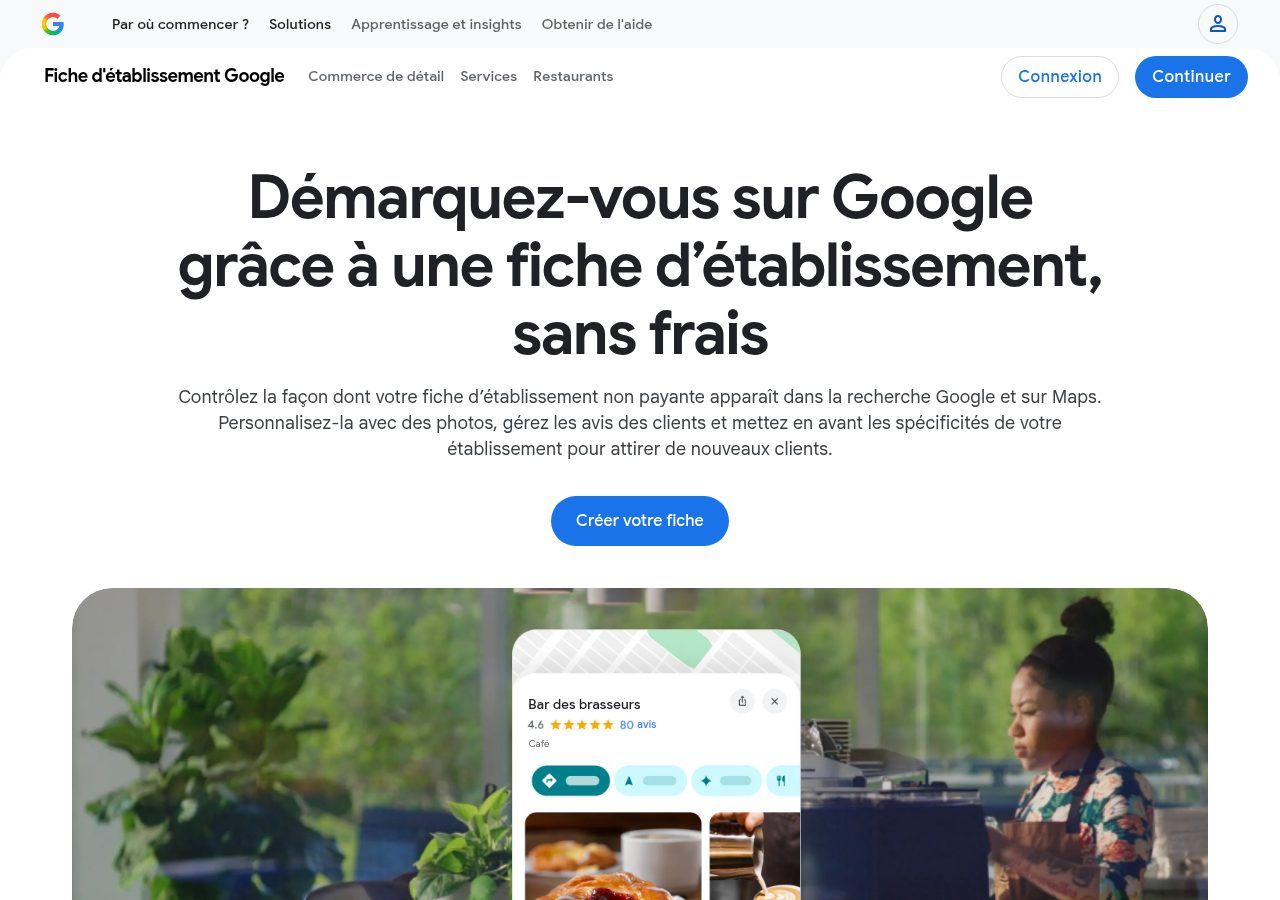
Source: screenshot of business.google.com/fr/business-profile/, viewed on 15 October 2026.
Why an SME, NGO or institution needs one
In Benin and elsewhere in French-speaking Africa, a large share of local searches happens on a phone: "clinic near me", "print shop Cotonou", "NGO Abomey-Calavi". Without a profile, Google sometimes invents a listing from directories and mentions. With a verified profile, you decide the name, address, hours and link to the site.
In practice, a well-kept profile helps you:
- Appear on Maps when someone looks for a service nearby.
- Show the right hours and phone number — and avoid 10 p.m. calls to a closed office.
- Collect and reply to reviews, which reassure people as much as a logo on a flyer.
- Send people to your site or contact form, instead of leaving them with an orphan phone number.
Our view is blunt: if you have a physical address or a local service area, a Google profile is not a marketing extra. It is the baseline. A site alone, without Maps presence, often lets the customer go to a better-signed neighbour. The reverse is also true: a profile without a solid site limits what you can explain. The two reinforce each other, as we describe for the website, WhatsApp and CRM trio.
Before you click: what to have ready
The Google Help Centre covers the basics: a Google Account (ideally with a business email linked), the exact name of the organisation, the main category, the address or service area, a reachable phone number and, if possible, the website URL.
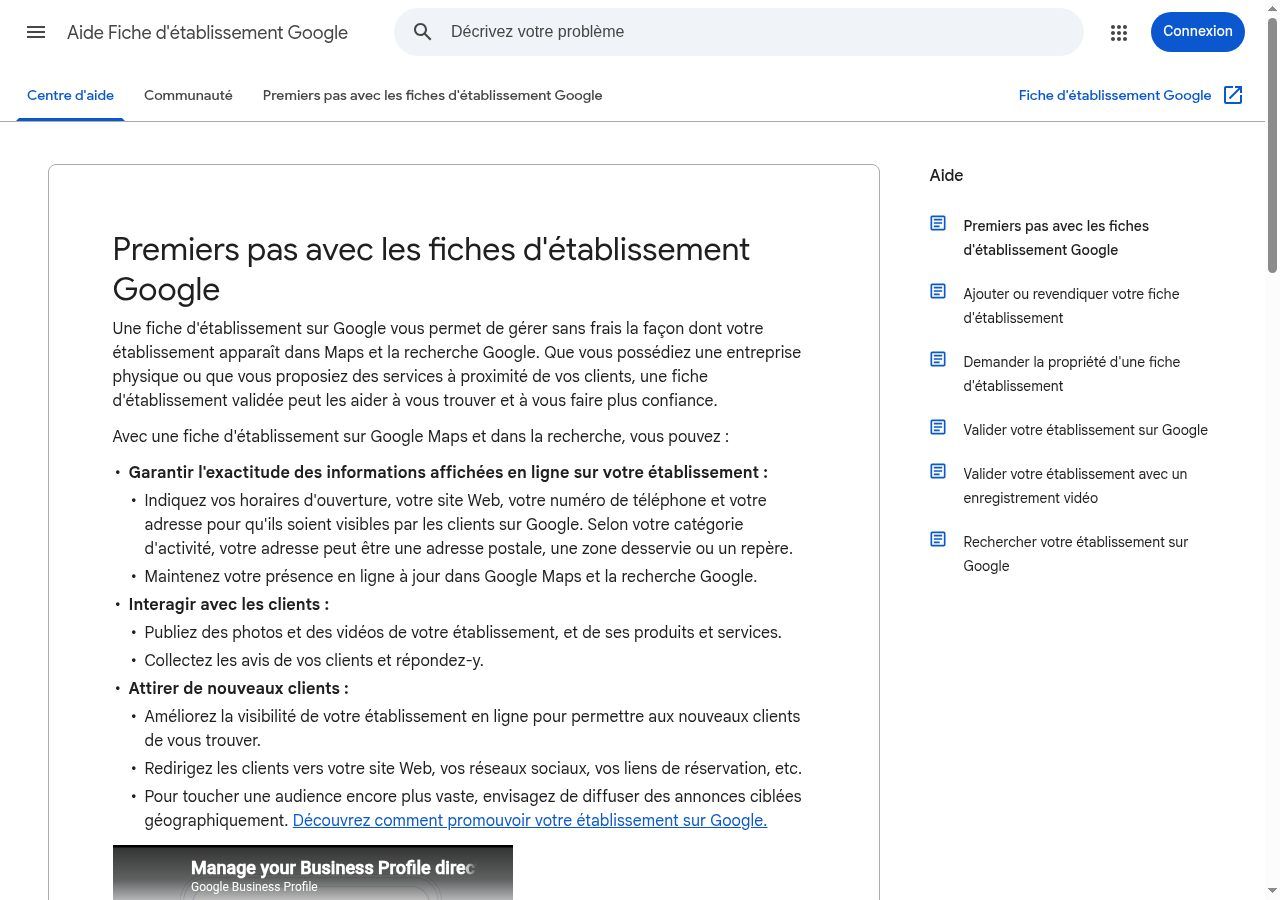
Source: screenshot of support.google.com/business/answer/7039811?hl=fr, viewed on 15 October 2026.
Two common cases:
- Customers visit you (shop, practice, agency, school, clinic): enter the precise address and place the map pin correctly.
- You go to the customer (plumber, consultant, NGO field team): choose a service-area profile instead of a fake address. Google documents that path in Create a Business Profile.
For an institution or multi-site NGO, decide early who owns the profile (an organisation Google Account, not an intern's personal phone) and who gets manager access.
Create or claim the profile, step by step
The official path, without fluff:
- Sign in with the chosen Google Account.
- Go to business.google.com (or follow "Create your profile").
- Enter the business name. If Google suggests an existing listing, claim it instead of creating a duplicate.
- Pick the most accurate category (one primary, then secondary ones if needed).
- Add the address or the service area.
- Add phone and website, then finish.
- Start verification (next section).
Google details this flow in Sign up for Business Profile. If someone else already verified the listing, you must request ownership — do not create a second profile "to work around it": that is the fastest way to get suspended.
Here is what people see once a listing is live: on Maps, a panel with rating, hours, website and phone. The screenshot below is from a public search in Cotonou (illustration only, not a Guelichweb client).
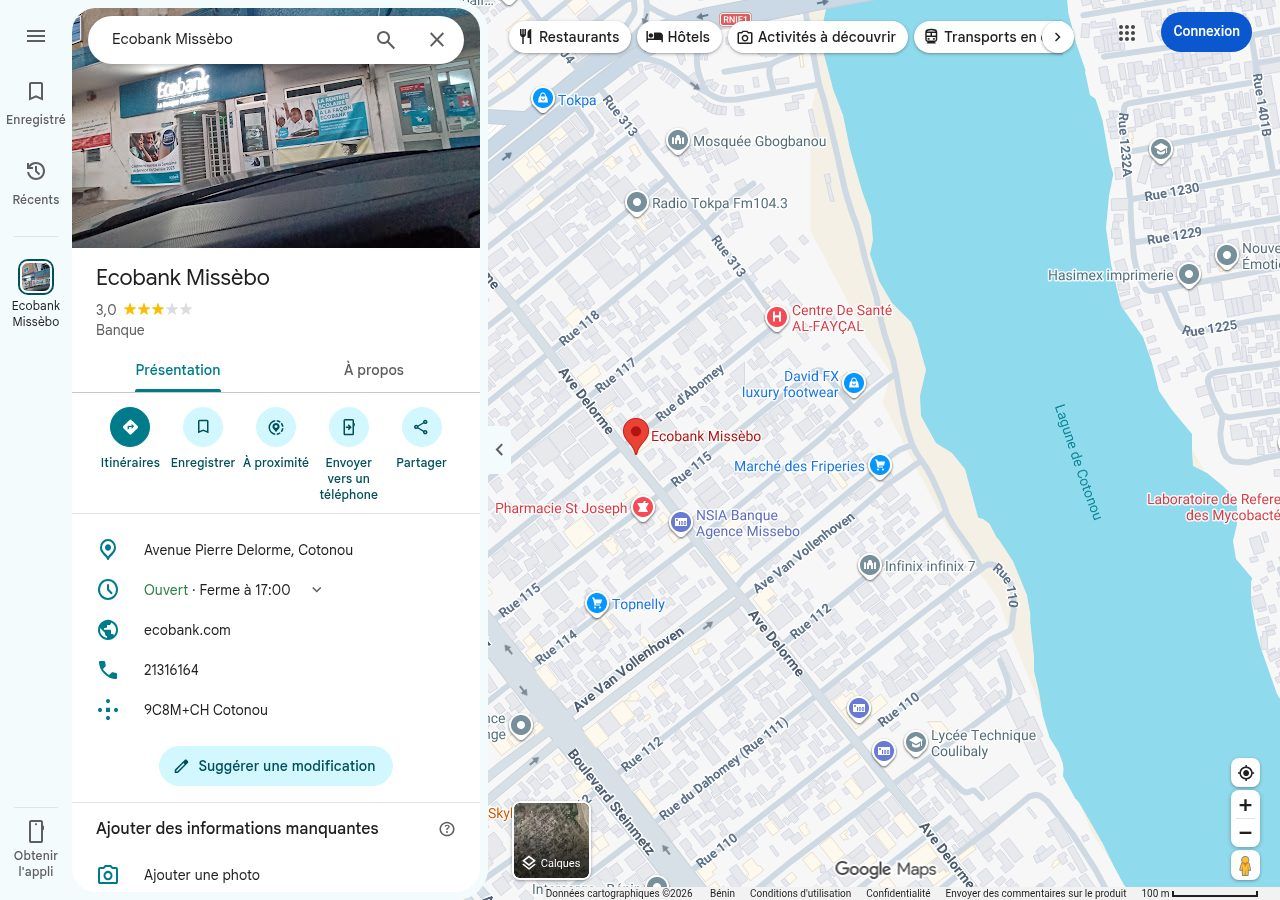
Source: Google Maps screenshot (Ecobank Missèbo search, Cotonou), 15 October 2026. Public example of how a listing displays; no commercial link with Guelichweb.
Verify the profile: the step people underestimate
Without verification, you do not really control the listing. In Verify your business, Google explains that the method depends on business type, region and known details: phone, SMS, email, postcard, sometimes video.
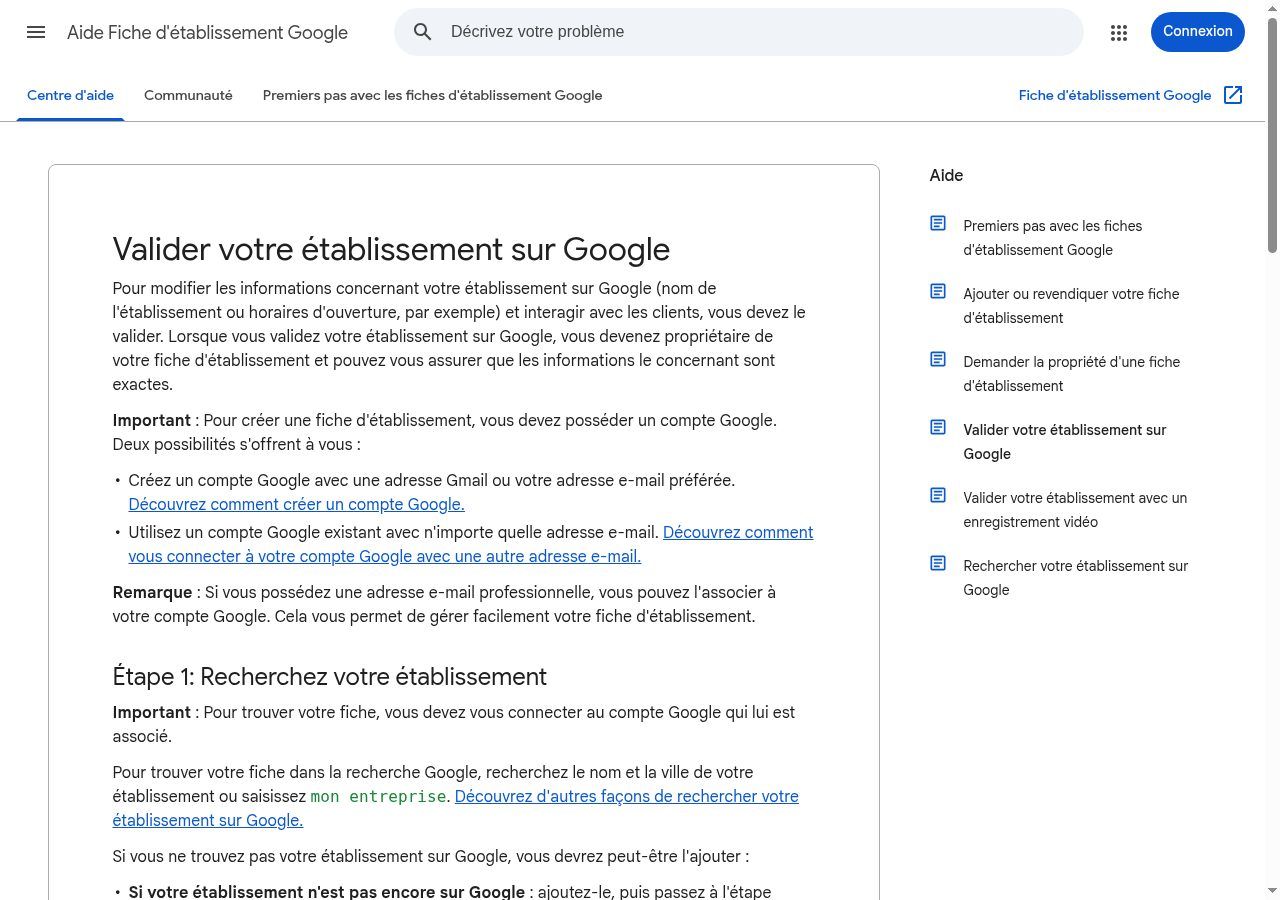
Source: screenshot of support.google.com/business/answer/7107242?hl=fr, viewed on 15 October 2026.
In Benin and several neighbouring countries, stay realistic:
- A postcard may arrive late, or not at all depending on the address. Track the code.
- Phone / SMS is often the simplest path when Google offers it.
- Video means showing the premises or activity clearly: prepare it properly (light, readable signage, no blur).
- Use a stable Google Account. Changing owners every six months creates chaos.
Until the profile is verified, do not spend energy on decorative posts. Ownership first, content second.
Fill the profile so it actually works
An empty profile is an open door with no sign. Once verified, complete:
- Exact hours, including holidays if you close.
- Accurate primary category: "Advertising agency" is not "Website designer". Google ranks that first.
- Clear description, without keyword stuffing. Say where you are, who you serve, and what you do.
- Real photos: façade, team, work. Not three blurry stock shots.
- Link to the site over HTTPS. If the site is not secure yet, fix that: see HTTPS and SSL certificates.
- Replies to reviews, especially negative ones. Ignoring a public review hurts more than a calm reply.
If you still lack a decent web page, the profile does not replace a site: it points people somewhere. To build the page you will link to, our simple method is in how to make a web page.
Common mistakes (and how to avoid them)
- Creating a duplicate when a listing already exists. Search name + city first.
- Inventing an address for a fully mobile activity. Prefer a service area.
- Leaving ownership on an employee's personal Gmail. Move to an organisation account and managers.
- Buying "50 review packs". That breaks Google's rules and usually backfires.
- Forgetting to update after a move or a phone change. A wrong listing is worse than none.
Google profile, website and quotes: how we connect them
Creating the profile is free. What costs time is consistency, photos, and the ecosystem around it: site, forms, lead follow-up. At Guelichweb we do not sell "a Google page" as a magic standalone product. We check whether the profile, the site and WhatsApp tell the same story.
Pricing for a site or digital support comes after an assessment, as on our offers page and in our article on what a website quote should include. No invented price grid here.
Related reading: How to appear on Google, How to create a business blog that attracts customers and What is a search engine.
Frequently asked questions
How do I create a Google page for my business?
Open a Google Account, go to business.google.com, enter the business name, category, address or service area, phone and website, then verify the profile with the method Google offers.
Is Google Business Profile free?
Yes. Creating and managing the Business Profile is free. Google Ads are a separate, optional product.
What is the difference with Google My Business?
None in substance: it is the former name of the same tool, now called Google Business Profile.
Can I create a profile without a physical address?
Yes, by setting a service area if you go to the customer. Follow Google's help for service-area businesses.
How long does verification take?
It varies: minutes by phone or SMS, several days for a postcard, sometimes longer for video. Prepare visible signage and documents.
Can an NGO or association have a profile?
Yes, if it has a local presence people search for (HQ, branch, reception point). Pick the right category and an organisation-managed Google Account.
Does the profile replace a website?
No. It helps people find you and trust you. The site develops the offer, proof and forms. They complement each other.
Ready to be found where your customers look?
If your organisation is in Cotonou, Abomey-Calavi or elsewhere in Benin and your Google profile is missing, incomplete or out of your control, we can review it together with your site and WhatsApp presence. Explore our services, our website creation approach in Cotonou and in Abomey-Calavi. For a quote after assessment: offers. Contact us.