How to create a business blog that attracts customers (and keep it going)
G. CHRIST
Published on October 16, 2026
Many businesses open a blog, publish three enthusiastic posts, then nothing for two years. The last post is often called « Welcome to our new website ». For a visitor that is worse than no blog at all: they wonder whether the company still exists.
This guide answers « how to start a blog » from the point of view of an SME, an NGO or an institution, in Benin, French-speaking Africa or anywhere else. Not a travel blog or a personal diary: a blog that helps you get found on Google, reassures people before they buy and answers the questions you already get every day. Our position: a business blog is judged by its consistency and usefulness, not by its number of posts.
What is a blog for, for a business?
A brochure website says who you are. The blog shows you know what you are talking about. In practice it does three things:
- Get found on searches your homepage will never cover: « how much does… cost », « how to choose… », « what is the difference between… ».
- Reassure: a hesitant prospect reads two posts and sees you master the subject. For an NGO it is also the showcase of its projects, readable by partners and donors.
- Save time: when the same question arrives on WhatsApp for the tenth time, you send the link instead of typing the answer again.
What a blog will not do: rescue a slow, badly built website with no visible contact button. If your site brings no enquiries at all, start with why your website is not bringing you customers.
Where to create your blog: Blogger, WordPress.com or your own website?

Official Blogger, WordPress.com and Google Search Console logos, cropped from their public pages (16 Oct 2026).
Google's suggestions show many people search « how to create a blog for free », « on Blogger », « on WordPress », and even « on Facebook ». Here is our blunt reading.
Blogger: free and simple, but dated
Blogger is Google's free blogging service. You create a blog with a Google account in minutes, on a blogspot.com address. An often-overlooked plus: Blogger lets you connect a domain name bought elsewhere (Blogger help).
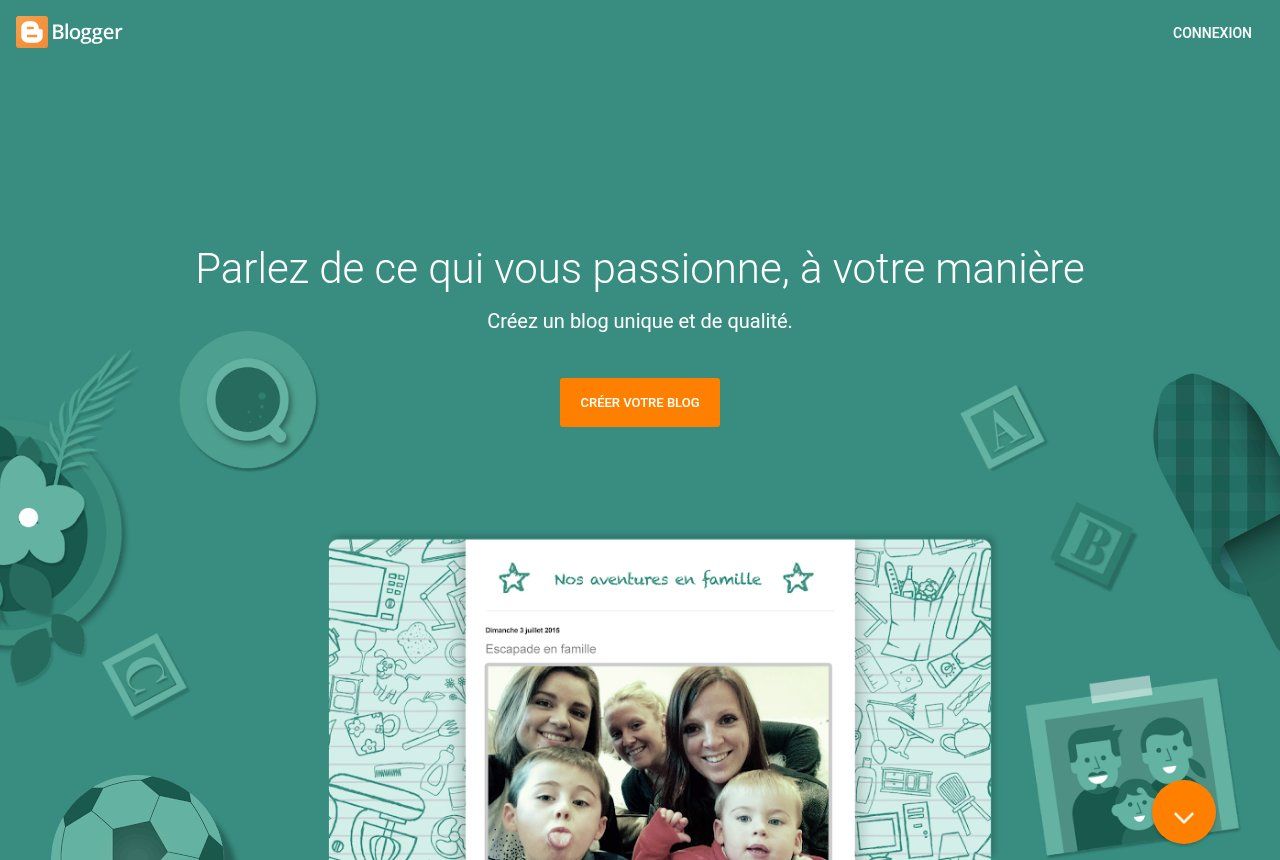
Source: blogger.com/about (French version), screenshot 16 Oct 2026.
The downside: limited themes, few updates and a blog separate from your website. Fine for testing your writing with no budget. For a business that already has a site it is a bad idea: you split your audience across two addresses.
WordPress.com: the free plan shows ads
WordPress.com has a free plan, but its pricing page says it plainly: free sites show WordPress.com ads to visitors, and you need a paid plan to remove them (WordPress.com pricing). A common confusion: WordPress.com is a hosted service, while WordPress itself is free software you install with a hosting provider.
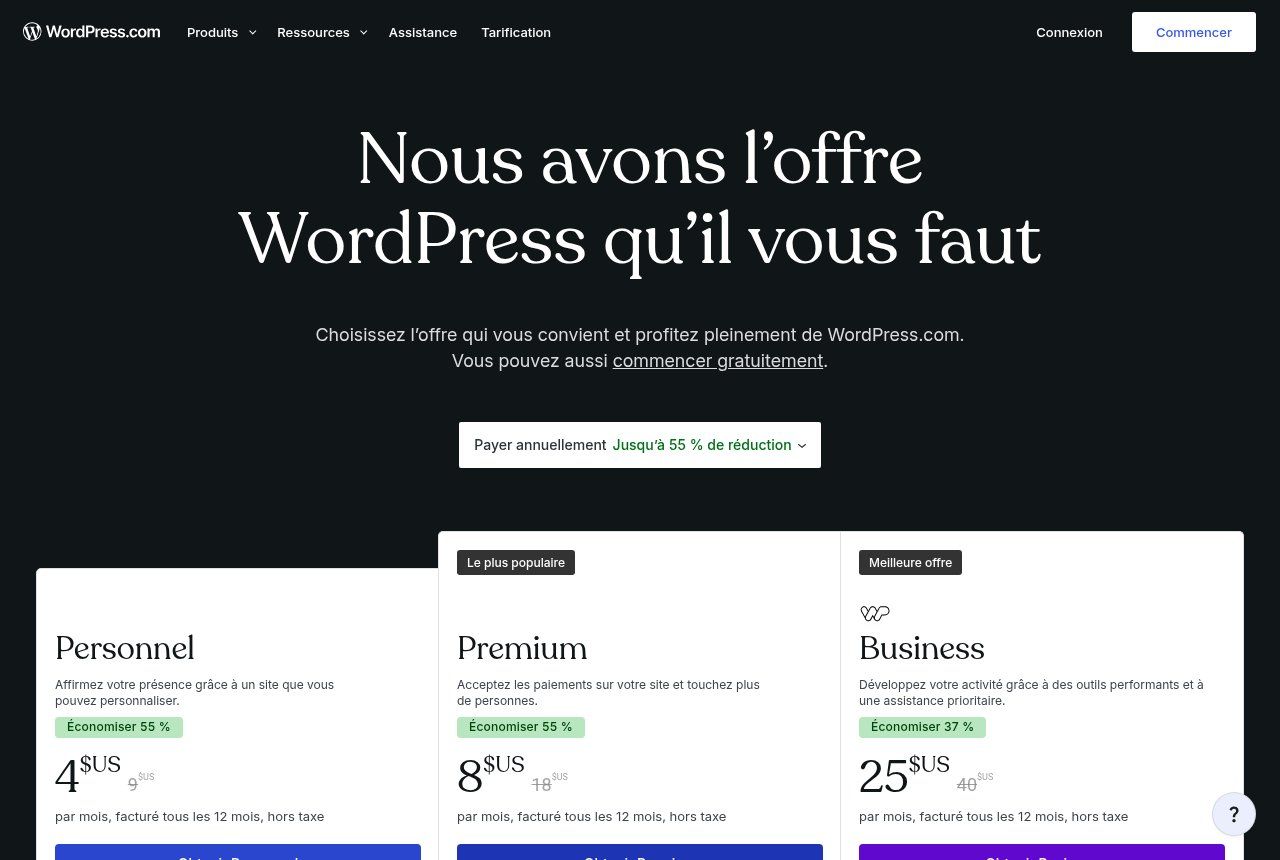
Source: wordpress.com/fr/pricing (French version), screenshot 16 Oct 2026.
A business showing someone else's ads on its own content sends the wrong signal. We covered this trade-off in how to make a website for free: what you really get.
A Facebook page is not a blog
Posting on Facebook or LinkedIn is still useful for distribution. But those posts scroll away, you control neither the layout nor the rules, and they do not form articles people can find by topic on Google. Social media brings people in; the blog gives them an answer you own.
Our recommendation: the blog inside your website, at /blog
For an SME, NGO or institution that has (or will have) a website, the blog should live on your own domain, for example yoursite.com/blog. Every post strengthens the same site, readers are one click from your services and contact form, and you keep your content if you change provider. That is what we do on the blog you are reading. Also check the site runs on HTTPS before launching anything.
The steps to create a business blog
1. Set a single goal
More quote requests? Hiring? Showing project impact to partners? Pick one. It will decide the topics and the call to action at the bottom of each post.
2. Find topics in your conversations
The best source of topics is not a paid tool, it is your phone. Reread your WhatsApp chats, your emails, the questions asked at the counter or on the phone. Write down each question the way the customer phrased it, in their words. Twenty real questions beat a hundred brilliant ideas from a meeting.
Then type those questions into Google and look at the suggestions: they show the wording people actually use, and often angles you had not thought of.
3. Prepare 10 topics before publishing the first
A calendar of ten prioritised topics prevents the three-week stall. Mix discovery questions (« what is… »), comparisons (« X or Y ») and decision questions (« how much does… cost », « how to choose a provider »).
4. Pick a pace you will keep
Two good posts a month, kept up for a year, beat a burst of ten posts in January followed by silence. Block a fixed slot in the calendar and name one person in charge. Without an owner the blog dies; it is almost a law.
5. Write for a human, structure for Google
Answer the question in the first lines, then go into detail. A clear title, subheadings, local examples (prices in CFA francs, procedures in Benin, Mobile Money), images with alt text. Google says it in its guidelines: it looks for helpful, reliable, people-first content (Google's guide to helpful content).
6. End every post with an action
A link to the relevant service, a WhatsApp button, a form. A post read to the end with no next step is a missed opportunity.
What about AI?
In 2023 Google clarified that what matters is the quality and usefulness of content, not how it is produced, and that automation used mainly to manipulate rankings remains against its policies (Google's guidance on AI-generated content).
Our view: AI is a good assistant for outlining, rephrasing or proofreading. It does not know your customers, your prices or the real difficulties of your sector in Cotonou or Abidjan. That is exactly what readers come for. One more generic article helps nobody.
You can also offer an audio version of your posts with ElevenLabs, handy for busy readers. Check the commercial licence (Starter plan) before using it on your company site. Partner link: Guelichweb earns a commission if you subscribe, at no extra cost to you.
Settings to get right from the first post
- Google Search Console: add your site and submit your sitemap. It is free, and it is where you will see which searches your posts appear for (Search Console).
- An up-to-date sitemap that automatically includes each new post.
- Article structured data (title, date, author) to help Google understand your pages (Google documentation).
- A visible date and author on every post: it reassures readers.
- Internal links between your posts and to your service pages.
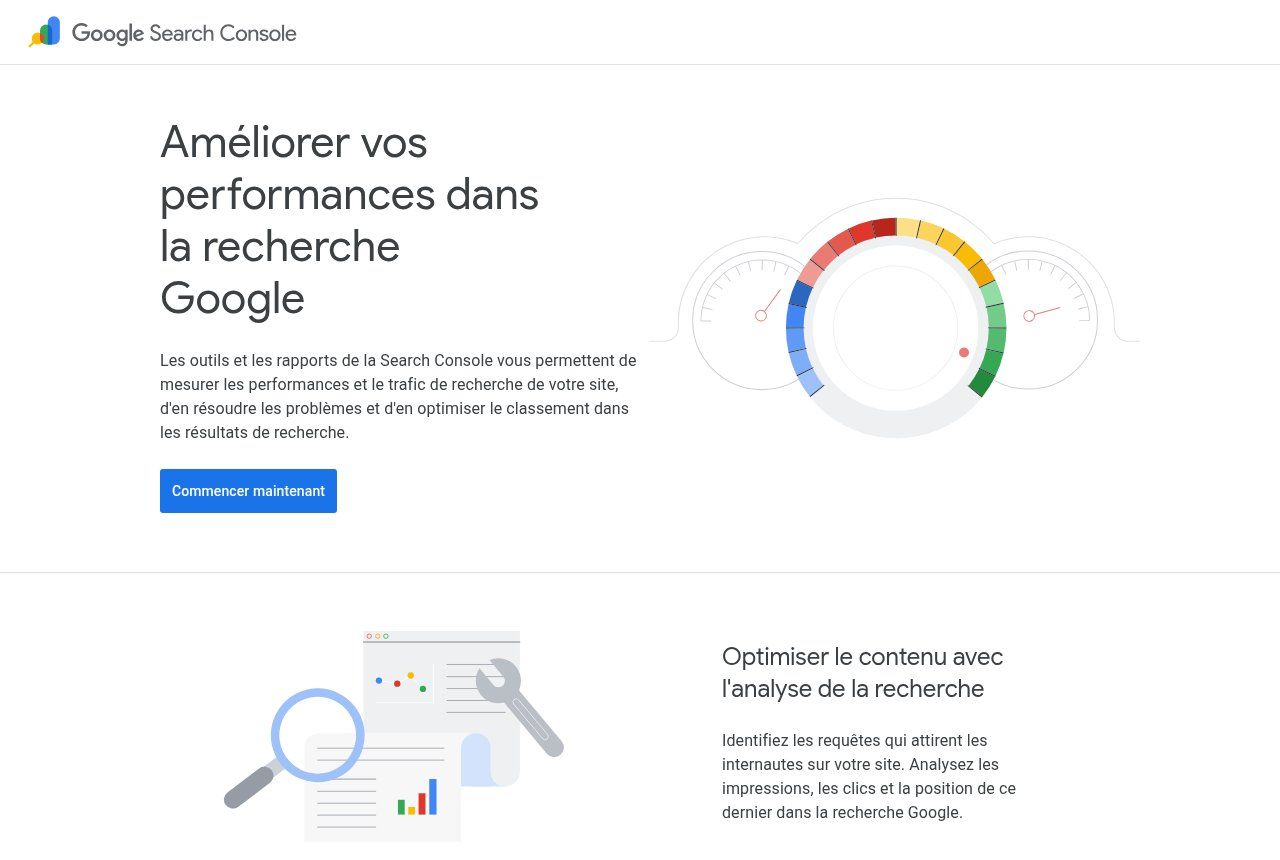
Source: search.google.com/search-console/about (French version), screenshot 16 Oct 2026.
Getting your posts read (without spending your evenings on it)
At first, Google will take time to send you visitors. So distribute yourself: WhatsApp status, customer broadcast list, LinkedIn page, professional Facebook group. And that sharing can be automated: each time a post is published, a workflow sends the link to your channels. That is typically a job for n8n or Make.
For businesses with a physical address, also think of your Google Business Profile: it works local search while the blog works the in-depth questions.
The mistakes we see most often
- Talking about yourself (« we attended the trade fair… ») instead of answering customers' questions.
- The blog on a different address from the website: two audiences to build instead of one.
- Copying articles found elsewhere: useless for Google and legally risky.
- No owner and no calendar: the blog stops at post number three.
- Judging too fast: a post can take several months to rank well.
Related reading: How to appear on Google, What is a search engine and What is local SEO.
Frequently asked questions
How do I create a blog for free?
Blogger and the free WordPress.com plan allow it. You get an address carrying the platform's name and, on free WordPress.com, ads shown to your visitors. For a business that is a test, not a lasting solution.
How many posts should I publish?
There is no magic number. Two useful posts a month, kept up over time, beat ten rushed posts at once.
Blog or website: which should I choose?
It is not either/or. The website presents your offers; the blog is a section of that site that attracts and reassures. If you have no website yet, start there.
Do I have to write it myself?
You must at least provide the substance: your answers, your examples, your figures. Writing can be delegated or assisted, as long as every post is reviewed before publishing.
How much does a blog cost with Guelichweb?
It depends on the starting point: adding a blog to an existing site, a full redesign, or editorial support. We quote after a short diagnosis; see our offers.
We help you launch a blog that works for you
At Guelichweb we build the blog right into your website, with the right Google settings from day one, and we can automate its distribution to your channels. Explore our services and website creation in Cotonou, compare our offers, then contact us with your ten most frequent customer questions: we will turn them into your first calendar.