Inventory management with Excel or Google Sheets: a practical method for SMEs
G. CHRIST
Published on November 5, 2026

In many shops, SMEs and even NGOs across Benin and French-speaking West Africa, “stock” still lives in three places at once: the manager’s head, a notebook, and a WhatsApp thread where someone wrote “4 cartons left.” That works… until a customer orders 20 units, a donor asks for an inventory, or two sellers both sell the last item.
Inventory management with Excel or Google Sheets is not an ERP. It is a clear, almost free method you can set up in one afternoon — and it already changes daily life: knowing what is left, what to reorder, and what the stock is worth.
At Guelichweb, we often see the same pattern: a polished WhatsApp Business catalog, orders flowing in… and no reliable link to real stock. In this guide we explain how to build a simple inventory workbook (Items + Movements), in Excel or Sheets, the useful formulas, physical counts, the link with WhatsApp / mobile money, the limits of a spreadsheet, and when to move on. We do not invent our own price list: for hands-on help (automation, dashboards, website), we send a quote after a diagnostic.
In short: never type the stock level by hand. Create an Items sheet and a Movements sheet. Stock is calculated (ins − outs). Set a reorder threshold. Run regular physical counts. Then connect the file to WhatsApp and your sales. Excel and Google Sheets last a long time — as long as the method is respected.
What inventory management is (and is not)
Inventory management is the set of rules and tools that let you know, at any time:
- How many units of each SKU you actually have available.
- When to reorder (before a stock-out, without overstocking).
- What the stock is worth (at purchase cost), for cash flow and accounting.
- Where gaps come from (breakage, theft, typing errors, returns).
It is not “a pretty coloured table.” It is also not magic software that fixes a team that never logs outbound stock. The spreadsheet (Excel or Google Sheets) only applies a method. If the method is wrong — overwriting the quantity cell after every sale — the file will lie within a week.
Stock ≠ catalog ≠ cash drawer
- The catalog (WhatsApp, website, Instagram) shows what you sell — not what is left.
- Cash / mobile money records money — not always the exact SKU that left the shelf.
- The inventory file records movements (ins and outs) and calculates availability.
As long as those three systems do not talk to each other (even manually, once a day), you get surprises. That is exactly the gap a good spreadsheet fills — long before you talk about an ERP.
Excel or Google Sheets: which one for an African SME?
Both do the same job: cells, formulas, filters. The choice depends mainly on who types, where, and with what connectivity.

Official Google Sheets logo, shown for illustration.

Source: Google Sheets — Google Workspace, captured on 05/11/2026.
Google Sheets: our default for teams
For a team in Cotonou, Abomey-Calavi, Lomé or Abidjan already using Gmail / WhatsApp, Google Sheets has three practical advantages:
- Live multi-user editing: warehouse and sales see the same version — no more “stock_final_v7.xlsx” files bouncing on WhatsApp.
- Phone access: the Sheets app (or browser) lets you log an outbound movement from the store, even if it is not as comfortable as a dedicated WMS.
- Automation: Forms, email, n8n / Make, alerts — easier to wire than a local Excel file. See also our guide What is Google Sheets?.
A free Google account is enough to start. Google Workspace becomes useful if you want a professional domain (@yourcompany.bj) and admin controls.
Excel: strong offline, fragile with many editors
Official Microsoft Excel logo, shown for illustration.
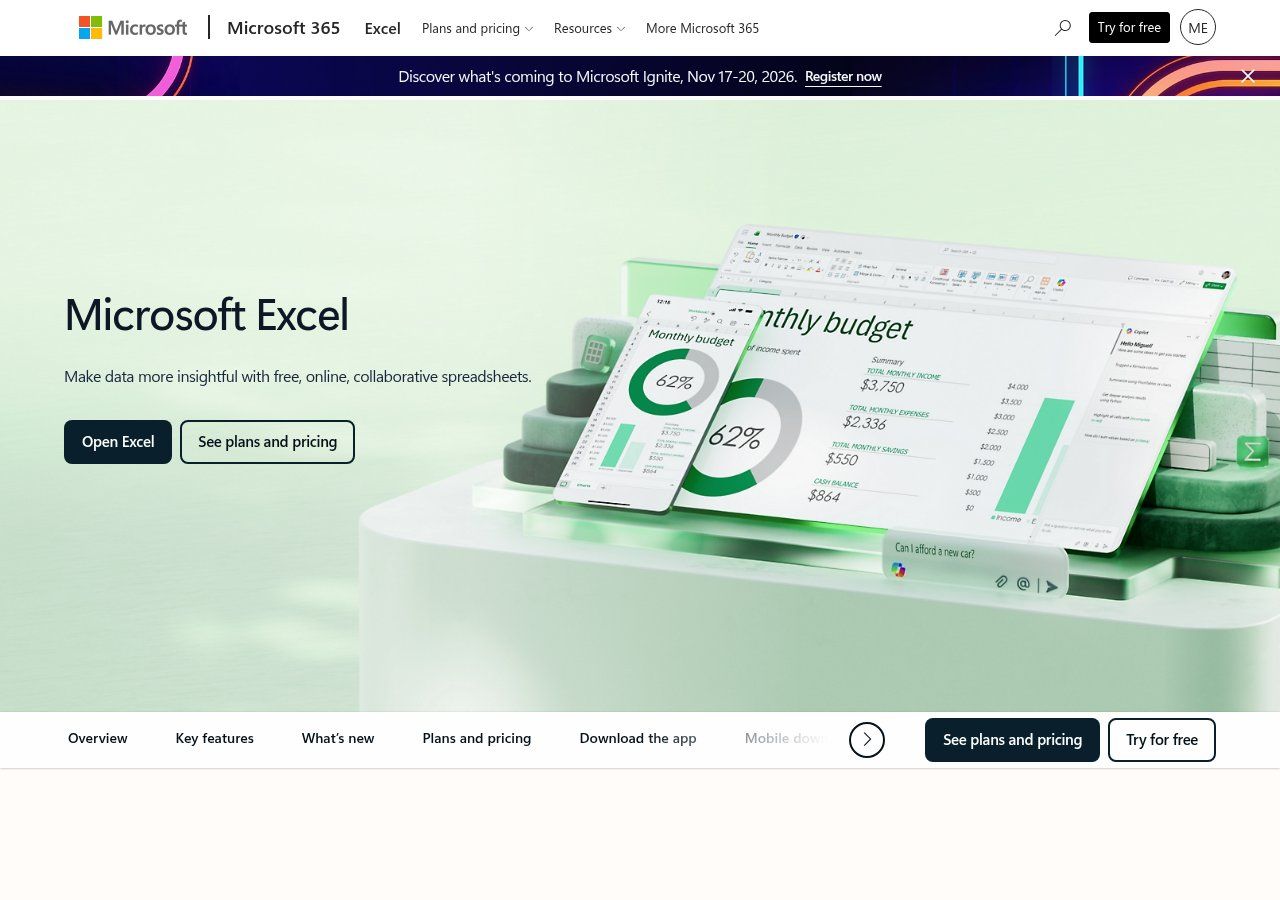
Source: Microsoft Excel, captured on 05/11/2026.
Excel (Microsoft 365 or a desktop licence) remains excellent if:
- One person owns the stock file (or a fixed PC in the warehouse).
- Internet is too unreliable to depend on the cloud.
- You already run business macros / VBA (beware of technical debt).
As soon as two people must type at the same time, a local Excel file becomes a trap: diverging versions, overwrites, “I edited mine.” Excel Online (in Microsoft 365) reduces that risk, but for many local SMEs, Sheets is simpler to roll out.
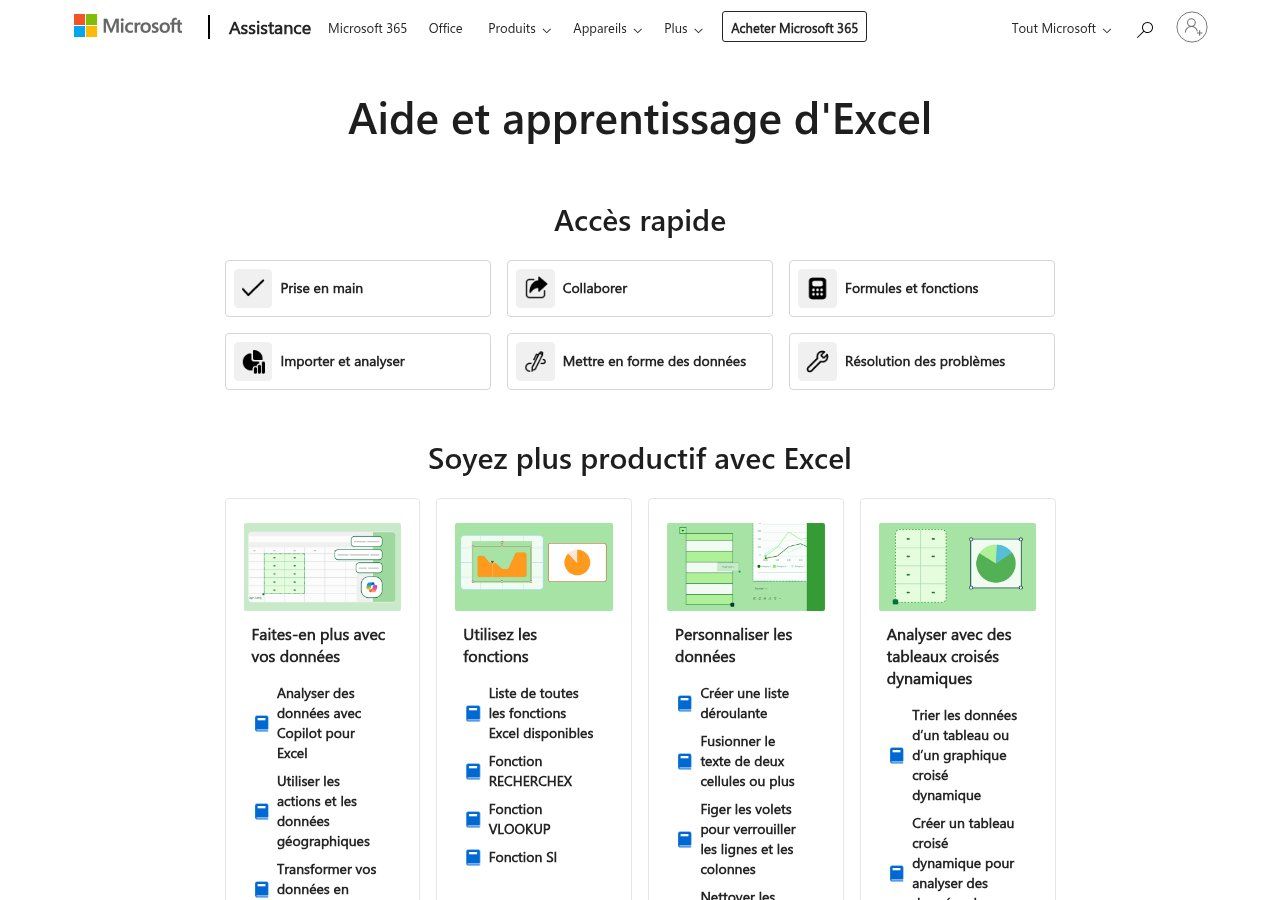
Source: Excel Help and learning — Microsoft Support, captured on 05/11/2026.
Our clear recommendation
Start on Google Sheets if you sell via WhatsApp, if several people touch stock, or if you want alerts later. Keep Excel if you work alone, often offline, and already know the file. The formulas below work in both (French UI: `SOMME.SI.ENS`; English UI: `SUMIFS`).
The structure that works: 3 sheets (not one)
The classic mistake: a single tab where the “Quantity” column is edited by hand. After a month, nobody knows where the number comes from. The golden rule:
Never touch the stock level. Add movements. Stock recalculates.
Sheet 1 — Items (one row per product)
Minimum columns we recommend:
- SKU / Code — unique ID (e.g. TSH-BLK-M). Without a code, name duplicates break formulas.
- Description — human-readable name for the team.
- Category — for filters (drinks, cosmetics, spare parts, NGO kits…).
- Unit — piece, carton, litre, kg.
- Unit cost — average purchase price (XOF).
- Sell price — indicative (useful for margin, not for the till).
- Reorder threshold — quantity below which you must order.
- Opening stock — only at go-live / after a baseline count.
- On-hand stock — a formula, never typed.
- Status — formula “OK / Reorder / Out”.
- Location — aisle, shelf, room (the field people forget and later miss).
- Main supplier — and typical lead time in days.
Sheet 2 — Movements (one row per event)
Every inbound or outbound event = a new row. Never overwrite. Columns:
- Date / time
- SKU (same as Items)
- Type — IN, OUT, ADJUST+, ADJUST−, RETURN
- Quantity (always positive; the type carries the sign)
- Reference — invoice, delivery note, WhatsApp order id, issue voucher
- Reason — sale, purchase, donation, breakage, count, transfer…
- Entered by — first name or initials
- Channel — shop, WhatsApp, website, fair, donation…
This sheet is your journal. It answers “who took the 12 cartons on Tuesday?” — a question a WhatsApp catalog will never answer.
Sheet 3 — Suppliers (optional but useful)
Name, WhatsApp contact, lead time, terms (MOQ, advance payment), related items. It stops people hunting a supplier number across 40 chats.
Essential formulas (calculated stock, not invented stock)
On the Items sheet, for a row whose SKU is in A2:
Cumulative ins
Excel / Sheets (English UI):
`=SUMIFS(Movements!D:D,Movements!B:B,A2,Movements!C:C,"IN")+SUMIFS(Movements!D:D,Movements!B:B,A2,Movements!C:C,"ADJUST+")+SUMIFS(Movements!D:D,Movements!B:B,A2,Movements!C:C,"RETURN")`
Cumulative outs
`=SUMIFS(Movements!D:D,Movements!B:B,A2,Movements!C:C,"OUT")+SUMIFS(Movements!D:D,Movements!B:B,A2,Movements!C:C,"ADJUST-")`
On-hand stock
`=OpeningStock + Ins − Outs` (point at your columns).
Status / alert
`=IF(OnHand<=0,"Out",IF(OnHand<=Threshold,"Reorder","OK"))`
Add conditional formatting: red when status is Reorder or Out. That is your first stock dashboard — before Looker Studio. For broader steering, see our article KPI dashboard for SMEs.
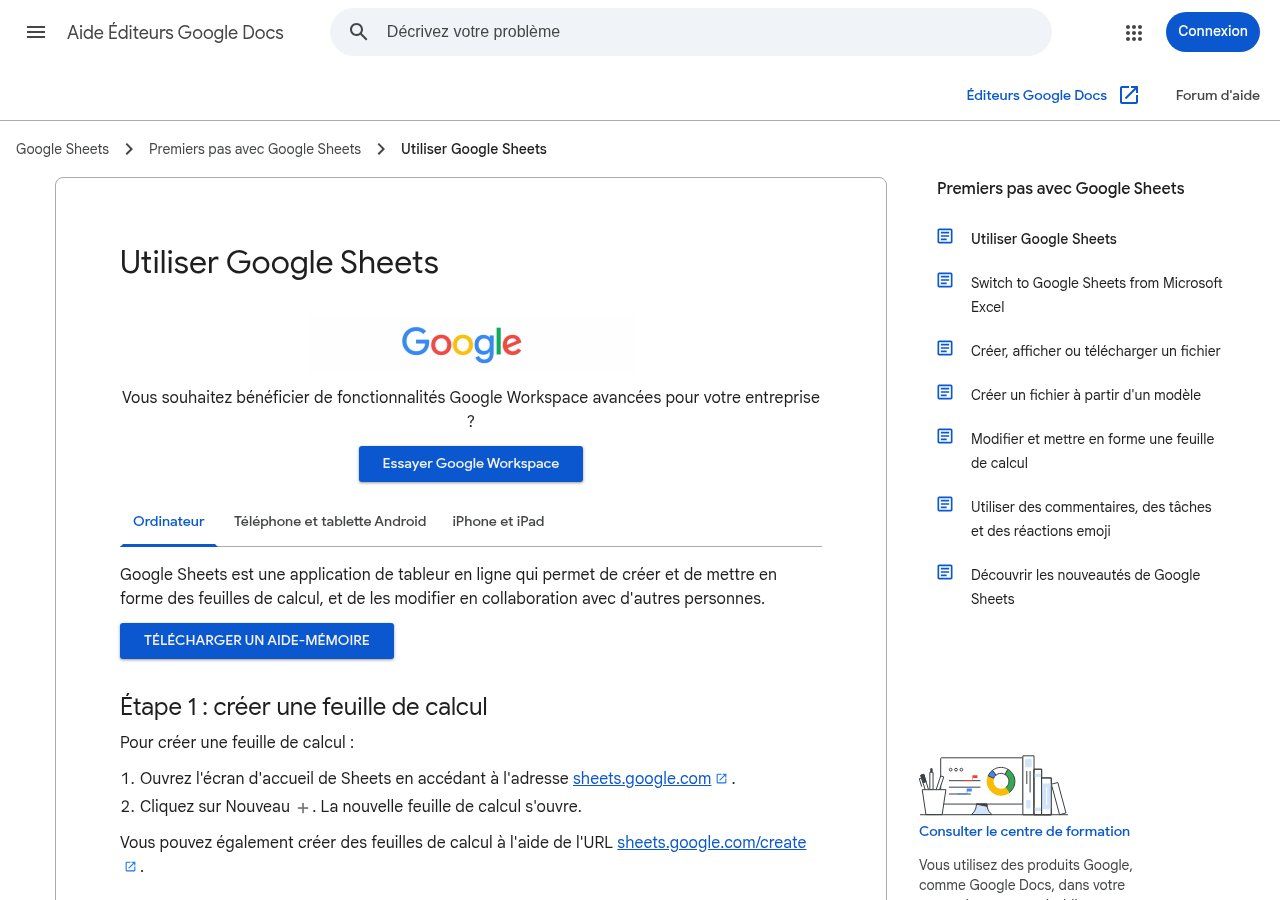
Source: Using Google Sheets — Google Help, captured on 05/11/2026.
Useful official docs: SUMIFS in Sheets and Excel Help (formulas and tables).
A 7-step method to start this week
- List 20–50 priority SKUs (not the whole warehouse at once). The 20/80: what actually sells.
- Assign a short, stable SKU. Avoid messy spaces; write the naming rule (e.g. CAT-COLOUR-SIZE).
- Count those SKUs physically on a quiet evening. That is your opening stock. Date it.
- Create the 2–3 sheets in a fresh file (Sheets preferred). Share as Editor only to people who type; others as Viewer.
- Train the team for 30 minutes: “every outbound = one Movements row.” Editing the On-hand column is forbidden.
- Run 14 days with zero exceptions. Every WhatsApp sale, every supplier receipt, every breakage.
- Do a mini-count of the 10 most sensitive SKUs. Correct only via ADJUST (±), reason “count”.
If after 14 days the file is stale, the problem is not Excel: it is the process. Paid software will not fix a team that never logs outs.
Physical inventory: the safety net
Even with perfect typing, there is breakage, error, sometimes theft. A periodic count compares book stock (formula) and real stock (count).
- Weekly: 10–20 fast movers.
- Monthly: the full active catalog, or by zone (shelves).
- Before a donor report / audit: full dated count, signed, archived (PDF + file).
Variance = real − book. You post ADJUST+ or ADJUST−. You keep the trail. That is what separates serious inventory from a decorative spreadsheet.
Reorder thresholds: avoid stock-outs without drowning cash
Too low = stock-out. Too high = cash stuck in cartons. A simple starting formula:
Threshold ≈ average daily usage × supplier lead time (days) + safety buffer
Example: 3 units/day, 7-day lead time → threshold around 25–30. Recalibrate after 4–6 weeks of real movements. For perishable or seasonal goods, the threshold changes — write it down.
Concrete West Africa scenarios
1. Shop + WhatsApp (Cotonou, Abidjan, Dakar…)
The WhatsApp catalog receives carts. The seller confirms the order after checking Sheets (SKU filter or “Reorder” view). Payment by mobile money (MTN, Moov, Wave, Orange…) or cash on delivery. The OUT is logged when the order is confirmed — not when a customer likes a status update.
2. Hardware / spare parts
Many SKUs, many name synonyms. SKU is non-negotiable. Location (bin) is mandatory. Cycle counts by aisle.
3. NGO / project (kits, non-pharmacy supplies, training materials)
Donors want a paper trail. The Movements sheet with voucher references and “entered by” becomes reporting evidence. Optionally link to a KPI dashboard (stock-out rate, stock value).
4. Small workshop / light manufacturing
Separate raw materials, WIP and finished goods (categories). An OUT of material may match an IN of finished goods (two movements, or a documented “transformation” type).
Connecting stock, WhatsApp, website and automation
The file alone is enough at first. Later, to cut forgotten lines:
- Google Forms: an “Stock out” form (SKU, qty, reason) that appends a Sheets row — helpful when the team is not grid-comfortable.
- n8n / Make: when an order is tagged “confirmed” (CRM, email, Orders sheet), create the OUT automatically. See task automation.
- Email / WhatsApp alert: every day, send the “Reorder” SKU list to purchasing.
- Website / shop: if you run an online store, web stock must stay in sync (even manually each morning) with the master file — or you double-sell.
We build these chains for SMEs and NGOs: the spreadsheet stays the source of truth as long as it can carry the load. When it cannot, we migrate the same concepts (items, movements, thresholds) into a business tool — without losing history.
When Excel / Sheets are no longer enough
Clear signs you need dedicated inventory software (or an ERP / POS module):
- More than a few hundred active SKUs, multi-warehouse.
- Several sellers at once at the till needing tickets and real-time stock.
- Lot / expiry / serial traceability.
- Barcode scanning all day at volume.
- Integrated accounting postings required.
In that case, the Sheets work is not wasted: you already have the item master, thresholds and movement discipline. That is exactly what an integrator will ask for. To explore options, a diagnostic avoids buying a factory too early.
Valuing stock (and speaking the same language as accounting)
Knowing “how many are left” is not always enough. Your banker, accountant or donor often asks: what is the stock worth? In the spreadsheet, add:
- Value at cost = on-hand × unit cost (per row, then total).
- Indicative margin = sell price − unit cost (this is not net profit).
- Dead stock share = SKUs with no movement for X days (filter on last movement date).
Two common accounting methods exist (weighted average cost, FIFO). For a starting micro-business, a simple average cost updated on major receipts is enough. The key is to be consistent: do not change method every month, and document it on the Rules tab.
Stock that is too high versus sales chokes cash — especially when part of it has not moved for six months. Once a month, sort Items by last movement date: what has not moved deserves a decision (WhatsApp promo, supplier return, donation, written-off scrap with a trail).
Access rights, backup and anti-breakage
A good inventory file is an asset. Treat it as one.
- Sheets: share to named accounts. Editors = people who type. Viewers = management, accounting. Avoid “Anyone with the link can edit”.
- Range protection: lock formula columns (on-hand, status, value). Typing happens in Movements and in the human fields of Items (threshold, cost…).
- Version history: Google Sheets keeps history; learn to restore. Excel: OneDrive / SharePoint, or a dated weekly copy.
- Monthly export: download an .xlsx or .csv archive (Drive folder “Inventories / 2026-11”). Useful if the Google account ever fails.
- Phone: train the team to type from mobile without breaking headers (freeze row 1, or use Forms).
If you also store personal data (customer names in the Reference column), apply the same caution as in our legal notice / privacy guidance: do not circulate the file beyond need.
Sample rules tab (adapt and paste)
A short text we often leave on a Rules tab. Copy it, adapt names and times:
- Every supplier receipt is logged the same day (type IN, delivery-note number).
- Every confirmed sale (shop or WhatsApp) creates an OUT before goods leave.
- Editing the On-hand column is forbidden.
- Count variances go only through ADJUST± with a reason.
- If the SKU is unclear, do not invent one: ask the stock owner.
- Partial count every Monday 7:30 on the “top movers” list.
- This file is the master; local copies are not allowed for data entry.
Five minutes of reading when you hire a seller prevents three weeks of ghost stock.
From spreadsheet to steering: 5 useful stock KPIs
Without turning the file into a monster, track weekly:
- Number of SKUs out of stock
- Number of SKUs under threshold
- Total stock value (XOF)
- Number of movements logged (if it drops, discipline is slipping)
- Cumulative count variance for the month (units or value)
These five numbers fit on a summary row or a small “Steering” tab. They connect naturally to a KPI dashboard. The goal is not cosmetics: it is decisions (order, discount, train, investigate a variance).
Excel vs Sheets: practical details that change the day
Beyond marketing claims:
- Speed: desktop Excel often stays smoother past 10,000+ movement rows. Sheets slows down if you SUMIFS entire columns — limit ranges (e.g. Movements!$D$2:$D$5000).
- Print / PDF: both export; for a paper count sheet in the warehouse, prepare a filtered “to count today” view.
- Data validation: dropdowns for Type (IN/OUT/…) and for SKU (lookup from Items). That cuts typos dramatically.
- Decimals: align separators (comma / dot) with team habits; mixing them breaks totals.
- Dates: standardise DD/MM/YYYY. Chronological sort is the base of every control.
These details look minor. They are what make a file survive six months… or die in two weeks.
Common mistakes (and how to avoid them)
- Editing stock by hand — forbidden. Always a movement.
- No SKU — formulas break on lookalike names.
- One file per seller — guaranteed divergence. One master file.
- Forgetting “free” outs (samples, donations, breakage) — book stock lies.
- Copy-pasting threshold = 10 for everything — useless. Calibrate per item.
- No physical count — the file drifts silently.
- Everyone is Editor — someone will break a formula. Protect calculated columns.
- Mixing XOF and units in the same column — one quantity column, one cost column.
Go-live checklist (30–90 minutes)
- File created (Sheets recommended) with Items / Movements / Suppliers tabs.
- 20+ SKUs entered + opening stock from a dated count.
- On-hand + status formulas + conditional formatting.
- Sharing: 2–3 editors max, others view-only.
- Five-line Rules tab written.
- First real day tested (1 IN + 3 OUTs).
- Calendar reminder: partial count in 7 days.
FAQ — inventory management with Excel / Google Sheets
Do I need to pay for Excel or Google Sheets?
Google Sheets works free with a Google account. Excel often needs Microsoft 365 for multi-user cloud; a desktop licence is enough if one person types offline. See also Google Workspace pricing.
Can I manage stock only inside the WhatsApp catalog?
No. The WhatsApp catalog shows products and a cart; it does not compute reliable on-hand stock or an inventory history. Use it to sell, and Sheets/Excel for availability. Our WhatsApp Business catalog guide covers the sales journey.
How do I handle cartons vs pieces?
Pick one stock unit per SKU (often the piece) and convert on receipt (1 carton = 24 pieces → IN 24). Or create two linked SKUs, but that is more fragile.
What if the count does not match the file?
Do not “fix” the stock cell. Add an ADJUST with reason, date and owner. Investigate recurring variances (training, theft, breakage, wrong SKU).
Does Sheets work offline?
Partially (mobile app / offline mode), then sync. If the warehouse is often offline, use a paper buffer or a same-day local Excel sheet, consolidated in the evening.
How many SKUs can a spreadsheet hold?
Several hundred, if discipline is good and formulas stay light. Beyond that, or with multi-warehouse / heavy scanning, move to a dedicated tool.
Does Guelichweb sell an Excel template?
We prefer to build the structure with you (SKUs, WhatsApp channels, alerts, optional automation). Contact us via /en/contact or see /en/offres: quote after diagnostic, no invented price grid.
Conclusion: method before software
Inventory management with Excel or Google Sheets works when the rule is clear: movements first, calculated stock second, counts to correct, thresholds to anticipate. It is within reach of an SME, a shop or an NGO — without waiting for an ERP budget.
If you want to connect this file to WhatsApp, a website, a CRM or automatic alerts, we can help. Write via /en/contact: we start from your reality (warehouse, sales channels, team), not from a generic demo.