Email newsletter for SMEs: free tools, Brevo and automation (n8n/Make)
G. CHRIST
Published on November 7, 2026
Many SMEs, NGOs and institutions in French-speaking Africa still treat email marketing as something “for big brands”. So they send PDF packs over WhatsApp, paste an Excel column into Gmail’s To field, and then wonder why half the messages land in spam — or why nobody unsubscribes, because there is simply no link to do it.
At Guelichweb we see the opposite every month: a small team that moves to a real emailing tool (often Brevo, sometimes another alternative), with a clean list and two or three automations, gets more useful replies than with ten WhatsApp status updates. Not because email replaces WhatsApp — in Benin, Côte d’Ivoire or Senegal, WhatsApp remains the everyday channel. But because email is still the channel of record: quotes, donor reports, institutional newsletters, order confirmations, appointment reminders.
This guide is for an organisation that wants to start for free, pick a tool (with a focus on Brevo, formerly Sendinblue), stay compliant (APDP / Digital Code, consent, unsubscribe), protect deliverability, then automate with n8n or Make. No invented Guelichweb prices here: for hands-on help we start from a diagnostic via our offers, then a quote.
In short: choose an emailing tool (Brevo fits many French-speaking SMEs), start on the free plan if your volume is modest, collect contacts with consent, authenticate your domain, offer one-click unsubscribe, and wire n8n/Make only once the manual process is clear.
Emailing, newsletter, WhatsApp: three different jobs
People mix three things.
- Emailing / email marketing: targeted campaigns — promo, cart recovery, event invite, donation appeal.
- Newsletter: a regular information send (monthly, bi-monthly) to people who opted in to follow the organisation.
- WhatsApp: conversation, urgency, catalogue, confirmation. Great to sell and serve; weaker for a long, auditable trail for a donor.
Our stance is blunt: do not choose between email and WhatsApp. Use WhatsApp for close relationship (see our guides on the WhatsApp Business catalogue and the WhatsApp Business API), and email for what must stay clean, measurable and “official”. An NGO that only uses WhatsApp will struggle, six months later, to prove who received the activity report.
Before the tool: five prerequisites we always check
Switching tools does not fix a rotten list. Before you open a Brevo account (or any other), we look at five points.
- A professional from-address on your own domain (`contact@yourcompany.bj` or `.com`), not a personal Gmail. Otherwise deliverability is already compromised. Our guide to create a professional email address covers DNS and common traps.
- A legitimate contact source: website form, event signup, client contract, members — never a bought Excel file or an ex-salesperson’s address book.
- A clear goal for the first 90 days: a monthly newsletter? a welcome sequence? order confirmations? Without a goal you only collect unused templates.
- A named owner (even part-time): the tool will not invent an editorial line by itself.
- A fallback channel: WhatsApp or SMS for critical messages, because no emailing stack is 100% magic.
Free email newsletter software: how to read the offers
Search “free emailing tool” or “Mailchimp alternative” and page one is full of vendors and comparison posts. Numbers change often: always check the live pricing page. Here is the reading grid we use with clients.
- Send cap: per day (Brevo Free: 300/day according to official help) or per month (Mailchimp, MailerLite, etc.).
- Stored contacts cap: sometimes very low on free tiers (Mailchimp), sometimes high (Brevo states up to 100,000 contacts on Free).
- Vendor logo in the footer: almost always present on free plans.
- Automation: often limited (contacts inside workflows, number of scenarios).
- Language and support: in Francophone Africa, a French UI and docs save weeks.
- Hosting / GDPR: relevant if you process EU-resident data or a European donor requires it.
Honesty check: “free” means free for modest use. As soon as you email several thousand contacts every week, you will pay — and that is fine. The expensive mistake is not upgrading: it is blasting from Gmail and burning your domain reputation.
What is Brevo? (formerly Sendinblue)
Brevo is a French platform for email, SMS, light CRM and automation. It was called Sendinblue until 2023; many people still search “what is Sendinblue” — it is the same product. For a Francophone SME or NGO, it is often the first tool we suggest trying, because the UI is available in French, the free plan is usable, and the ecosystem (forms, transactional SMTP, webhooks) connects cleanly to a website and to n8n/Make.

Official Brevo logo. Source: Brevo homepage (brevo.com), capture dated 7 Nov 2026.
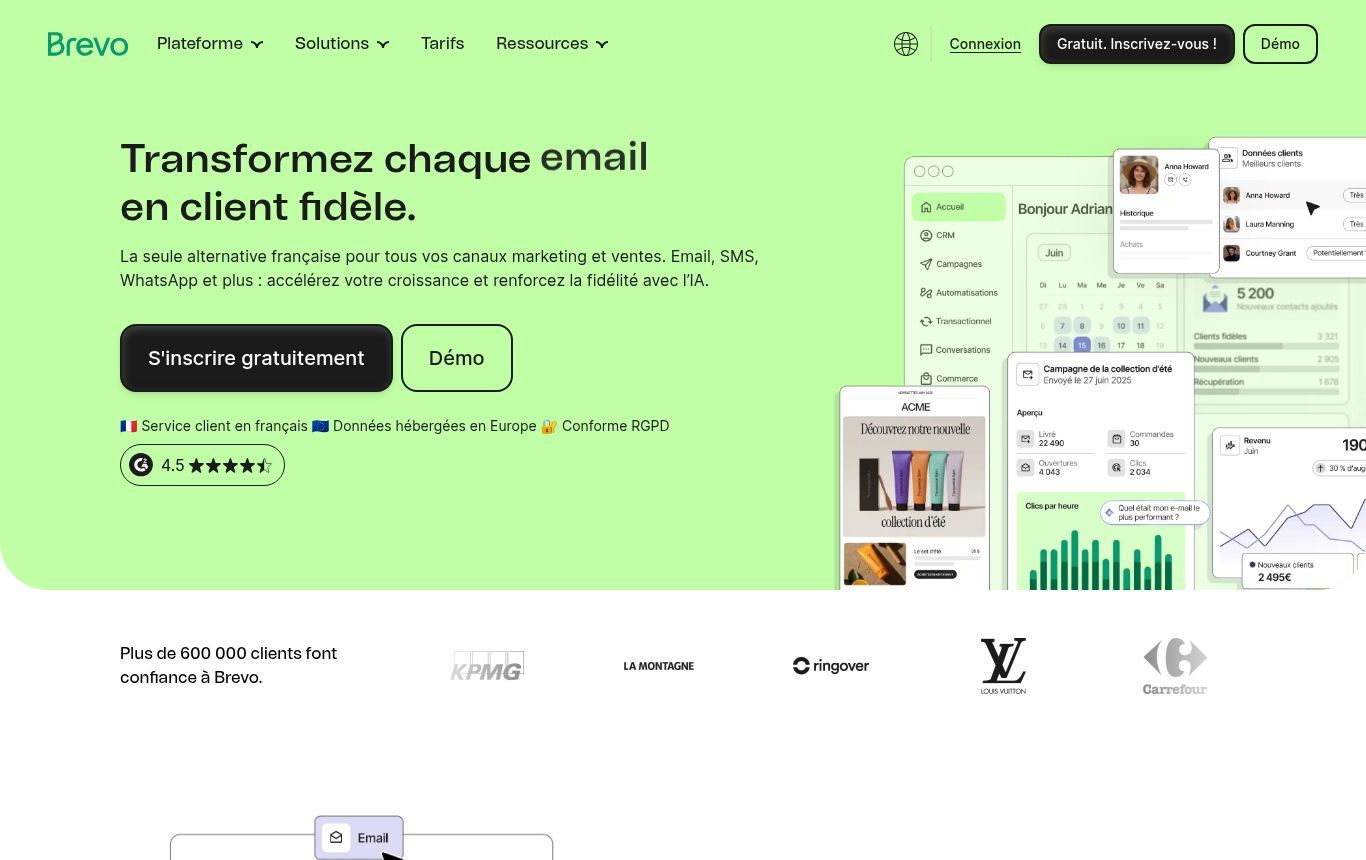
Source: public Brevo homepage (https://www.brevo.com/fr/), capture dated 7 Nov 2026 — email, SMS, WhatsApp positioning and GDPR compliance claims.
What the Free plan includes (verify on the pricing page)
According to Brevo’s official help articles on Free plan limits and pricing plans (checked 7 Nov 2026):
- 300 email sends per day, reset daily (unused sends do not roll over).
- Up to 100,000 stored contacts.
- No credit card required, no time limit.
- The “Sent with Brevo” sticker stays on Free-plan emails.
- Marketing automations accept up to 2,000 unique contacts on Free.
- Sending only starts after Brevo approves the account (anti-spam) — budget a delay at kickoff.
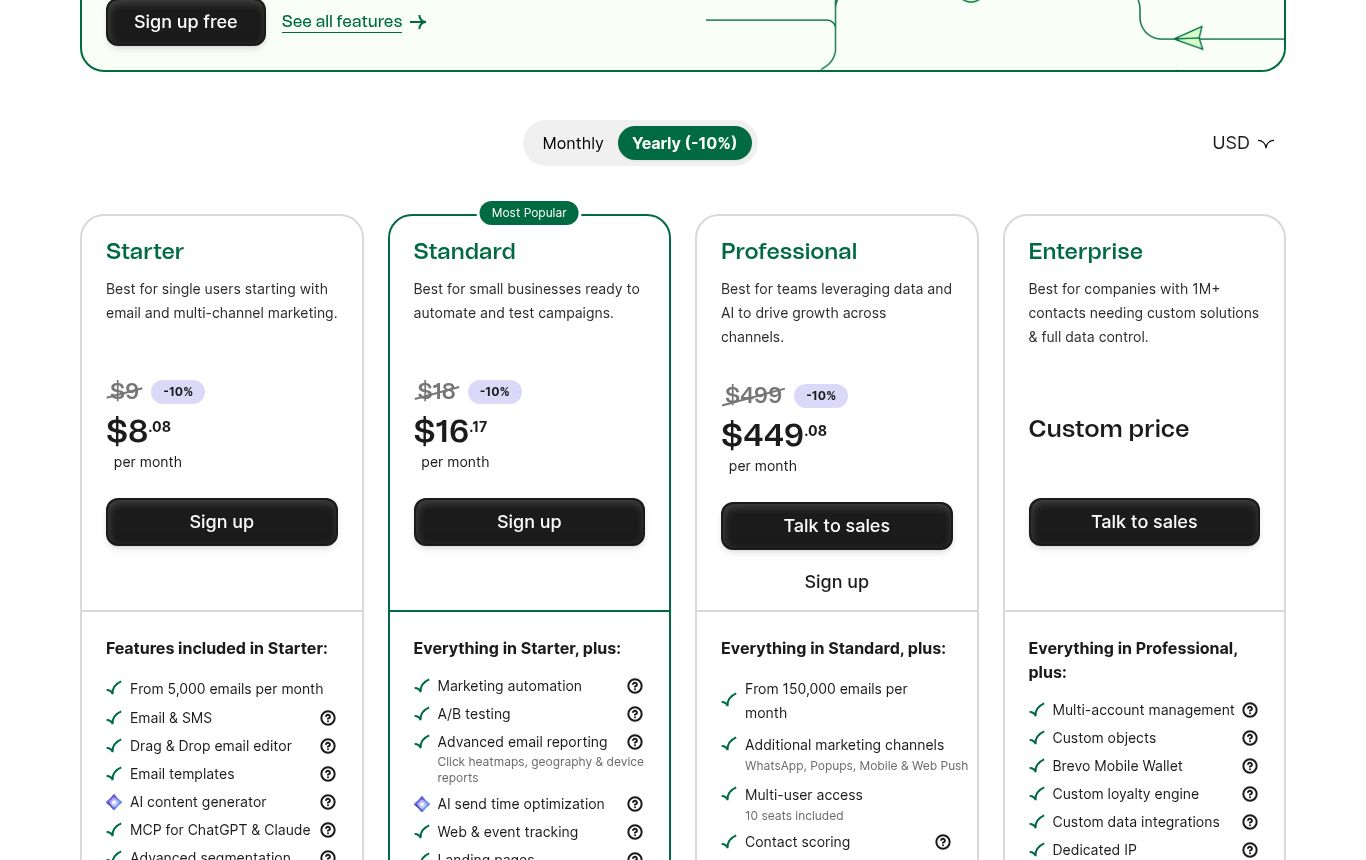
Source: Brevo Pricing page (https://www.brevo.com/pricing/), capture dated 7 Nov 2026. Displayed amounts vary by currency and monthly/annual commitment — check the official page on the day you subscribe. The Free plan details live in Brevo Help.
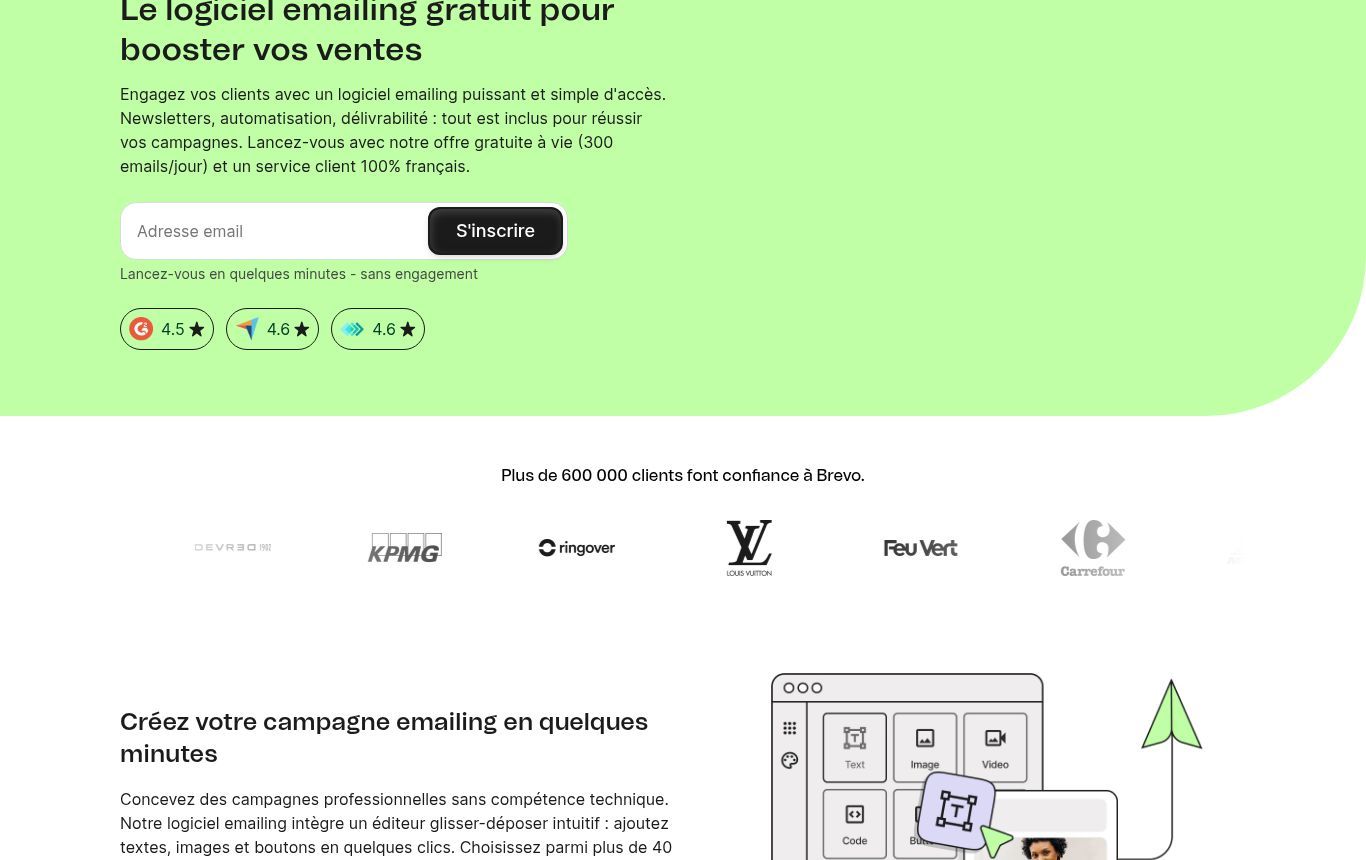
Source: Brevo email marketing product page (https://www.brevo.com/fr/features/email-marketing/), capture dated 7 Nov 2026.
When to stay Free, when to upgrade
Stay on Free if you send a newsletter to a few hundred contacts once or twice a month, or light transactional email. Upgrade (Starter and above — see live prices on the official page) when:
- you regularly exceed 300 sends/day;
- you want to remove Brevo branding;
- you need A/B tests, landing pages or extra channels (depending on the plan);
- several teammates need fine-grained access in the same account.
We do not “resell” Brevo: we help wire it properly to your site, CRM and processes. If another tool fits better, we will say so.
Mailchimp alternatives (and Brevo alternatives): a quick grid
Mailchimp remains a global reference, but its free plan has tightened over the years (low contact and send caps — verify on mailchimp.com). Many people therefore look for a Mailchimp alternative. How we map the field, without claiming a full lab benchmark:
- Brevo — solid default for Francophone teams, usable free tier for small volumes, SMTP + marketing + light CRM.
- MailerLite — often praised for a free plan that is more generous on automations; clear UI (mailerlite.com).
- Mailjet — interesting if you already lean transactional / API (mailjet.com).
- All-in-one CRM suites (HubSpot free, etc.) — useful if CRM is the centre of gravity, less so if you only need a clean newsletter.
Decisive criterion for us in West Africa: can you pay easily (card, PayPal) and does someone on the team understand the UI? A “perfect” tool abandoned after three weeks is worthless.
Compliance: consent, APDP, Digital Code, unsubscribe
Emailing is not only a marketing topic. In Benin, personal data processing falls under the Digital Code (law 2017-20 as amended) and oversight by the [APDP](https://apdp.bj/). In France / the EU it is GDPR plus e-privacy rules on prospecting. Côte d’Ivoire and Senegal have counterpart authorities (ARTCI, CDP): the principle is the same — legal basis + information + right to object.
We cover website legal pages in our article on legal notice and privacy policy. For emailing, keep these operational rules:
- Clear consent for prospecting: unchecked box, plain language (“I agree to receive …’s newsletter”), double opt-in recommended (confirmation email).
- Proof: keep the date, the source (form, event) and the accepted wording. A “contacts 2019” spreadsheet with no origin is not enough.
- One-click unsubscribe in every marketing message — required in practice, and built into every serious tool. Test it yourself.
- No bought lists, no mass import of scraped addresses. Beyond legal risk, it is the fastest way to be treated as spam.
- Transactional emails (invoice, password reset, order confirmation) are not prospecting — but do not sneak a promo into them without a legal basis.
If you collect via a website contact form or a newsletter signup, wire the checkbox and the privacy-policy link from day one. That is easier than “cleaning” a dubious database six months later.
Deliverability: why mail never arrives (and what to do)
A pretty editor is useless if Gmail, Outlook or Yahoo file you as spam. The most common causes we see:
- sending domain without SPF / DKIM / DMARC (configure in DNS, usually with the emailing tool’s help);
- prospecting from a `@gmail.com` address;
- a list full of invalid addresses (bounces);
- first send to 5,000 “cold” contacts on day one (no warm-up);
- overly “salesy” content (ALL CAPS, too many images, shady short links);
- high spam-complaint rates.
Minimum plan we recommend:
- Authenticate the domain in Brevo (or your chosen tool) and verify SPF/DKIM.
- Import a clean list first (recent clients, voluntary subscribers).
- Start small: 50–100 sends, then ramp up.
- Watch soft/hard bounce rates and remove hard bounces immediately.
- Keep a human tone; a newsletter that looks useful is less likely to be trapped.
And train the team not to click randomly: a compromised emailing account becomes a phishing machine. Our guide on phishing in SMEs covers that angle.
Automate emailing with n8n or Make (without a Rube Goldberg machine)
The value of a tool like Brevo is not only the Send button. It is the ability to react to an event: new website lead, confirmed Mobile Money payment, closed support ticket, new Google review, webinar signup.
Two automation families keep coming back: n8n (often self-hosted, very flexible) and Make (cloud, visual). We compare them in n8n or Make: which tool to choose and in Zapier, Make or n8n. For emailing, the concrete scenarios we implement most often:
- Website form → Brevo: new contact + tag “source = site” + welcome email (via Brevo automation or via n8n).
- WhatsApp / spreadsheet → list: a signup collected on WhatsApp (or Google Forms) pushed to Brevo with timestamped consent.
- CRM → segments: when status becomes “customer”, remove the “prospect” tag and change the scenario — see also what a CRM is.
- Transactional: n8n sends mail via Brevo SMTP or the Email Send node (docs: n8n Email Send) for PDF invoices, appointment reminders, confirmations.
- Hybrid WhatsApp + email: email for the official document, WhatsApp for “your document is on its way” — the combo that works best locally.
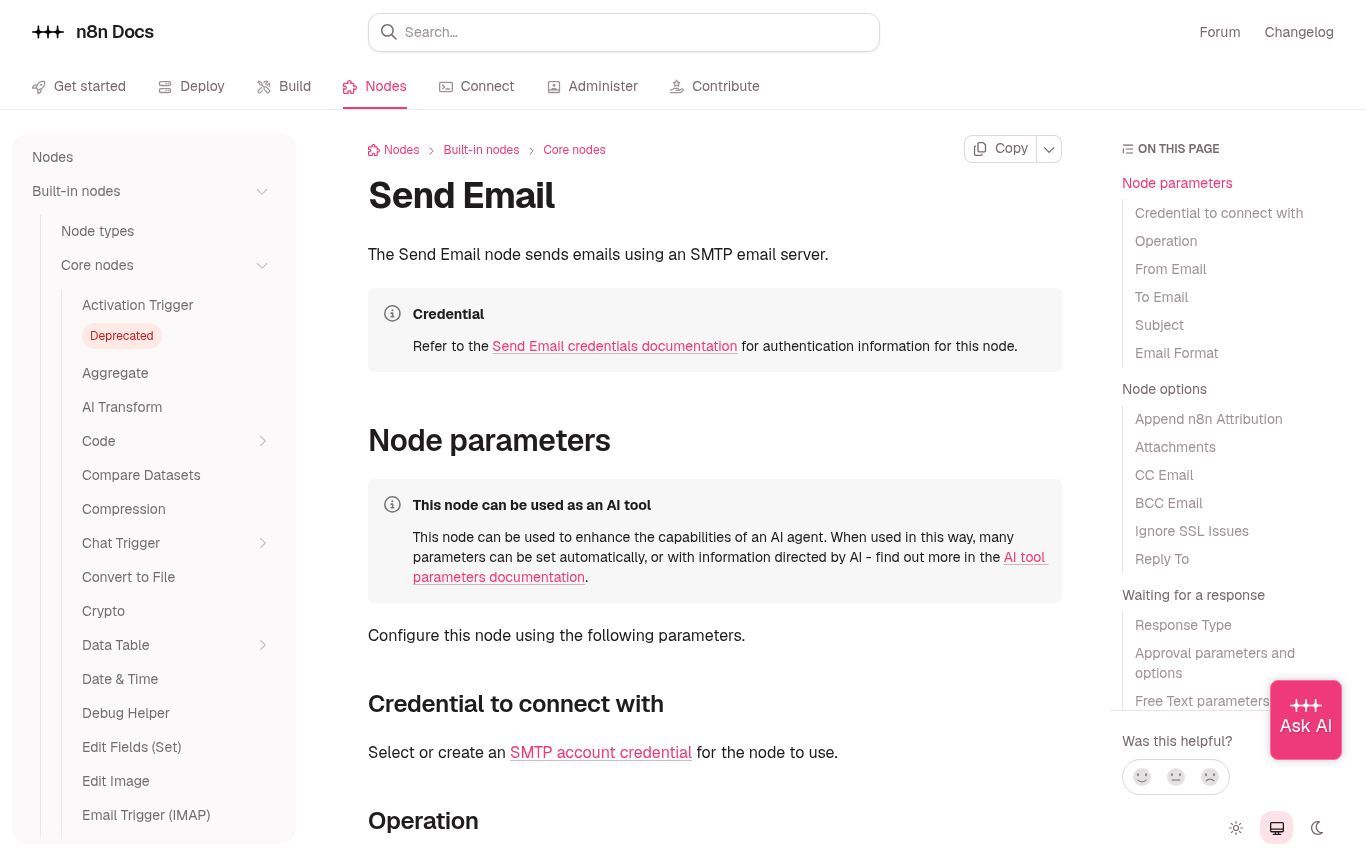
Source: public n8n documentation (https://docs.n8n.io/integrations/builtin/core-nodes/n8n-nodes-base.sendemail/), capture dated 7 Nov 2026.
Golden rule before automating
Never automate a process nobody can run by hand. If your welcome sequence is confused on paper, n8n will only ship the confusion faster. We always start from a simple map (our article on task automation sets the frame), then wire the tool.
At Guelichweb, emailing automation is part of our services in automation and digital transformation: journey audit, tool choice, site/CRM/WhatsApp connections, team training. Budget depends on the diagnostic — request a quote via /en/offres or write via the contact page.
A 30-day launch plan (SME / NGO)
- Days 1–3 — Brevo account (or alternative), professional from-address, domain authentication.
- Days 4–7 — Signup form on the website + consent checkbox + privacy-policy link.
- Days 8–10 — Import a first clean list only (not the whole dubious history).
- Days 11–14 — First short newsletter (5–8 minutes of reading) to a test segment.
- Days 15–18 — Welcome scenario (1 to 3 emails) for new subscribers.
- Days 19–22 — Wire n8n/Make: form → list; optionally an internal WhatsApp alert.
- Days 23–26 — Review stats (opens, clicks, unsubscribes, bounces) and clean up.
- Days 27–30 — Document the process (who writes, who approves, who sends) and set the cadence (e.g. 1 newsletter / month).
Eight mistakes we see too often
- Buying or “harvesting” email lists.
- Sending the first campaign to the entire historical base without filtering.
- Forgetting the unsubscribe link (or hiding it).
- Using a personal mailbox as the main from-address.
- Promising a weekly newsletter… then disappearing for three months.
- Mixing transactional and promo content in the same send without clarity.
- Automating ten scenarios before one of them converts.
- Ignoring spam complaints and continuing as if nothing happened.
FAQ
Is Brevo really free?
Yes — there is a Free plan with no time limit, with caps (notably 300 sends/day and Brevo branding). Official details are in Brevo Help and on the pricing page.
Can I do emailing with Gmail only?
For 10 contacts, yes. For a real list, no: no proper unsubscribe handling, no reliable stats, high risk for your domain. Use a dedicated tool.
Does WhatsApp replace the newsletter?
No. WhatsApp is excellent for conversation and short sales. An email newsletter remains better for longer content, formal attachments and measurable follow-up.
Do I need double opt-in?
Strongly recommended. It reduces typos, proves consent and improves list quality.
n8n or Make to connect Brevo?
Both work. n8n shines if you want to control the infra; Make if you prefer turnkey cloud. See our n8n or Make comparison.
What about old Excel contacts?
Do not import them in bulk. Segment: recent active clients (document the contractual / legitimate-interest basis) vs dubious contacts (re-ask consent or leave them out).
How much does Guelichweb support cost?
We do not publish a fixed grid here: each stack (site, CRM, WhatsApp, volumes) differs. Start with a diagnostic / quote on /en/offres or the contact page.
Conclusion
Good emailing for an African SME is not a factory of daily newsletters. It is a consented list, a fitting tool (Brevo is an excellent starting point for many), careful deliverability, and two or three useful automations wired to the site, CRM and WhatsApp. The rest is editorial discipline.
If you want us to set this up with you — tool choice, domain authentication, forms, n8n/Make scenarios, team training — write via contact or start from our offers. We work from Benin (website creation in Cotonou and surrounding areas) with organisations across the sub-region.