How to create an app (web or mobile): steps, tech choices and costs
G. CHRIST
Published on October 15, 2026
When someone searches "how to create an application", they usually picture an icon on the phone and a listing on the Play Store. At Guelichweb, the first question is more grounded: do you really need an app, or a solid website wired to WhatsApp?
This guide is written for SMEs, NGOs and institutions in Benin and French-speaking Africa — and it stays useful for any English reader facing the same decision. We clear the vocabulary, list the steps in order, compare major technical approaches with their official pages, and explain how to talk about cost without inventing a price list.
App, website, PWA, chatbot: what are we talking about?
The word "application" mixes four very different things:
- Web application: software that runs in the browser. No mandatory install. Often the right choice for an internal tool, a member portal or a dashboard.
- Native mobile app: installed from Google Play or the App Store, built for Android and/or iOS. System push notifications, deeper camera/GPS access, store presence.
- PWA (Progressive Web App): an advanced site you can "install" on the home screen. App-like experience from one web codebase. Useful when the store is not the priority.
- What many people call "my app": actually a WhatsApp chatbot, a form, or a mini shop. That is not a mobile app — and it is often enough to start.
If your need is "present the offer, capture leads, reply fast", start with a site and WhatsApp. We describe that trio for an SME in Cotonou in website, WhatsApp and CRM. If you only need a clear web page, do not wrap an app around it.
When an application is truly worth it
Our view is blunt: a mobile app is not a trophy. It makes sense when at least one of these is true:
- Users come back several times a week (order tracking, NGO field work, agents, stock, scheduling).
- You need reliable push notifications outside WhatsApp.
- Offline use or GPS / camera are part of the job.
- Store distribution is a requirement (partners, consumer reach, institutional rules).
Otherwise, a web app or a well-built site is cheaper to launch and maintain. For an online store, the browser plus Mobile Money is often enough. For a team intranet, read intranet: definition and why it matters for an SME or NGO.
The steps, in order (before the code)
1. Write the problem in one sentence
Who uses the tool, which action must succeed in under two minutes, what happens today without the app (Excel, WhatsApp, paper)? If you cannot say it, you are not ready to pick Flutter or React Native.
2. Define a seriously small MVP
Three to five screens max. No "social network + payments + AI + multilingual" in version 1. An MVP checks usage, it does not impress a committee.
3. Choose the technical approach
Web app, PWA, cross-platform (Flutter / React Native), native, or no-code: the choice follows the MVP, not the other way around.
4. Prototype the journeys
Even paper sketches. Each screen = one intent. That is where you discover a missing back button or a form that asks for too many fields.
5. Build, test on real phones, publish
Test on Android (dominant in Benin) before iOS if the budget is tight. Then developer accounts, store listings, privacy policy, and HTTPS for anything that goes through the web — see HTTPS and SSL certificates.
Picking a stack: what the official sites say
These are the families we see most often, with screenshots taken on 15 October 2026 from the vendors' public pages.

Logos / banners: screenshots from reactnative.dev, expo.dev and Google Play brand asset (gstatic), 15 October 2026.
Flutter (Google)
Flutter presents itself on flutter.dev with "Build for any screen": one codebase for mobile, web and desktop. Attractive when you want tight UI control and Android + iOS (and maybe web) without two native teams.
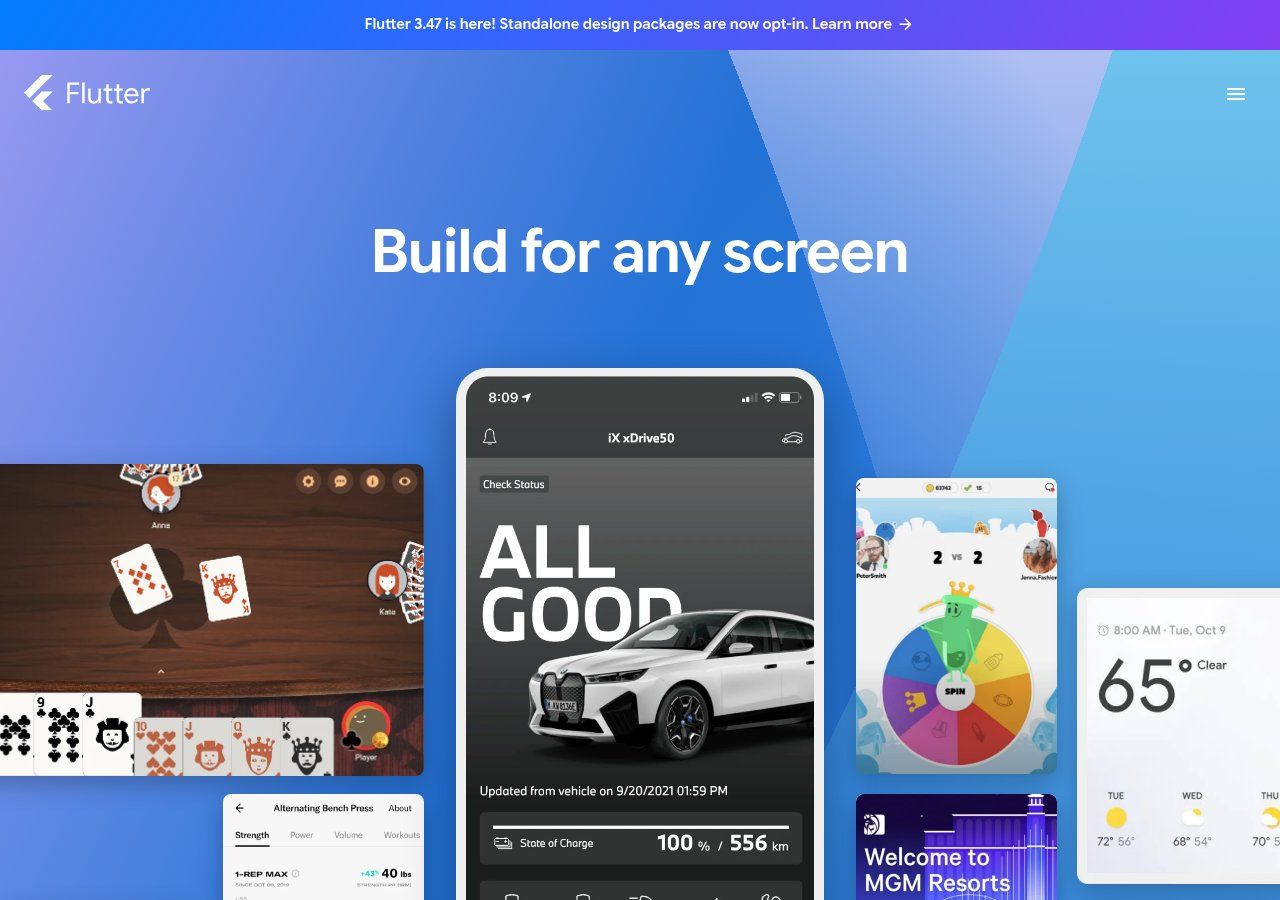
Source: screenshot of flutter.dev, viewed on 15 October 2026.
React Native (Meta) and Expo
React Native lets you build Android and iOS apps with JavaScript / TypeScript in a web-like style. Expo simplifies getting started, builds and on-device testing (QR code). A frequent combo for teams that already know the web.
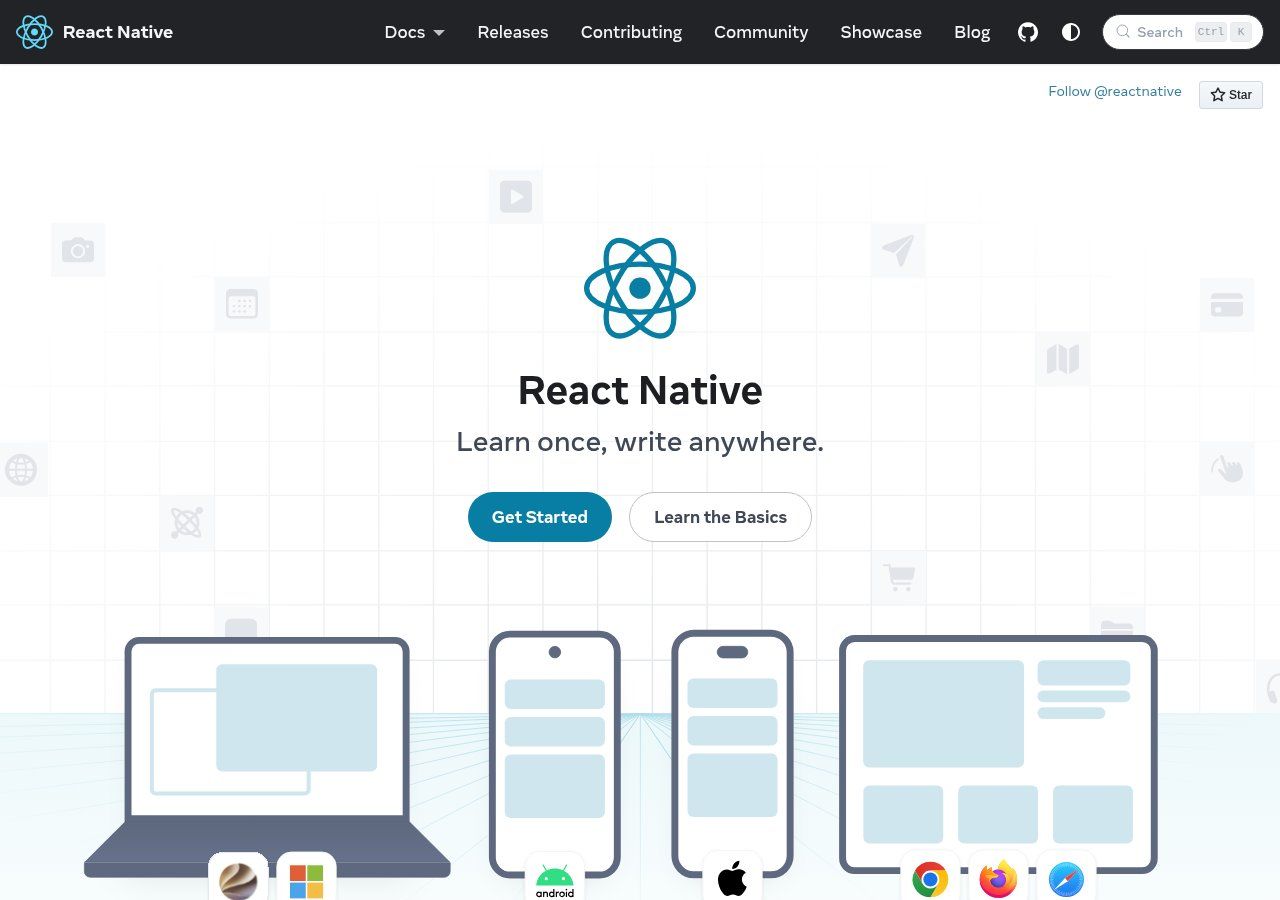
Source: screenshot of reactnative.dev, viewed on 15 October 2026.
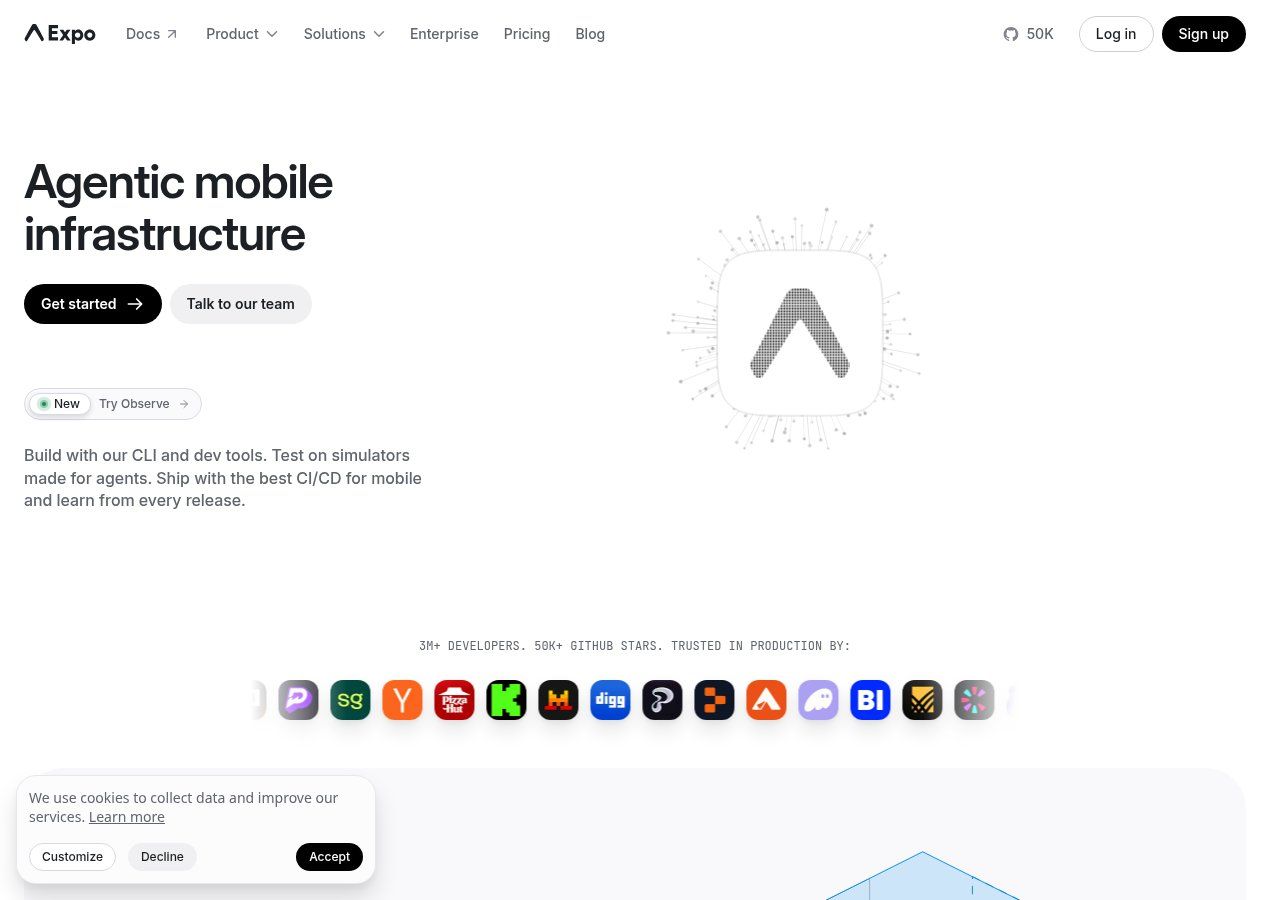
Source: screenshot of expo.dev, viewed on 15 October 2026.
Native, no-code, web-only
- Native (Kotlin / Swift): maximum control, two stacks, higher budget and timelines. Rarely an SME's first move.
- No-code / low-code: fast for a prototype or a simple internal tool. Limits appear when business rules, local payments or integrations get demanding.
- Web app only: often the best value for a back-office, portal or business tool opened on the phone browser.
Publishing on Google Play (and the App Store trap)
In Benin and the sub-region, Android dominates. If you ship one store first, it is almost always Google Play. Google's help article Create and set up your app walks through Play Console: name, language, free/paid, contact email, policy acceptance.
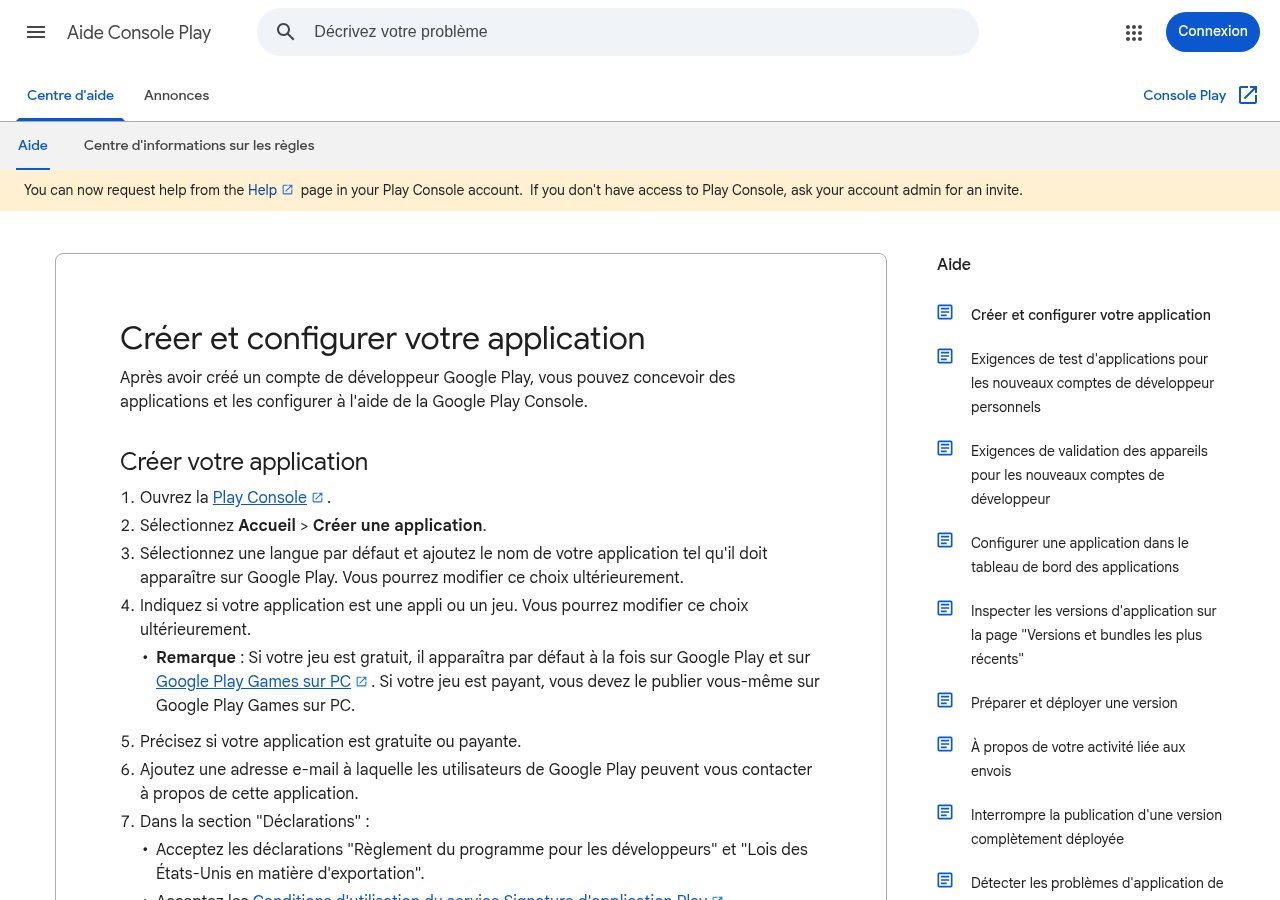
Source: screenshot of support.google.com/googleplay/android-developer/answer/9859152?hl=fr, viewed on 15 October 2026.
Also plan for: a developer account (one-time fee on Google's side, yearly membership on Apple's — check current amounts on play.google.com/console and developer.apple.com/programs), careful store listings, a privacy policy, and for newer personal accounts the stronger testing requirements Google documents in its help centre. iOS can wait if your professional audience is mostly on Android.
How much does it cost? (no magic grid)
Guides that quote "an app for X CFA francs" or "Y euros" without knowing the scope are lying by omission. Price depends on screen count, roles (admin / agent / customer), payments, offline mode, stores and maintenance.
At Guelichweb, pricing comes after a diagnostic, as on our offers page. We do not invent ranges here. For websites we already explained what a quote should include. For automation around the app (notifications, CRM, WhatsApp), see how much AI automation costs in Benin.
Also budget what people forget: hosting / backend, OS updates, security fixes, user support, developer account renewals. An app abandoned six months after launch costs more than an MVP that never shipped.
Common mistakes we keep seeing
- Wanting the app before the process. If the business journey is fuzzy on paper, code will not clarify it.
- Copying Uber "for my sector" with no users ready to install anything.
- Ignoring real Android devices (entry-level phones, unstable networks) in favour of a demo on a high-end iPhone.
- Forgetting maintenance and store accounts owned by someone who will leave.
- Confusing an app with local discoverability. Being found on Google Maps is a Google Business Profile, not an application.
Related reading: How to create a logo for your business, Landing page and How to make a website for free.
FAQ
How do I create an app without coding?
You can prototype with no-code tools or have a team build the MVP. "Without coding" does not mean "without framing": need, screens and tests stay on you.
Web app or mobile app?
Web if usage is occasional or browser-based. Mobile (stores) if daily return, push or sensors are central. Many projects start as a responsive web app.
Do I need Android and iOS on day one?
Not necessarily. In Benin, Android first is often rational. iOS later, when usage numbers justify it.
Can I publish for free on the Play Store?
The app can be free for users. The Google developer account itself involves a registration fee: check the current amount on the official Play Console pages.
Does an NGO need an application?
Sometimes yes (field collection, offline beneficiary tracking). Often not at the start: web forms, a light intranet and WhatsApp Business already cover a lot.
How long for an MVP?
It varies with scope. Think weeks to a few months for a serious MVP, not a "miracle weekend", as soon as accounts, roles and real data are involved.
Ready to choose between site, web app and mobile app?
Tell us who will use the tool, on which phone, and what result you need in the first week. We will say plainly whether an app is justified — or whether a site, automation or WhatsApp is enough. See our services, website creation in Cotonou, our offers. Contact us.